Count Things · Phone camera counter
Point. Snap.
Count.
Count buttons, coins, screws, seeds, and other small objects with your phone camera.
Spread the pieces out, take one clear photo, and check the markers before you save the result. The photo and the counting stay in your browser.
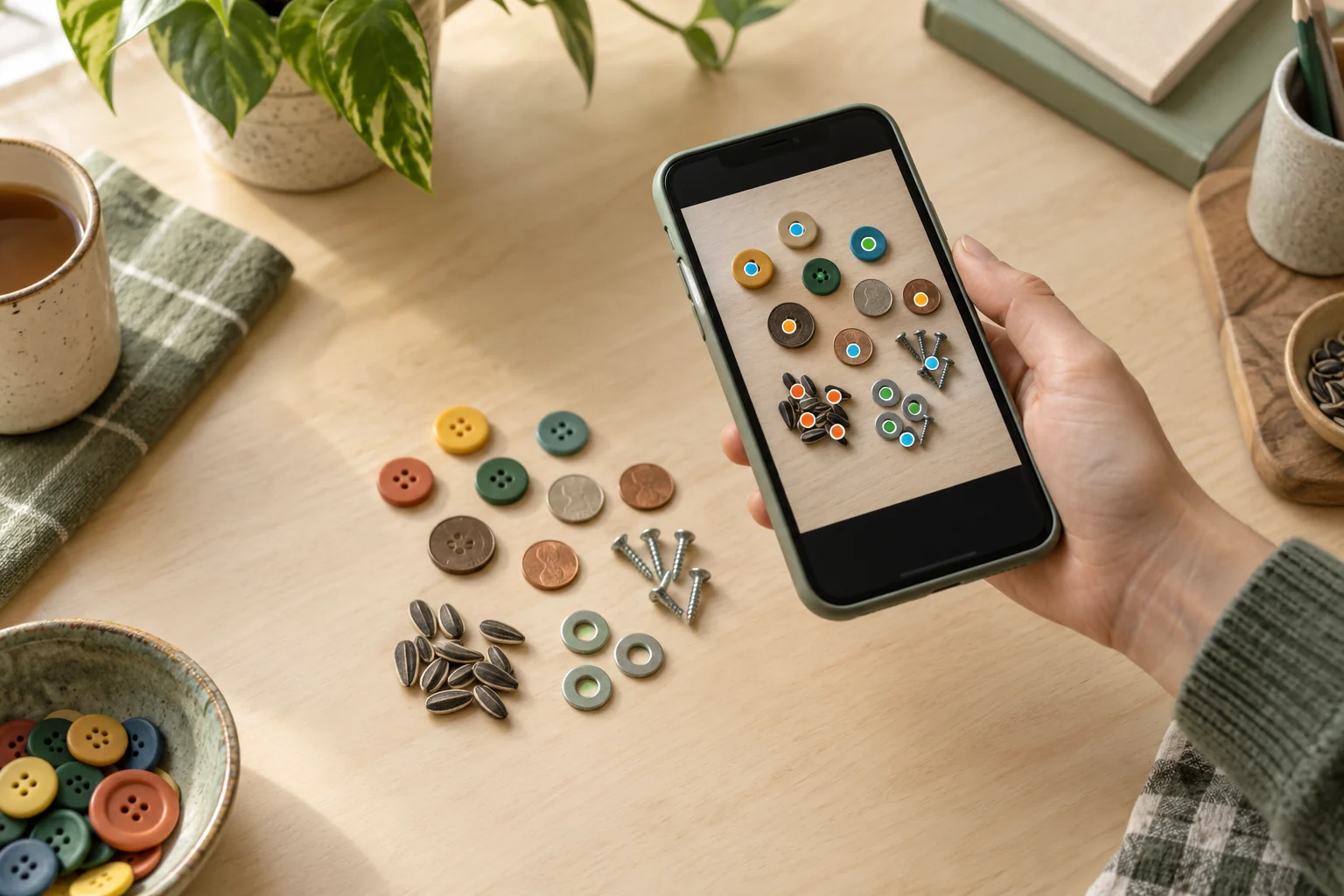
Open Count Things on your phone
Scan the code with your iPhone or Android camera. The counter opens right in the browser, with no account, pairing code, or app install.
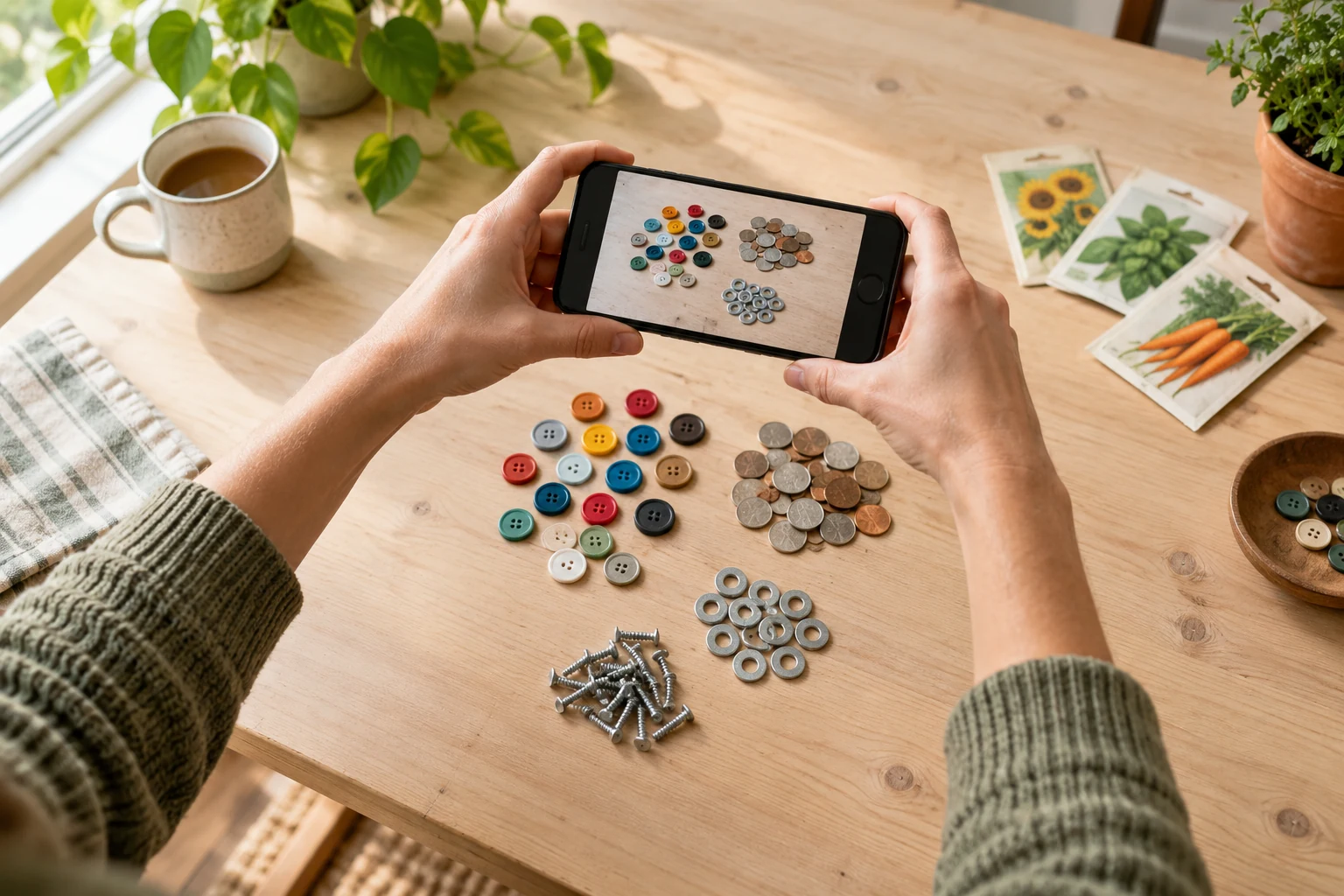
One photo. A count you can check.
Spread the objects out
Use a plain surface and leave a little space between each piece. Clear edges make the count more reliable.
Take a steady photo
Hold the phone above the pile and keep everything inside the camera guide.
Check the markers
Tap an extra marker to remove it, or tap a missed object to add one.
Save the finished count
Keep a marked image on your phone or start another count when you are done.
Useful for the small stuff
Count Things is made for visible, similarly sized pieces such as buttons, coins, seeds, beads, washers, screws, nails, beans, pills, and workshop parts.
It works best when the pile is spread out and the background looks different from the objects.
A few useful answers
Does Count Things use AI?
No. It uses local image-processing steps to find visible object shapes. It does not send the picture to an AI service.
Is my photo uploaded?
No. Camera frames, selected photos, counting, corrections, and saved images are handled in this browser. HandyPebble does not receive the photo.
Can I use a photo I already took?
Yes. Open the tool on your phone and choose Upload Photo instead of using the camera.
What if the count is wrong?
Try brighter, even light, a plainer surface, or more space between the objects. You can also remove extra markers and add missed ones by hand.
A little setup goes a long way
For the most reliable count.
Use a plain surface with good contrast, keep the light even, separate any touching pieces, and hold the phone straight above the pile. Keep every object inside the frame. When the markers appear, check them before you save: tap an extra marker to remove it, or tap a missed item to add one.
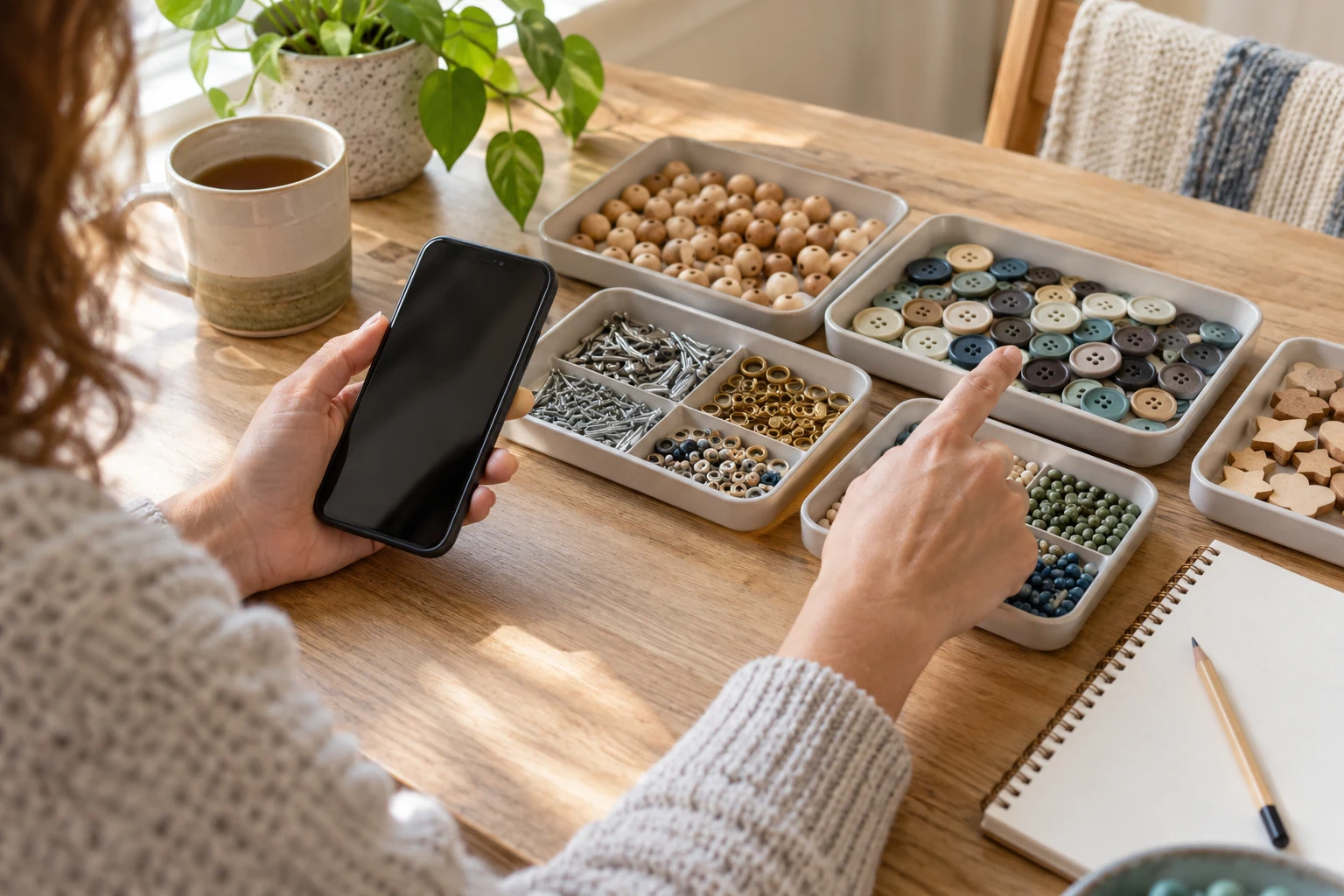
Ready when the pile is.
Scan the code, spread the objects out, and take the picture. That is the whole setup.
Open it on your phone
Use a plain surface and spread the objects apart.
Adjust
Finished
0objectsCounted locally on your device.
This device only