Homeschool & Home Learning
Useful tools for the real work of learning at home: finding a rhythm, preparing a lesson, noticing progress, and keeping a record worth returning to.
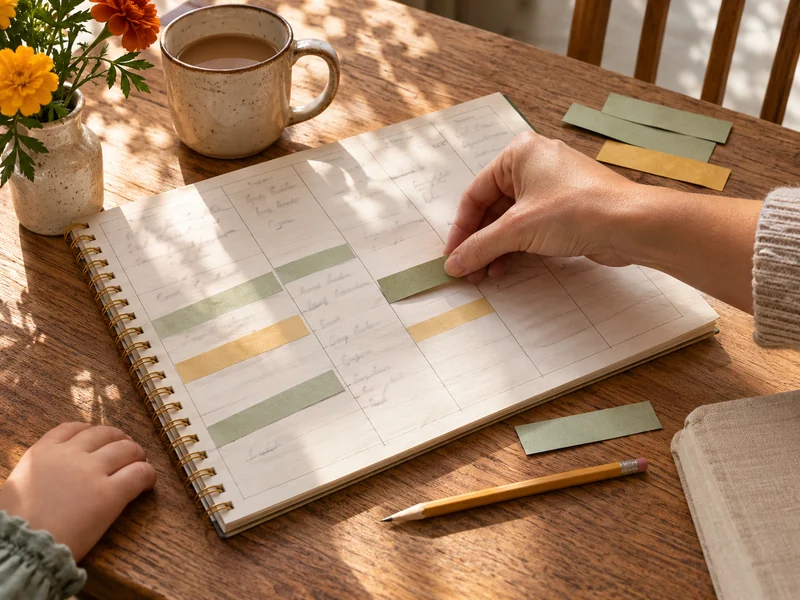
Homeschool Planner
Plan a flexible learning week, family routines, and a rotating subject loop.
Plan your week →
Homeschool Lesson Planner
Connect learning goals, materials, teaching steps, practice, and review.
Build a lesson →
Homeschool Attendance Tracker
Mark real dates and review totals using counting rules you control.
Record learning days →
Homeschool Curriculum Planner
Map subjects, ordered units, topics, and resources across the year.
Map your school year →
Homeschool Reading Log
Keep books and dated reading sessions for each reader.
Log your reading →
Homeschool Progress Tracker
Keep dated evidence and reviews that show how skills develop.
Track learning progress →
Homeschool Portfolio Builder
Publish a thoughtful learning story with work samples and reflections.
Create a portfolio →
Homeschool Field Trip Planner
Prepare the visit, plan the day, and keep the discoveries.
Prepare a field trip →Choose the tool that matches the job
A schedule is not a curriculum
The Planner gives your week a rhythm. The Curriculum Planner maps subjects, units, topics, and resources. The Lesson Planner helps you teach one idea well.
A record is more than a checkmark
Attendance uses real dates and counting rules. Reading keeps books separate from sessions. Progress pairs skill observations with dated evidence and reviews.
Make something worth keeping
Build a carefully typeset portfolio or a complete field-trip packet. Print useful pages rather than an image of a form.
Start with a finished example
Every tool opens with fictional, editable family content. Make it yours, choose the pages you need, and print or download. Letter and A4 are supported, and long content continues onto numbered pages.
No account is needed. Your entries and images are processed in this browser, not uploaded for editing. Save on this device only when you choose, or download a complete editable backup to move to another computer. Opening the website still makes normal requests for site assets and services.
A few useful answers
Which planner should I start with?
Use the Homeschool Planner when you need a manageable week. Use the Curriculum Planner when you need an overview of what comes next in each subject. Add detailed Lesson Plans only where they help you teach.
Do I have to use all eight tools?
No. They work independently. Start with the one job you need to finish. You do not have to enter the same family information everywhere or build a complete school system.
Are these official or state-approved records?
No. These are practical family tools, not a compliance, accreditation, or certification service. Check current official requirements where you live.
How can I keep my work safe?
Use Save on this device for a browser copy and download an editable ZIP backup for work you want to keep. Clearing browser data, storage limits, or private browsing can remove device copies. A PDF preserves the finished pages, not the editable project.