Readable screenshots
A thin border separates a white screenshot from a white document. Add padding to give it room in slides and instructions.
Border & Padding
A clean frame, without a design project. Choose an image, pick a style, and download.
Example · Clean White
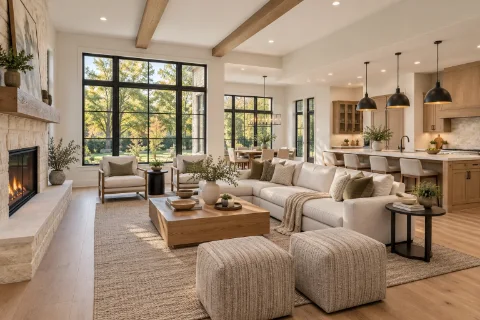
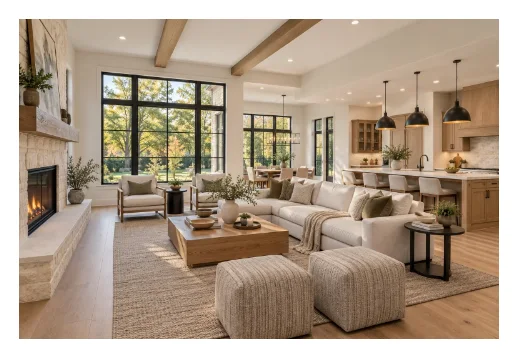
This is an example, not a selected file.
or drop one here · JPG, PNG, WebP · up to 30 MB
Example only — choose your own image
The checkerboard shows transparency. Downloads keep the full output dimensions.
PNG keeps transparency and saves without lossy compression.
Lower quality usually makes a smaller file.
Choose your own image to begin.
Percentage of the picture’s shorter side.
The border sits inside the picture’s outline.
Percentage of the shorter side.
Frame settings are saved on this device, not your images or filenames.
Open one JPG, PNG, or WebP. Your file is processed in your browser, not uploaded.
Start with Clean White, Thin Border, Soft Shadow, Dark Frame, or Transparent. Adjust padding or color only if you need to.
Choose PNG, JPG, or WebP. Padding adds canvas space without stretching the original picture.
A thin border separates a white screenshot from a white document. Add padding to give it room in slides and instructions.
Use the same white or dark padding across photos for a tidy gallery. Saved settings make the next image easier to finish.
Choose a transparent background and rounded corners, then save as PNG or WebP for an image you can place over another design.
Padding adds space outside the picture, increasing the download’s dimensions. A border draws a colored line inside the picture’s outline. It may cover a few edge pixels; it does not enlarge the original picture.
Yes. Choose Clean White to add white padding around it. The photo keeps its original dimensions, while the overall canvas becomes larger. The preview shows the exact download size.
Turn on Transparent and choose PNG or WebP. JPG cannot store transparency, so it fills transparent areas with the selected background color. A rounded corner reveals that background or transparency.
The tool adds extra canvas space when needed to keep the shadow, even with padding set to zero. The download dimensions include that extra space. A shadow follows the visible shape of the image, including transparent areas.
It is free, without an account or a watermark. Image decoding, preview, and download happen locally. Opening the website can still involve ordinary website requests; local image processing does not make browsing anonymous.
No. The tool creates a new image from decoded pixels. It honors the browser’s supported photo orientation, but does not copy camera metadata, GPS information, or the original color profile. Keep your original file if those details matter.
Choose one still JPG, PNG, or WebP under 30 MB. Animated images are not supported. Very large images or frames may be refused to avoid exhausting memory; limits are lower on devices that report limited memory.
No effect removes padding, corners, borders, and shadows. Clear image removes only the selected image. Reset saved settings asks before restoring the default frame, colors, format, and quality; it keeps your current image open.