Drawing Practice Lab
Observe. Practice. Compare. Reflect.
Build a drawing habit, one small study at a time. Choose a skill, open a reference, and practice on paper or with your own drawing tools. Your reference stays in your browser unless you choose to save it.
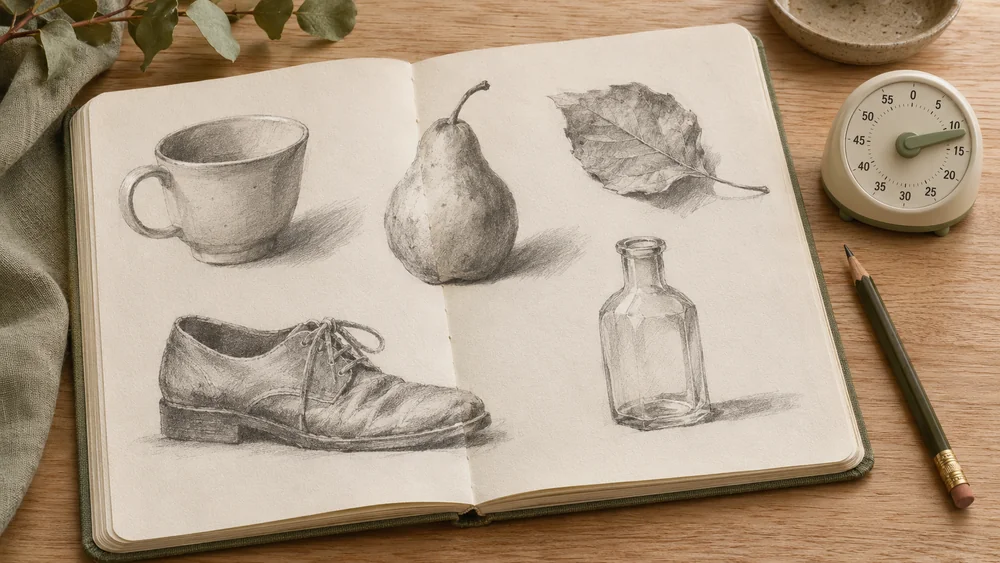
Timed Sketch Studio
Practice looking before adding details with short, adjustable drawing sessions.
Start a sketch session →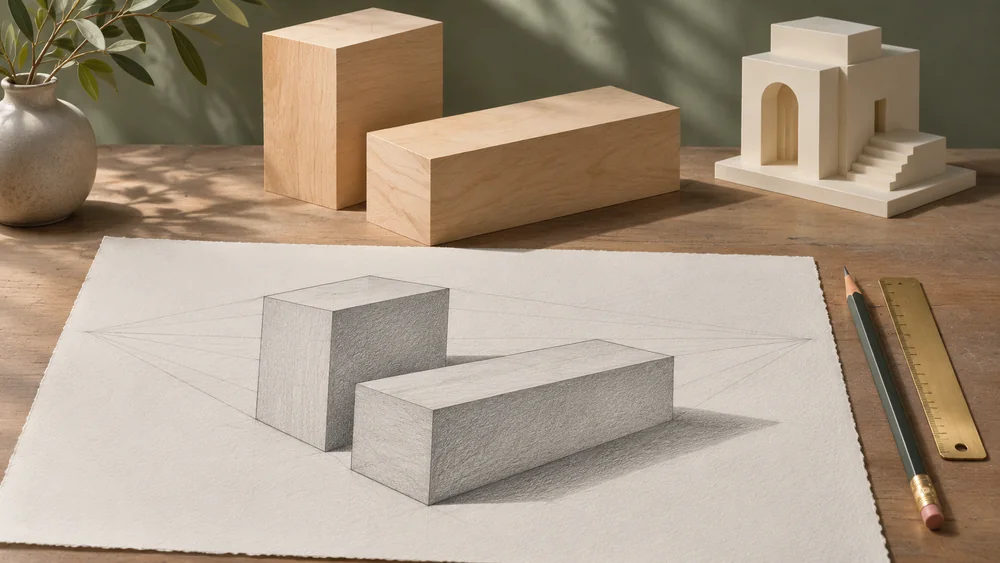
Perspective Guide
Place vanishing points and explore how edges create a sense of space.
Explore perspective →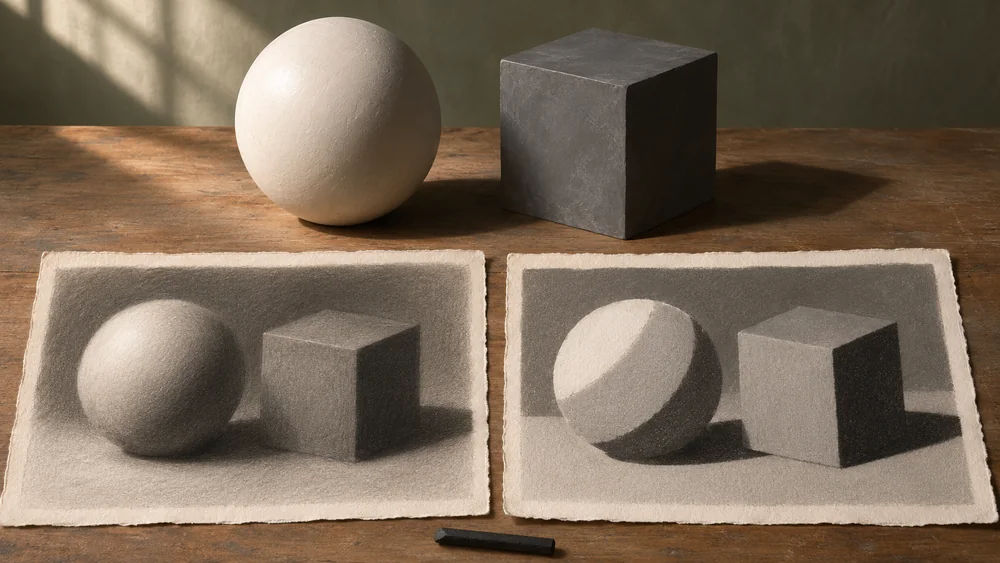
Value Study Lab
Compare light and dark shapes, then simplify a reference into a few values.
Make a value study →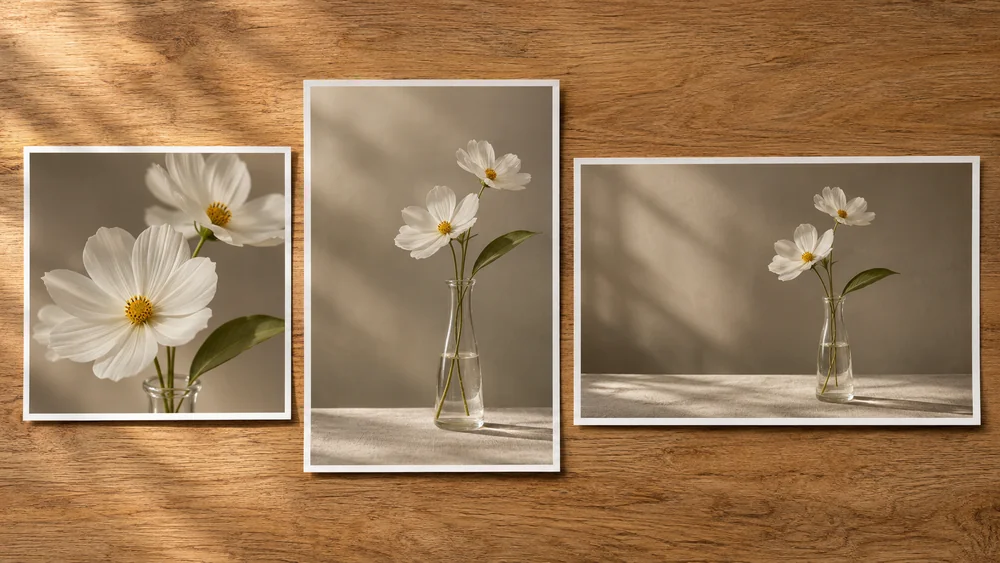
Composition Studio
Try different crops and compare how placement and open space change a picture.
Compare compositions →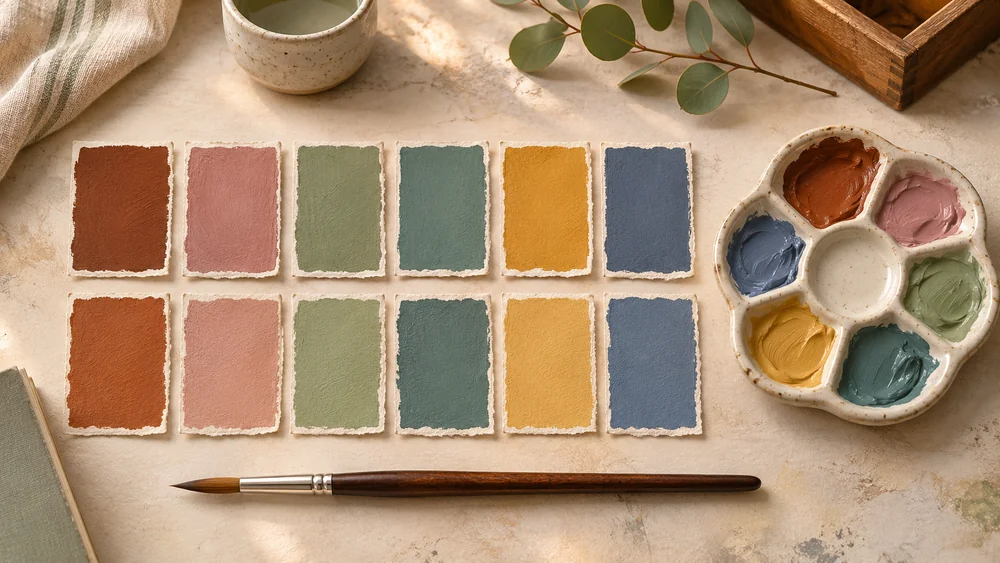
Color Memory Trainer
Look at a color, hide it, and rebuild it from memory before comparing.
Try a color round →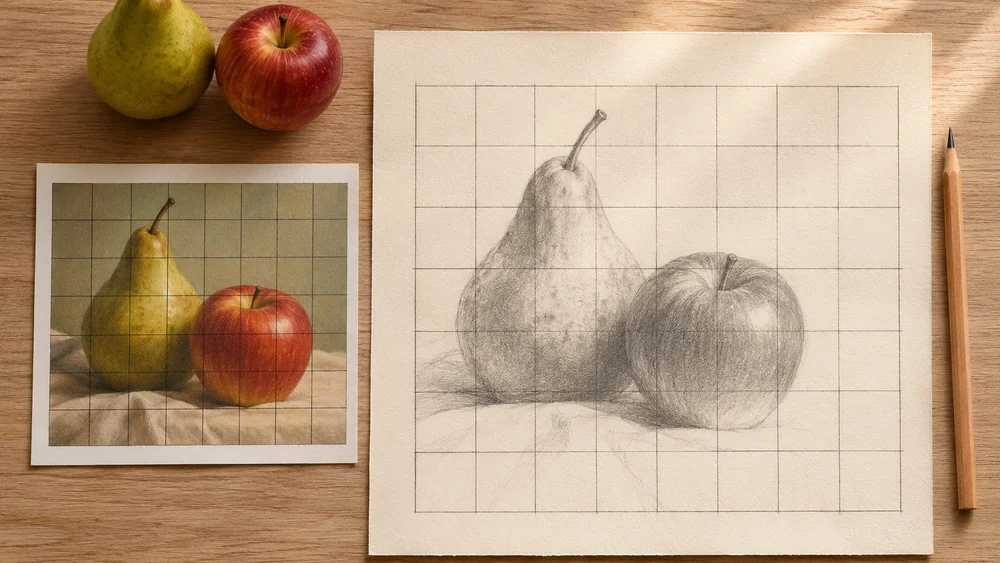
Grid Drawing Studio
Use a matching reference grid to study proportions, then reduce the help.
Practice proportions →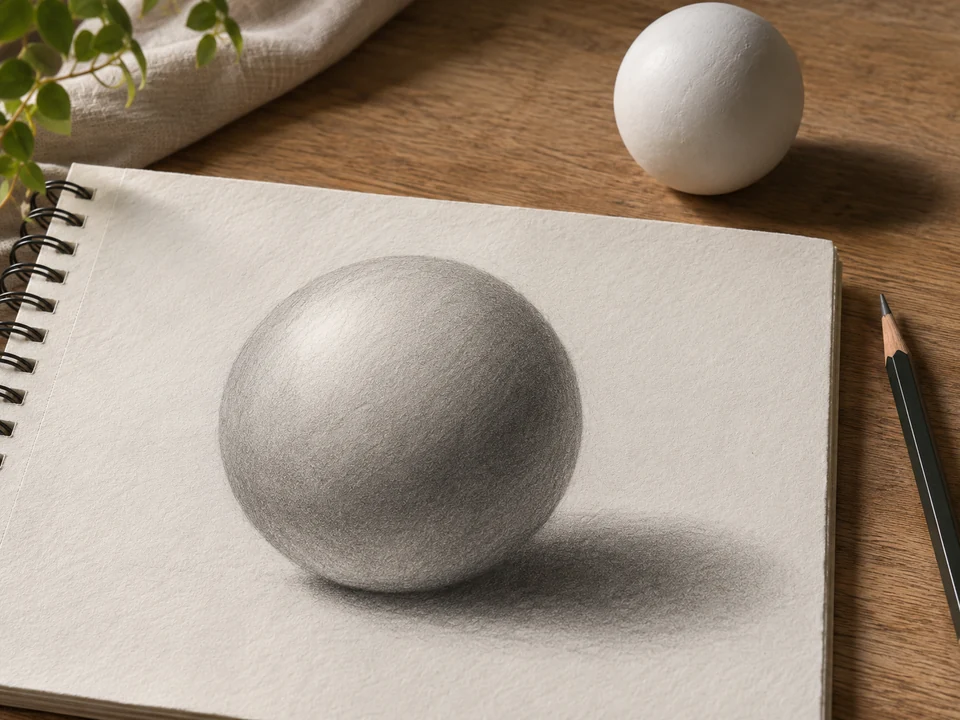
Pencil Shading Lab
Move the light around a plaster form, compare light and shadow, and print a drawing study.
Study light and form →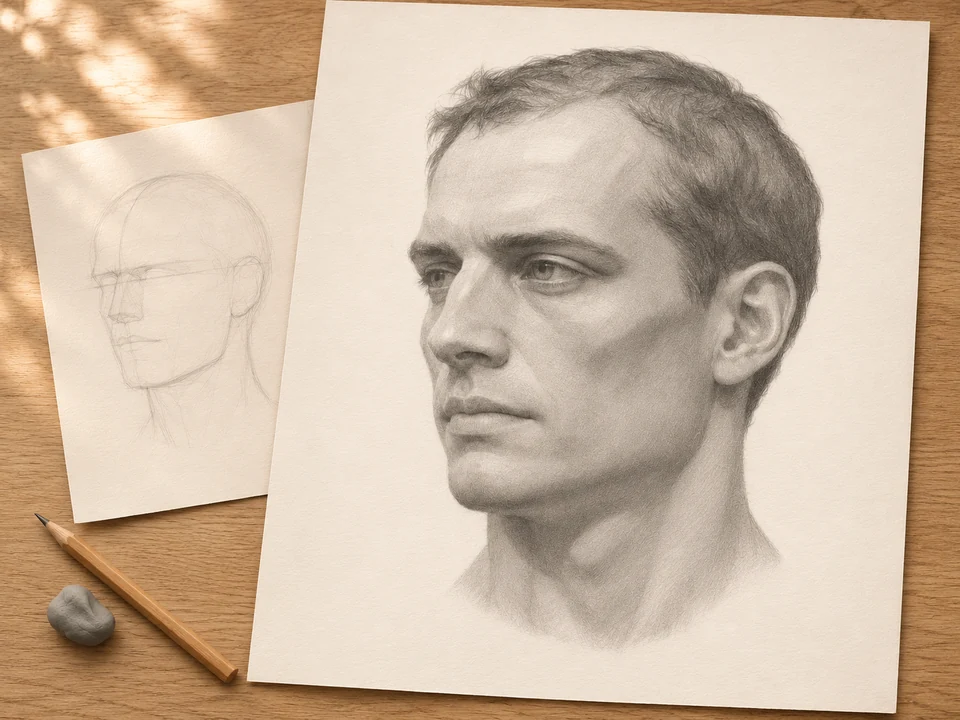
Portrait Proportion Studio
Study 18 original head references through five aligned drawing steps, then print a guide or clean reference.
Practice head construction →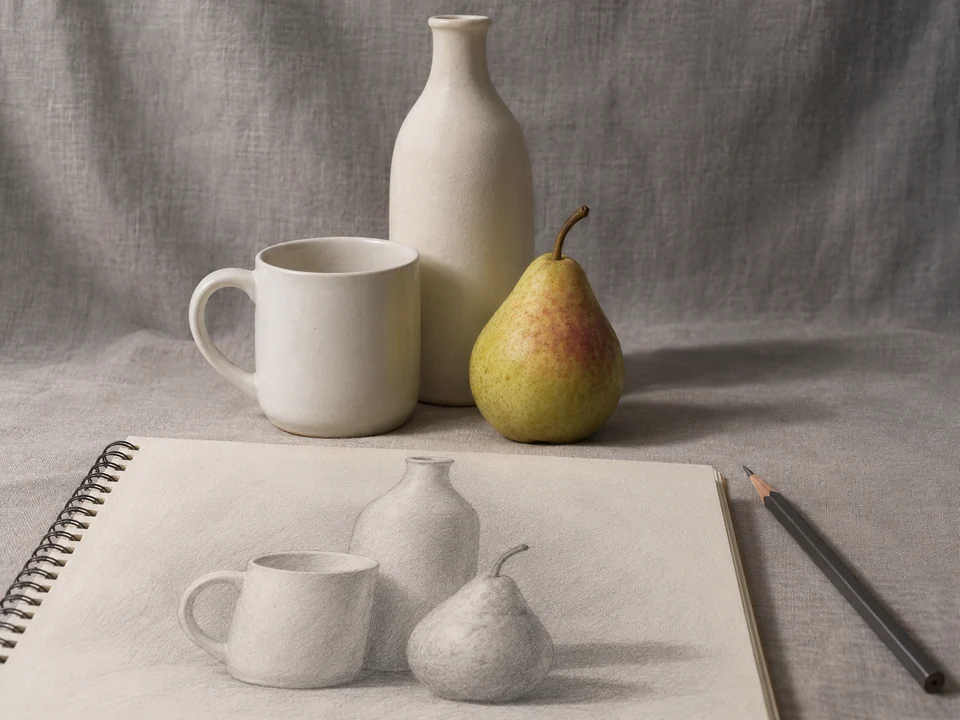
Still Life Drawing Studio
Arrange three-dimensional objects, move the camera and light, and make your own drawing reference.
Arrange a still life →
Photo to Paint by Numbers
Turn a photo into a numbered painting pattern with a matching palette and full-size or tiled prints.
Make a painting pattern →How to build a drawing practice
Begin with one thing to notice: a large shape, a light-to-dark relationship, or the empty space beside an object. Make a small study on paper. Compare it with the reference, then choose one adjustment for your next attempt.
Frequently asked questions
Is this part of Education or Image Tools?
Drawing Practice Lab is its own HandyPebble channel. Image Tools helps prepare images; Education includes classroom printables. Here the focus is observation and drawing practice.
Are there lessons, grades, or certificates?
There are short exercises and suggested routines, not graded courses or certificates. Work at your own pace and use the reflection prompts to decide what to try next.
Can I use this in a class?
Yes. Open a study and choose Focus mode for a clean reference view. Exit is always available, including with the Escape key. You can also print matching grid pages.
Where are my photos and notes saved?
Current work stays in the tab. Choose Keep on this device to save a project, or download a backup. Cross-tool transfers use temporary device storage for up to 12 hours. Clear stored drawing projects from any tool’s save controls.