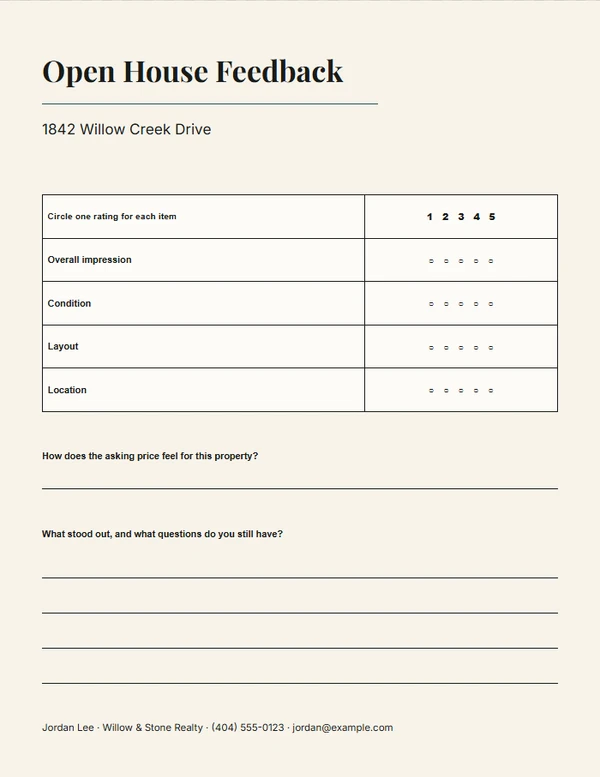
Real Estate · Open House
Open House Feedback Form Maker
Make a concise paper feedback form with useful questions and enough room to write.
Ready-made designs
Choose a design.
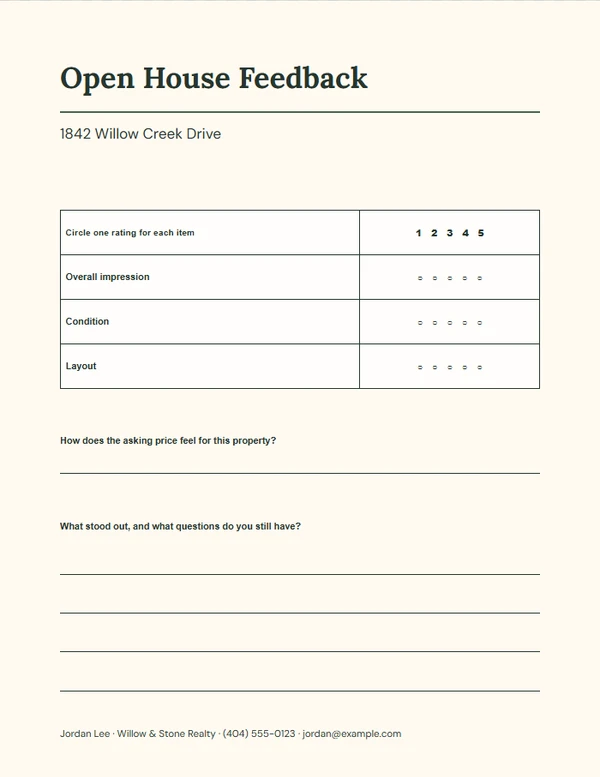
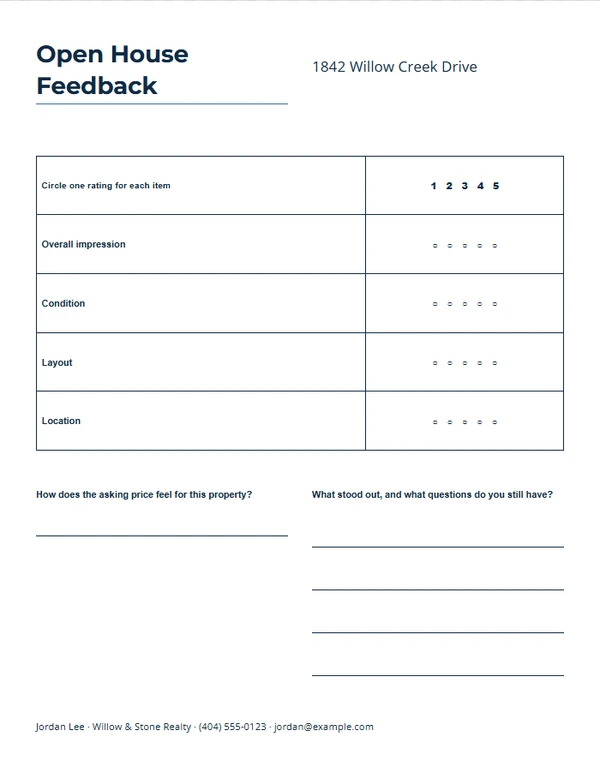
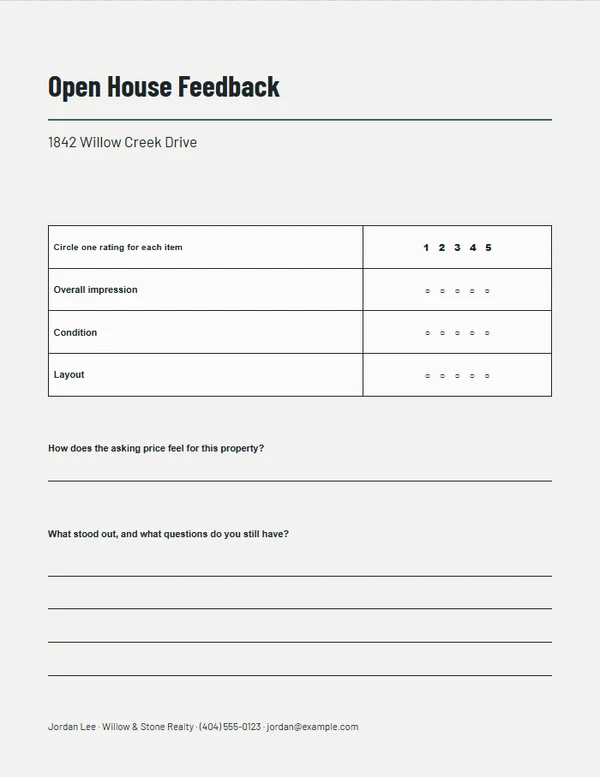
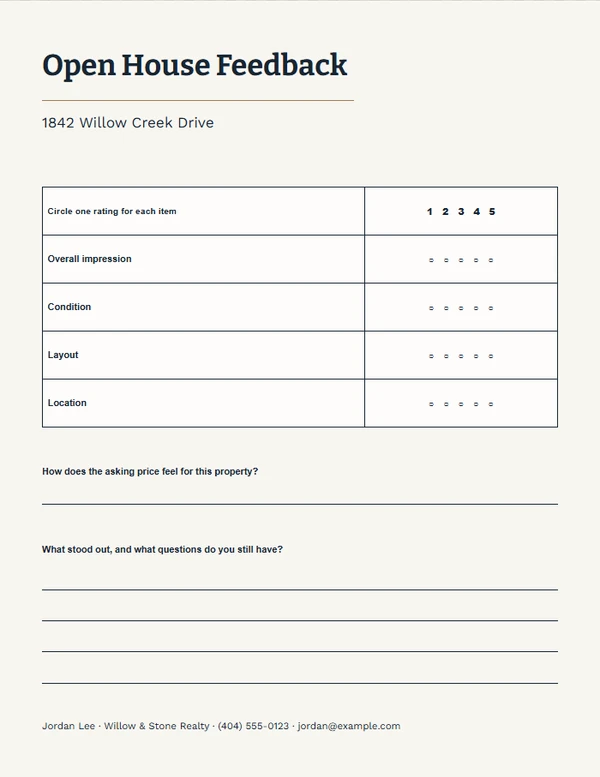
Finish the piece without rebuilding the design.
Step 1
Choose a layout
Start from a complete composition made for the selected output size.
Step 2
Add the real details
Replace the sample property, agent, message, photo, and QR information the job actually needs.
Step 3
Review and export
Check long text, image crop, dimensions, and QR scanning before printing or downloading.
Output formats
Prepared at the right size.
- U.S. Letter
Editable content
Only the fields this job needs.
- Property address — required
- Rating questions
- Price feedback prompt
- Comments prompt
Before you finish the piece.
How many questions should I use?
Keep the form short. Three or four focused questions and one comments area are usually enough.
Is this an online survey?
No. It is a printable form for in-person feedback.
Can I change the questions?
Yes. Use plain questions that help the seller and agent understand the visit.