Real Estate Design Tools
Design polished real estate flyers, open house signs, postcards, and marketing materials—right in your browser.
Pick a template. Add your details. Download or print. No sign-up required.
What would you like to design?
Choose a finished design. Make it yours.
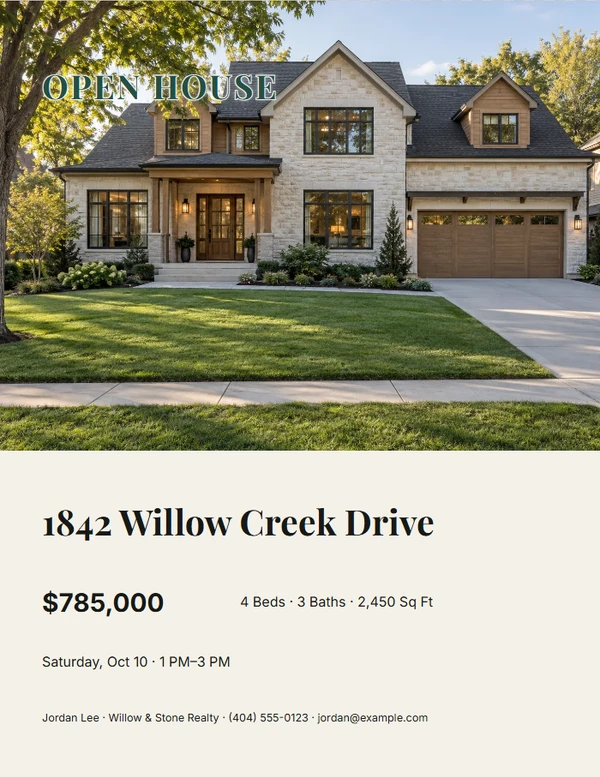
Open House
Flyers, welcome signs, directions, and visitor handouts.
Choose a design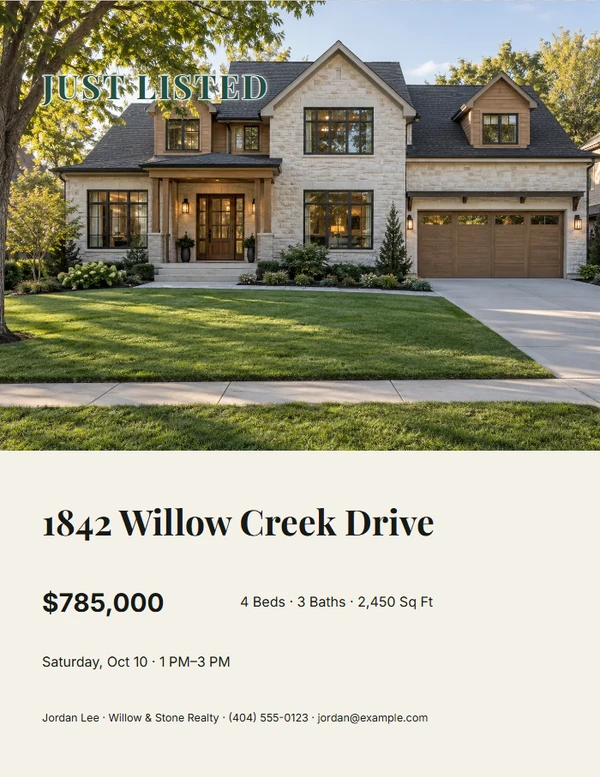
Listing Marketing
Listing flyers, brochures, and property updates.
Choose a design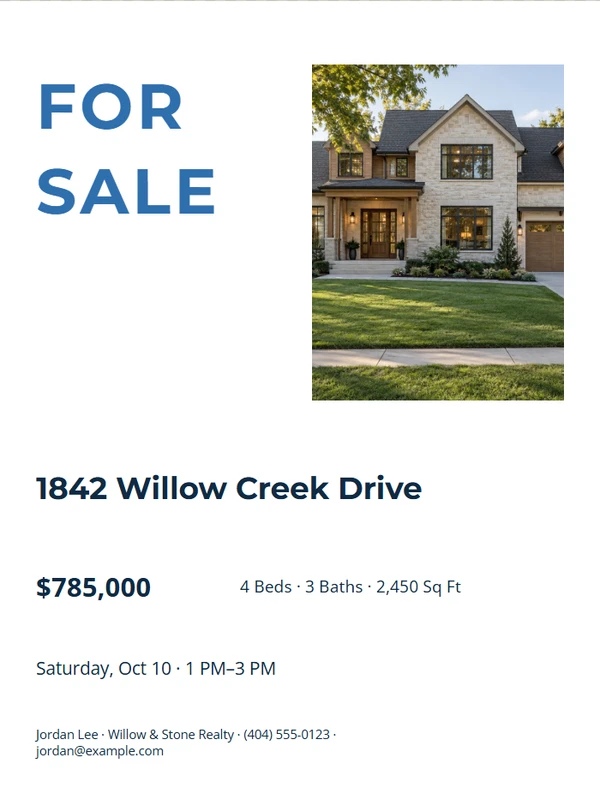
Signs & Displays
For Sale signs, QR displays, and sign riders.
Choose a design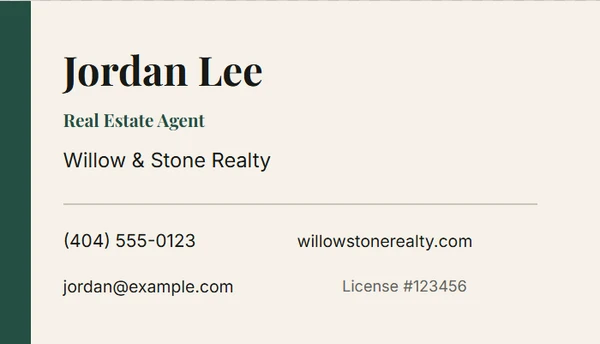
Agent Marketing
Business cards, profile flyers, and door hangers.
Choose a design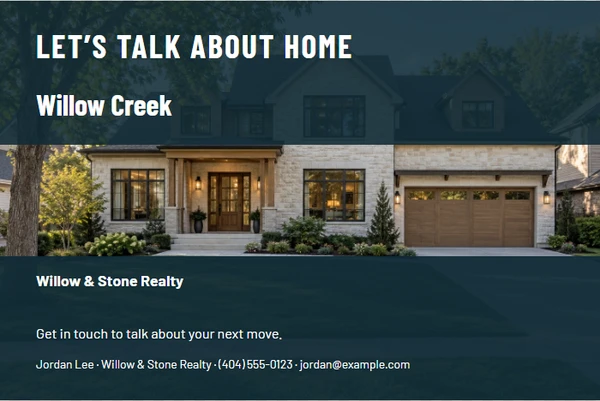
Neighborhood Farming
Postcards and neighborhood market updates.
Choose a designFeatured templates
Example photos and details. Replace them with your own.
Editorial Listing Flyer
Customize templateEditorial Agent Business Card
Customize template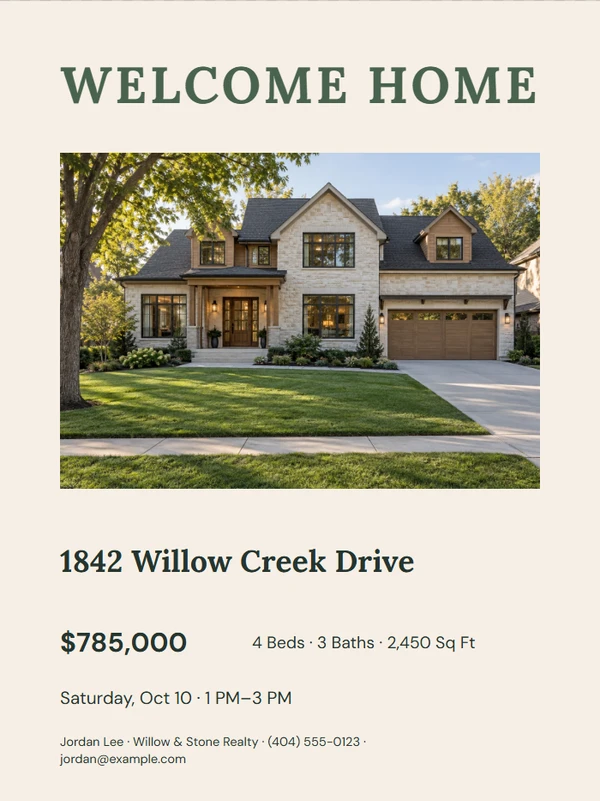
Warm Welcome Sign
Customize template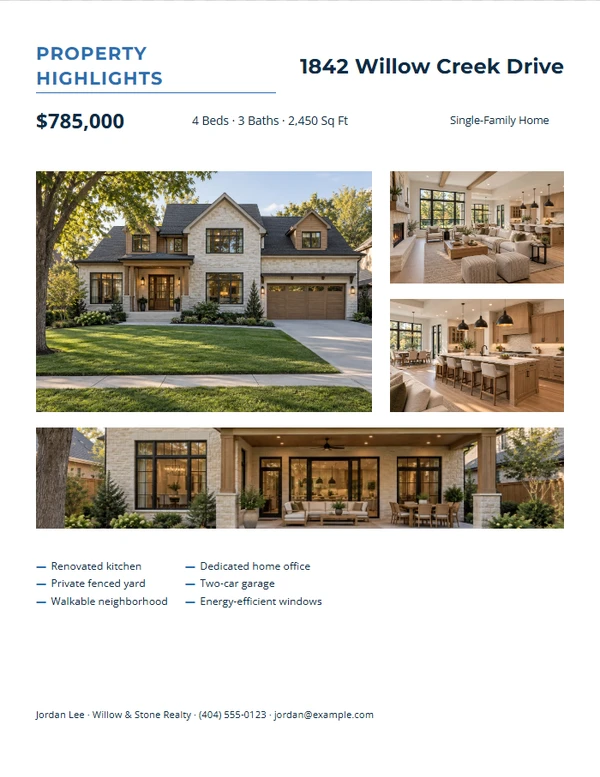
Modern Four-Photo Gallery
Customize templateClean Farming Postcard
Customize templateNo designs match. Clear the filters to see all featured templates.
Fewer repeated steps. Better finished pieces.
Enter listing details once
Reuse the same property and agent information across compatible pieces.
Start with finished layouts
Choose a composed template, then replace the sample details and photography.
Leave with usable files
Download for digital sharing or prepare exact physical sizes for printing.
How it works
From listing details to a finished file.
- 1
Choose
Start with the job and layout that fit your listing.
- 2
Customize
Add property facts, photos, agent details, and a useful QR destination.
- 3
Download or print
Review the finished piece, test its QR code, and export the right size.
Real estate tool FAQ
Do I need design software?
No. Templates carry the design decisions, so you can concentrate on the property details and finished file.
Do I need an account?
No. The tools work in your browser and can keep reusable profile details on this device.
Can I use my brokerage colors and logo?
Yes. Compatible templates can use your saved brand colors and a logo you provide.
Will the print sizes be exact?
Physical templates use inches as their source of truth. Always confirm printer settings and final trim requirements with your printer.