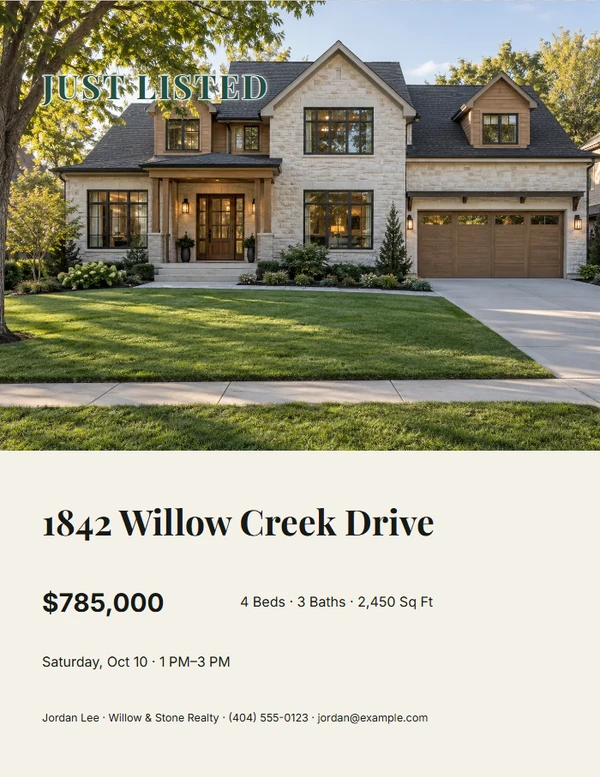
Real Estate · Listing Marketing
Create Listing Flyers & Brochures
Create coordinated materials for a new listing, a price change, and the moments that follow.
Start with the listing launch
Choose a finished starting point.
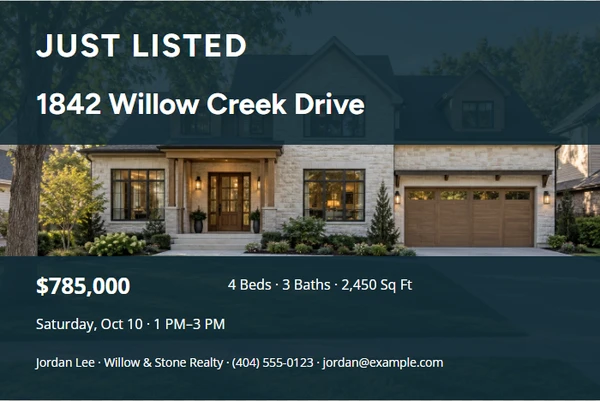
Just Listed Postcard
Customize template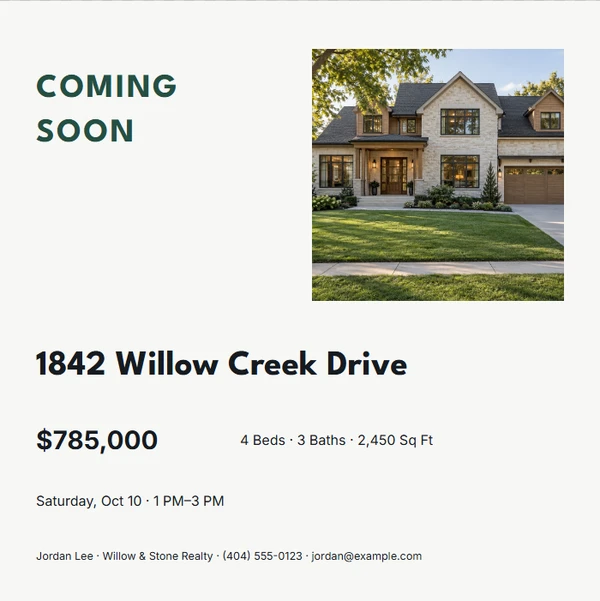
Coming Soon Social Card
Customize template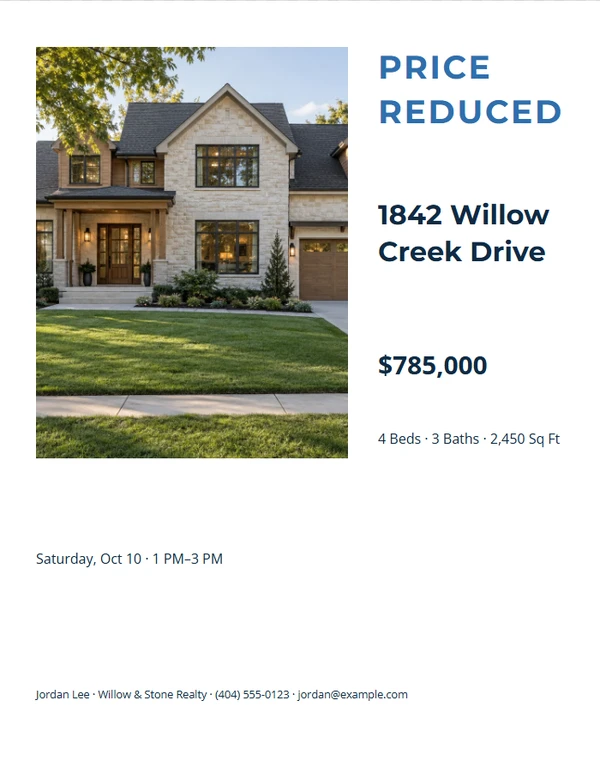
Price Reduced Flyer
Customize template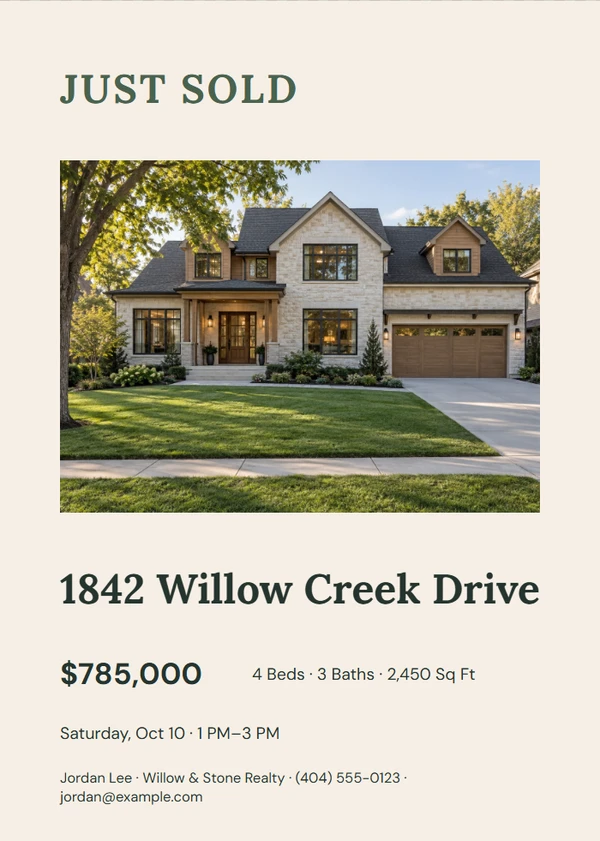
Just Sold Marketing Card
Customize template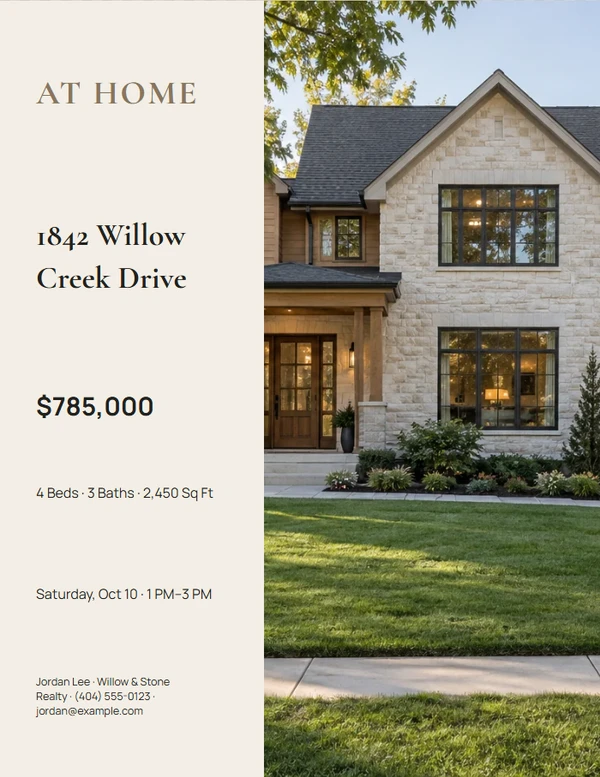
Property Brochure Cover
Customize template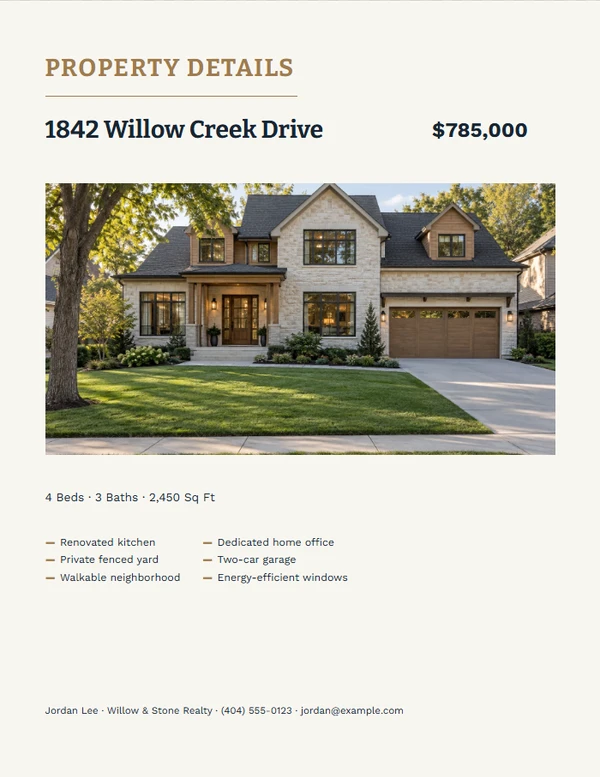
Essential Take-One Property Sheet
Customize templateNo templates match these filters. Clear one filter and try again.
Focused tools
Start with the job you need to finish.
Listing Flyer
Create a polished property flyer for a listing presentation, handout, or digital share.
Open this tool →Status Marketing
Turn one property profile into coordinated status graphics for each stage of a listing.
Open this tool →Property Brochure
Build a multi-page property brochure with a strong cover, gallery, features, and agent details.
Open this tool →Take-One Sheet
Make an economical one-page property handout that remains clear on an ordinary office printer.
Open this tool →Keep the property facts consistent from launch to close
Use one property profile for the address, price, key facts, photos, and listing destination. Then choose a format for print or digital sharing without letting one channel’s crop become the source for every other format.
Listing marketing FAQ
Can I switch from Just Listed to Just Sold?
Yes. The property and agent profiles remain separate from the template, so compatible status pieces can reuse the same facts.
Does every format use the same photo crop?
No. Each template keeps its own crop and focal point because a postcard, square post, and Letter flyer need different compositions.
Can I hide a price or QR code?
Templates may hide optional fields cleanly when the information is not provided. Review the finished hierarchy before exporting.