Real Estate · Listing Marketing
Take-One Property Sheet Maker
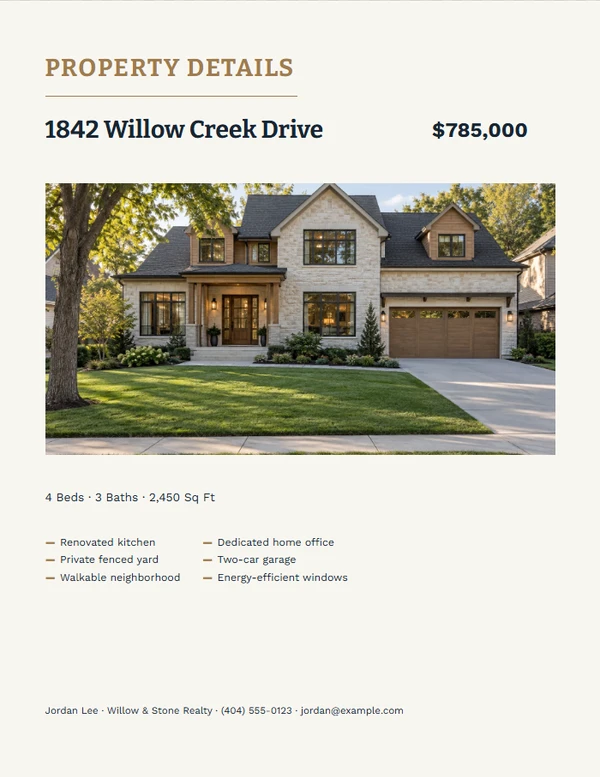
Make an economical one-page property handout that remains clear on an ordinary office printer.
Ready-made designs
Choose a design.
Finish the piece without rebuilding the design.
Step 1
Choose a layout
Start from a complete composition made for the selected output size.
Step 2
Add the real details
Replace the sample property, agent, message, photo, and QR information the job actually needs.
Step 3
Review and export
Check long text, image crop, dimensions, and QR scanning before printing or downloading.
Output formats
Prepared at the right size.
- U.S. Letter
Editable content
Only the fields this job needs.
- Street address — required
- Price
- Beds
- Baths
- Square feet
- Short feature list
- Property photos
- Optional QR destination
Before you finish the piece.
What makes this different from a brochure?
It is a concise, single-sheet handout designed for quick pickup and economical printing.
Does it work in black and white?
Print-friendly themes preserve hierarchy and legibility without relying on full-color backgrounds.
Can I use only one photo?
Yes. Several layouts are built around one strong property image.