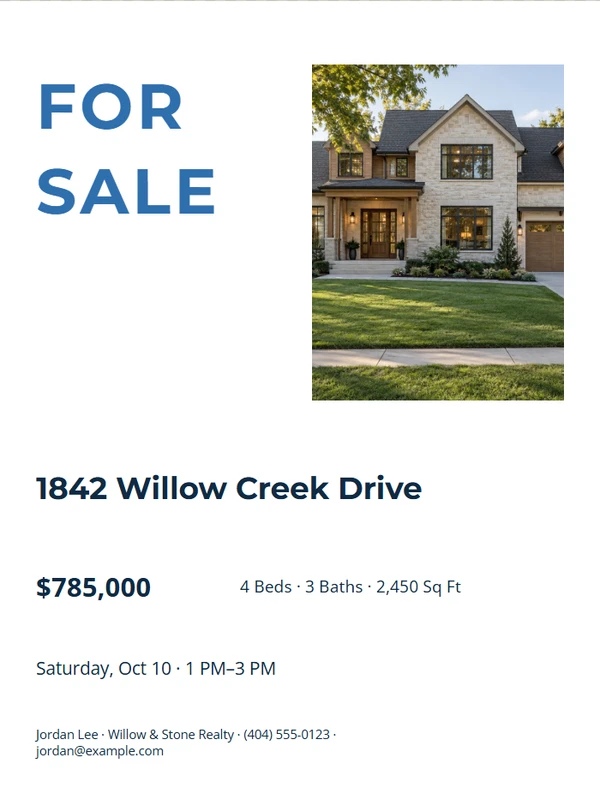
Real Estate · Signs & Displays
Design Real Estate Signs
Make property, open house, directional, and QR signs for real viewing distances.
Start with the sign people must notice
Choose a finished starting point.
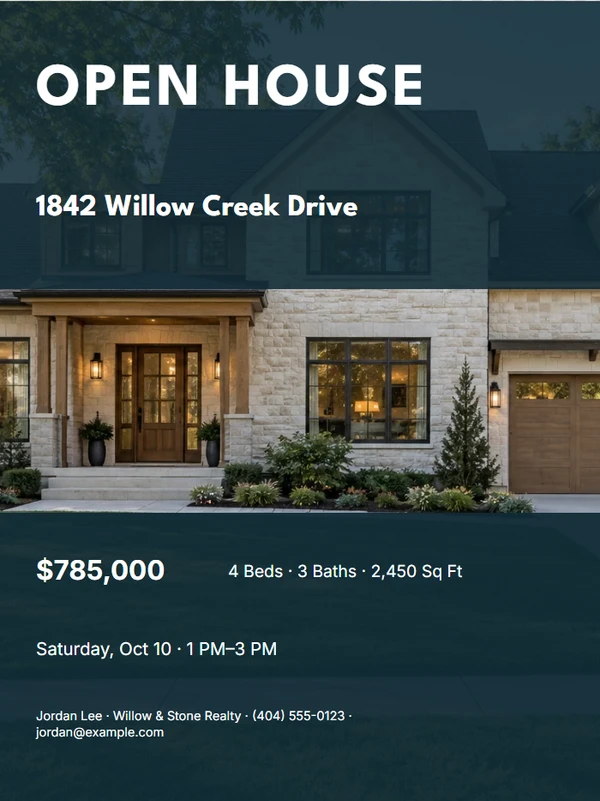
Open House Yard Sign
Customize template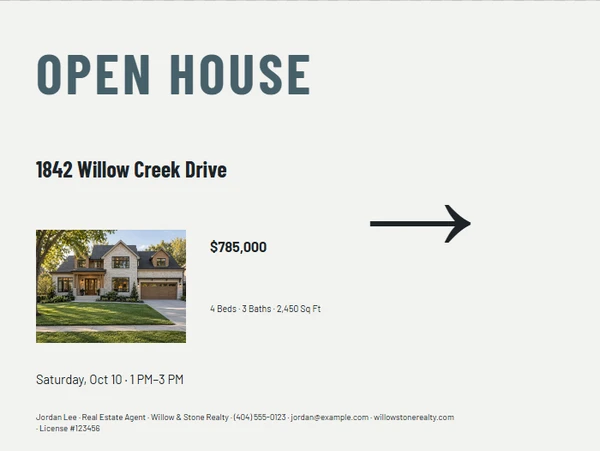
Directional Arrow Sign
Customize template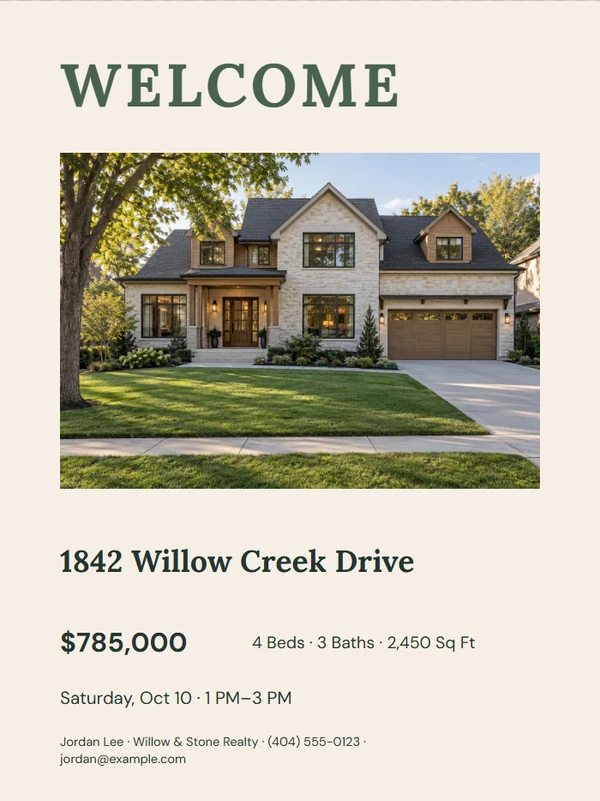
Welcome Display
Customize template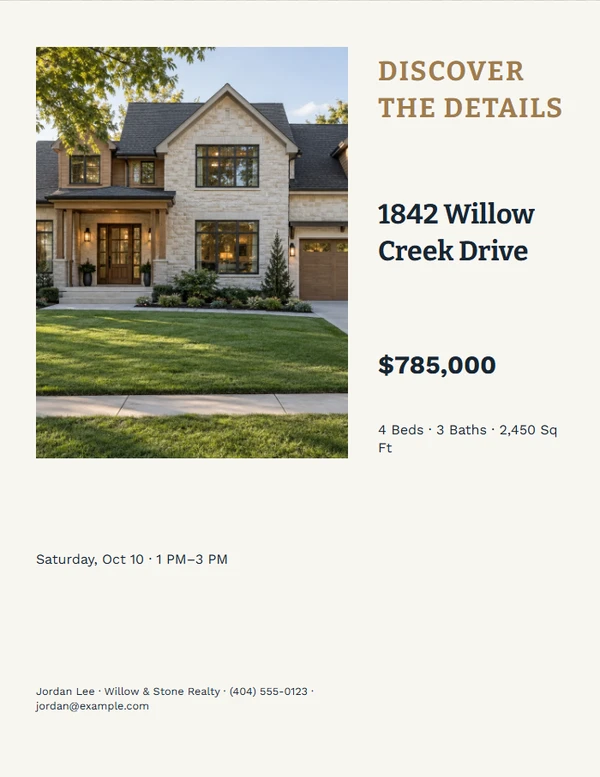
Property Details QR Sign
Customize template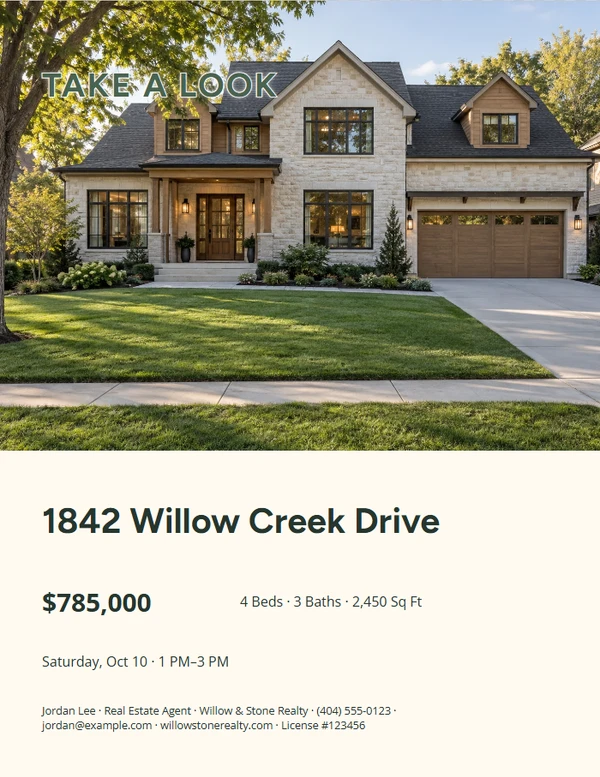
Take One Display
Customize template
Distance-Readable Sign Rider
Customize templateNo templates match these filters. Clear one filter and try again.
Focused tools
Start with the job you need to finish.
For Sale Sign
Create a large, high-contrast property sign with only the details a passing viewer can use.
Open this tool →Property QR Sign
Make a scan-first property sign for listing details, a tour, or an agent contact page.
Open this tool →Sign Rider Set
Prepare coordinated rider artwork for common listing statuses without claiming universal hardware fit.
Open this tool →Design for distance, not for a close-up screen
A useful sign has one main message, clear contrast, and only the details someone can act on quickly. Keep QR codes large enough to scan, leave a quiet zone around them, and verify final production requirements with the printer.
Real estate sign FAQ
How much information belongs on a sign?
Use the shortest version that completes the job: status or direction first, then an address, contact, or QR action only when it remains readable.
Can I print a large sign from a browser?
The PDF can preserve the exact physical size, but a home printer may tile or scale it. Confirm output settings with the print provider.
Why is the QR area kept simple?
A quiet background and sufficient white space improve reliable scanning. Always test the final printed code from a practical distance.