Real Estate · Signs & Displays
For Sale Sign Maker
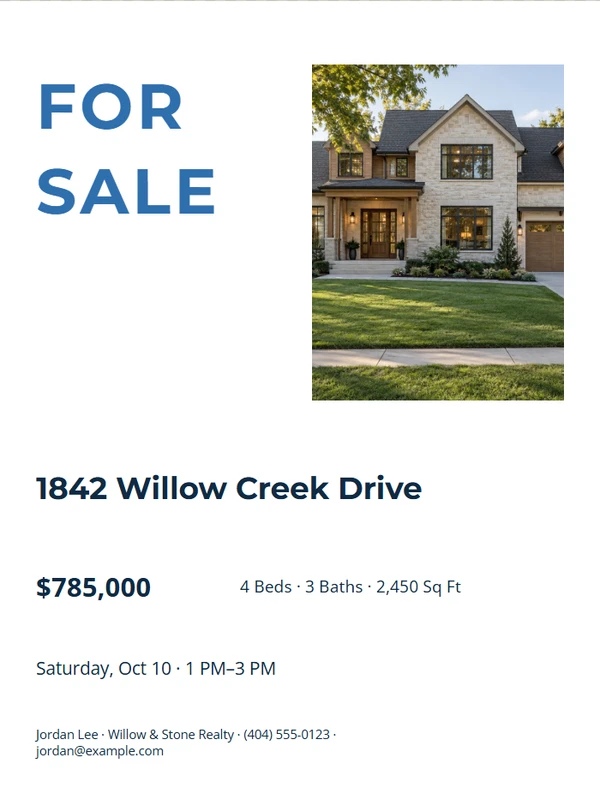
Create a large, high-contrast property sign with only the details a passing viewer can use.
Ready-made designs
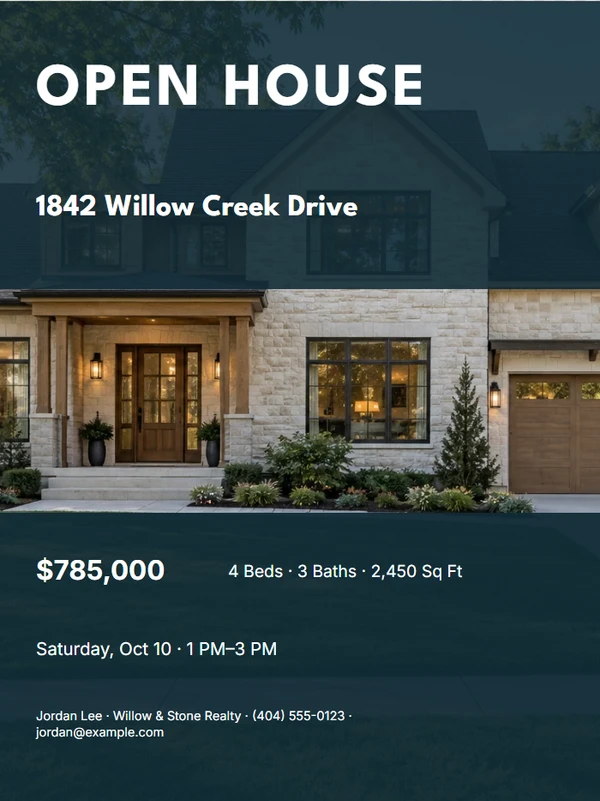
Choose a design.
Finish the piece without rebuilding the design.
Step 1
Choose a layout
Start from a complete composition made for the selected output size.
Step 2
Add the real details
Replace the sample property, agent, message, photo, and QR information the job actually needs.
Step 3
Review and export
Check long text, image crop, dimensions, and QR scanning before printing or downloading.
Output formats
Prepared at the right size.
- 18 × 24 in Sign
- 24 × 36 in Sign
Editable content
Only the fields this job needs.
- Main message — required
- Optional street address
- Agent name — required
- Phone number — required
- Brokerage
- Optional QR destination
Before you finish the piece.
Which size should I use?
Choose the size your local sign vendor supports and confirm the final dimensions before production.
Should I include every contact detail?
No. A short headline, name, and phone number are easier to read at a distance.
Is the REALTOR® mark included?
No. Add regulated marks only when you are authorized and your brokerage requirements allow them.