Real Estate · Open House
Open House Kit Maker
Enter property and agent details once, then prepare a coordinated set of open house materials.
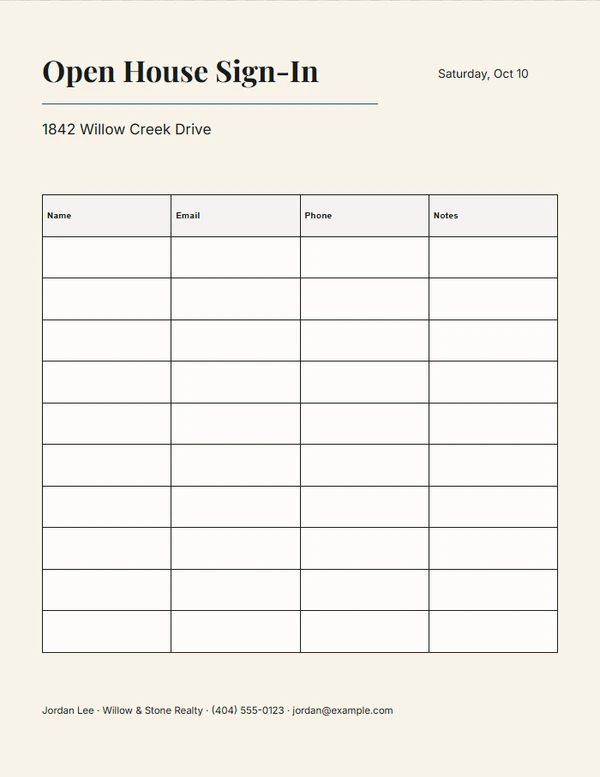
Ready-made designs
Choose a design.
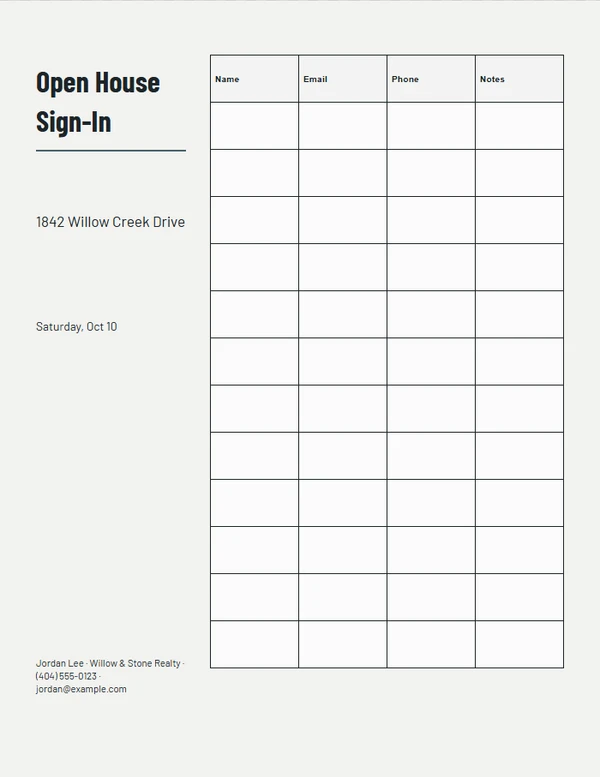
Blueprint Sign-In
Customize template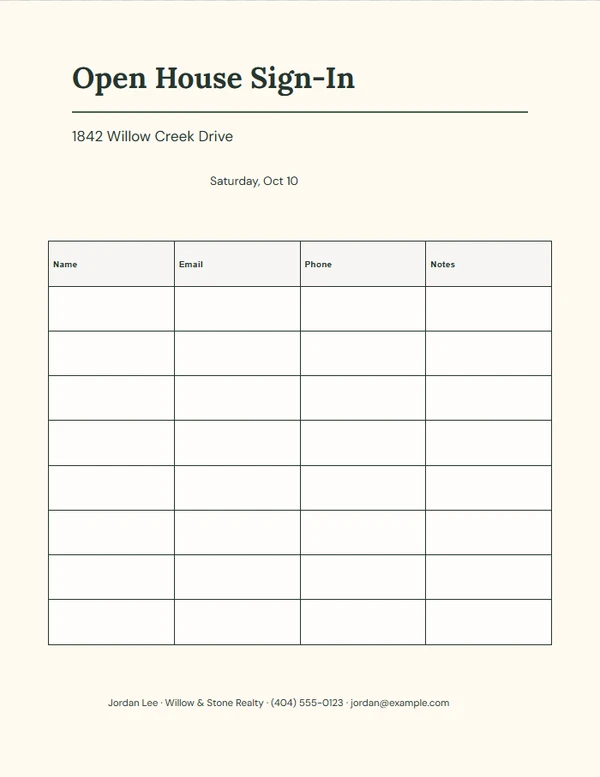
Warm Welcome Register
Customize template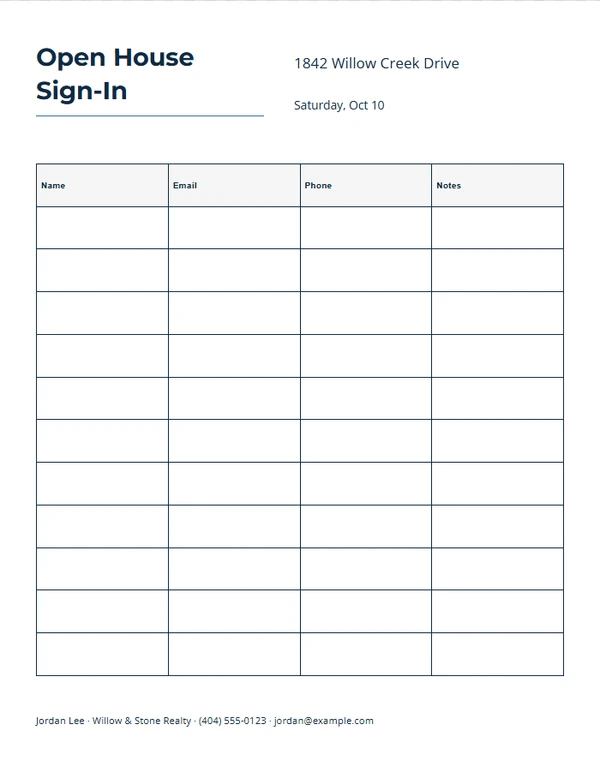
Modern Visitor Grid
Customize template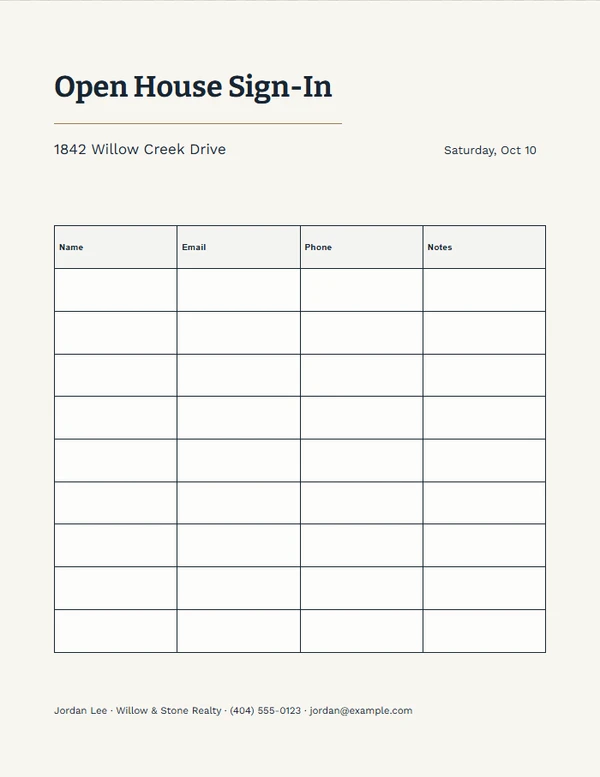
Visitor Notes Sheet
Customize template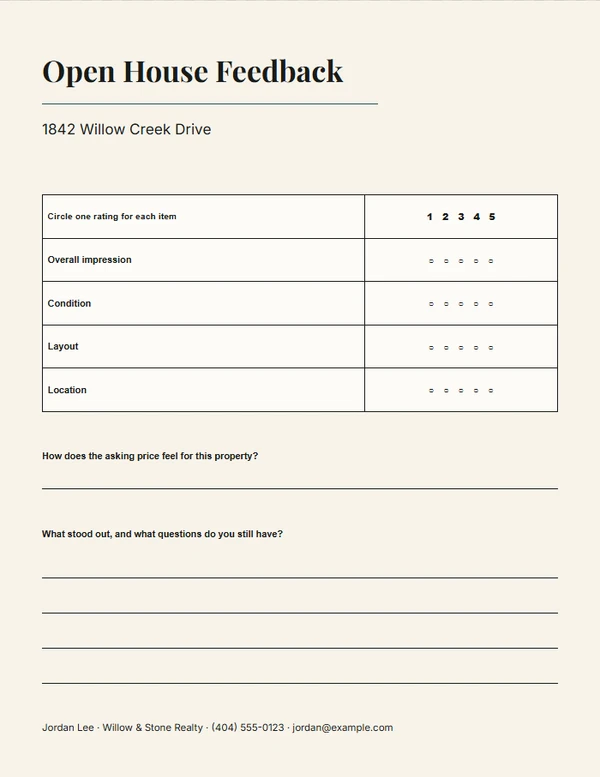
Editorial Property Feedback
Customize template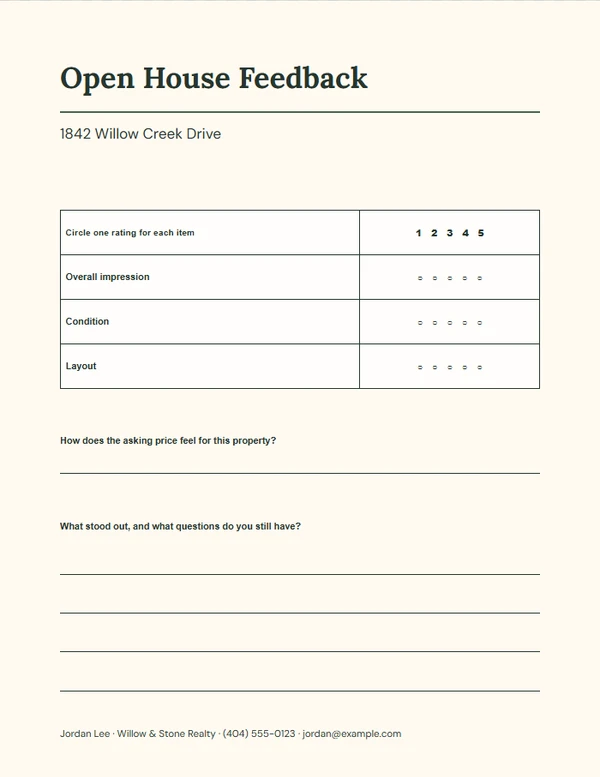
Conversation Notes
Customize template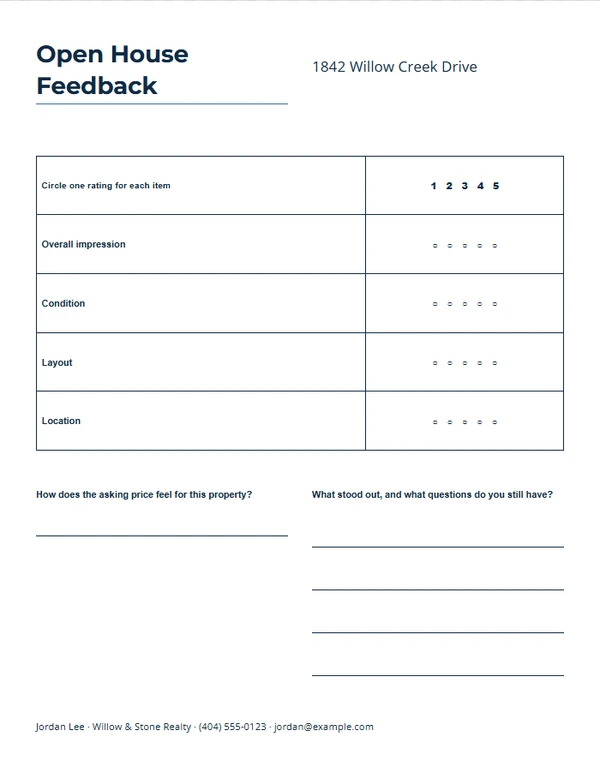
Property Scorecard
Customize template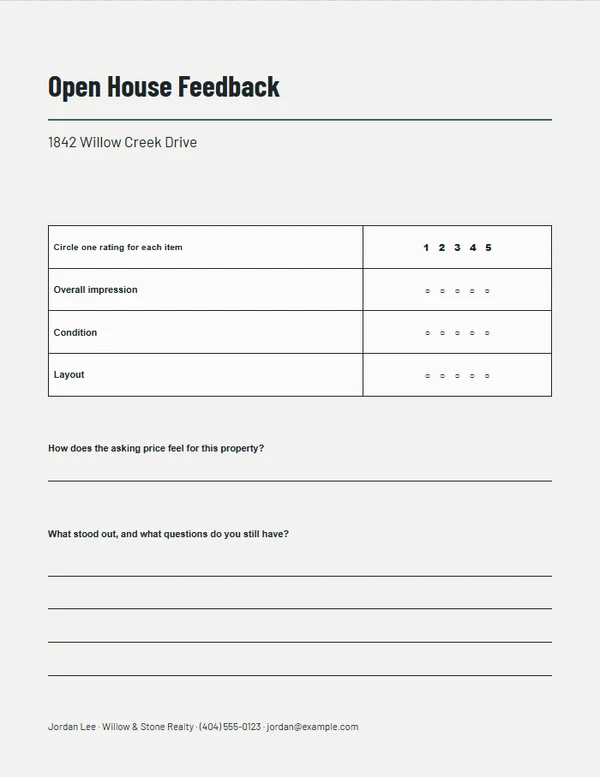
Minimal Visit Review
Customize template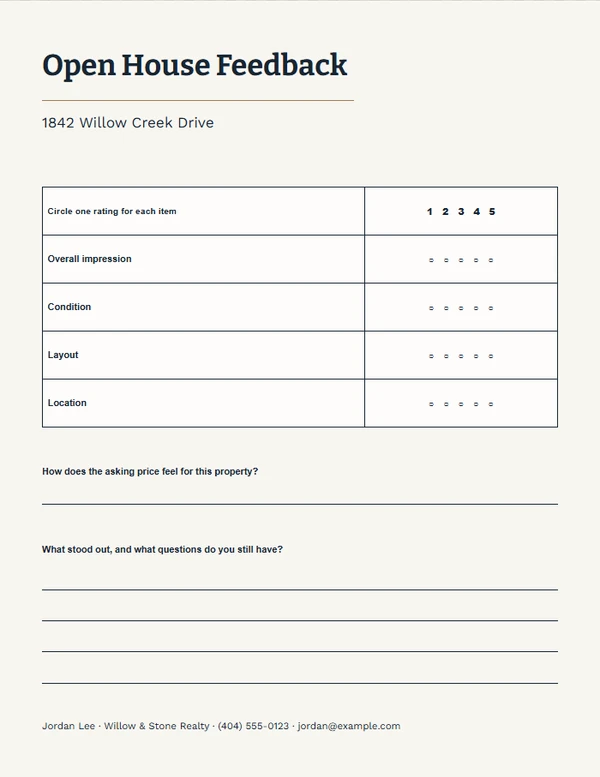
Agent Follow-Up Review
Customize template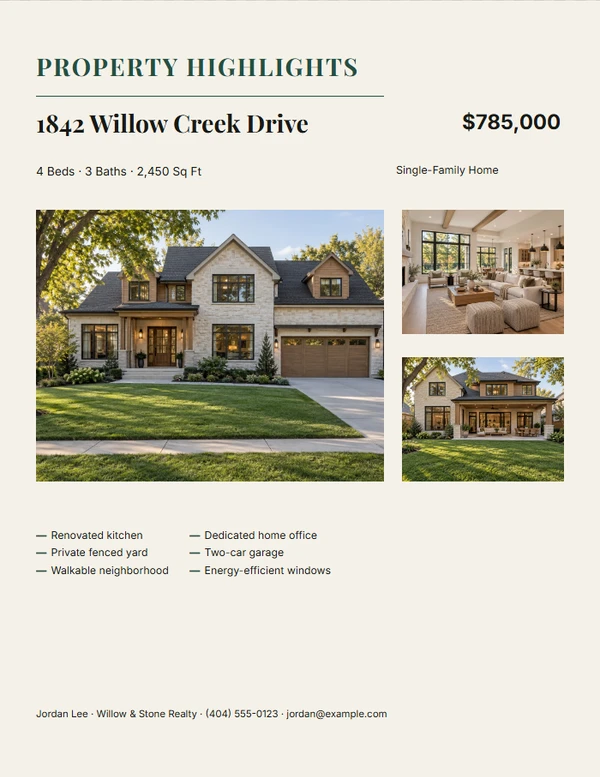
Editorial Property Story
Customize template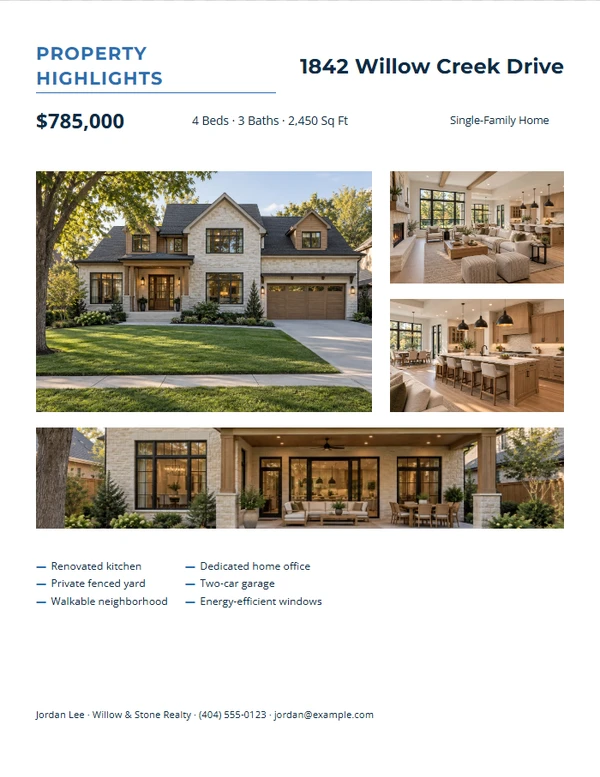
Modern Four-Photo Gallery
Customize template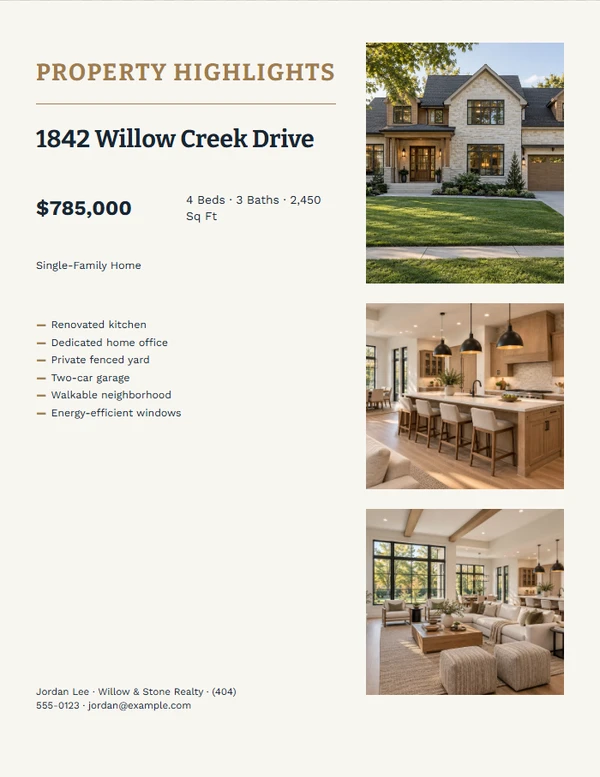
Facts-First Property Brief
Customize template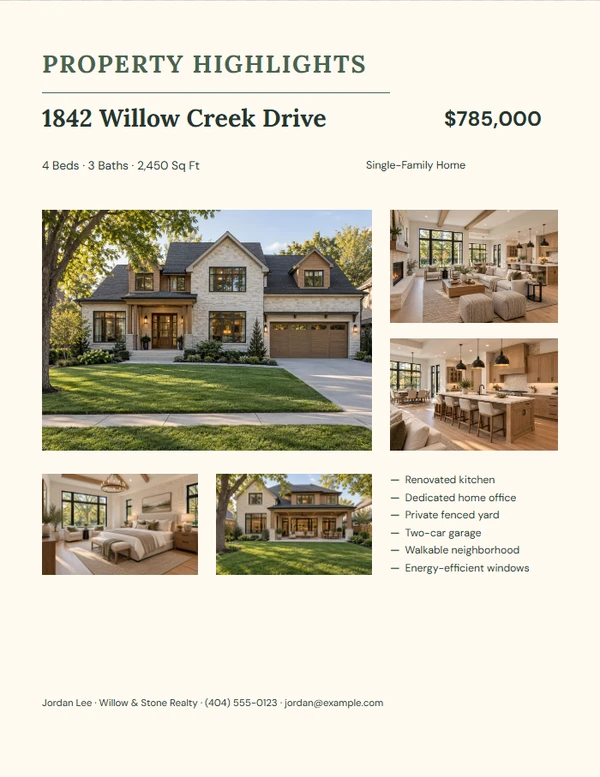
Warm Room-by-Room Tour
Customize template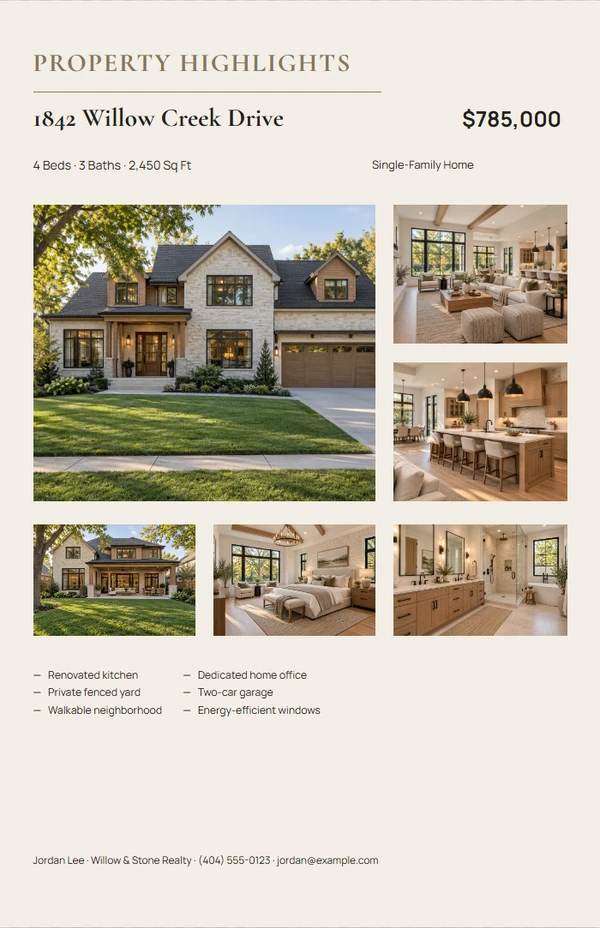
Tabloid Property Showcase
Customize template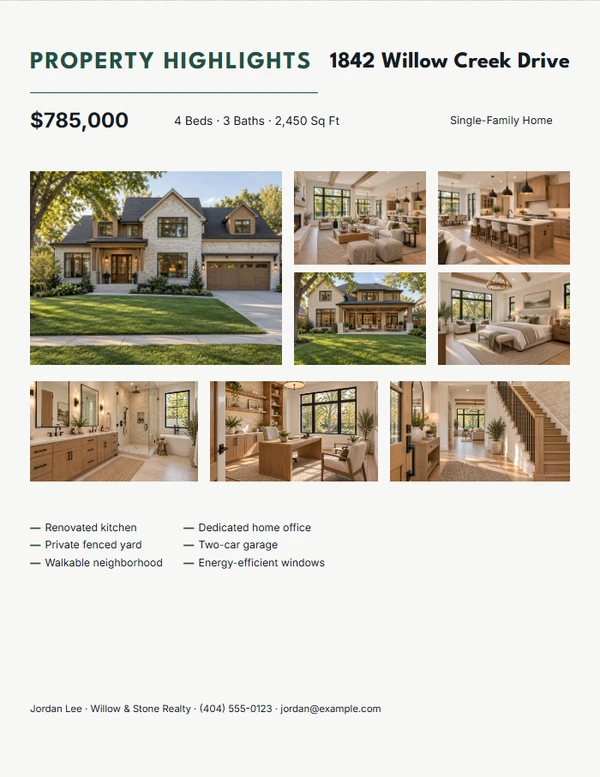
Eight-Photo Property Mosaic
Customize template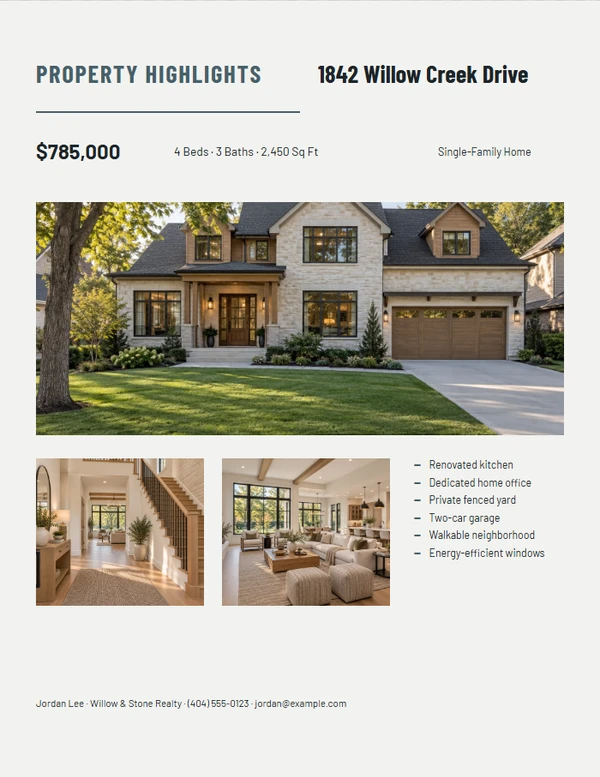
Architectural Detail Sheet
Customize template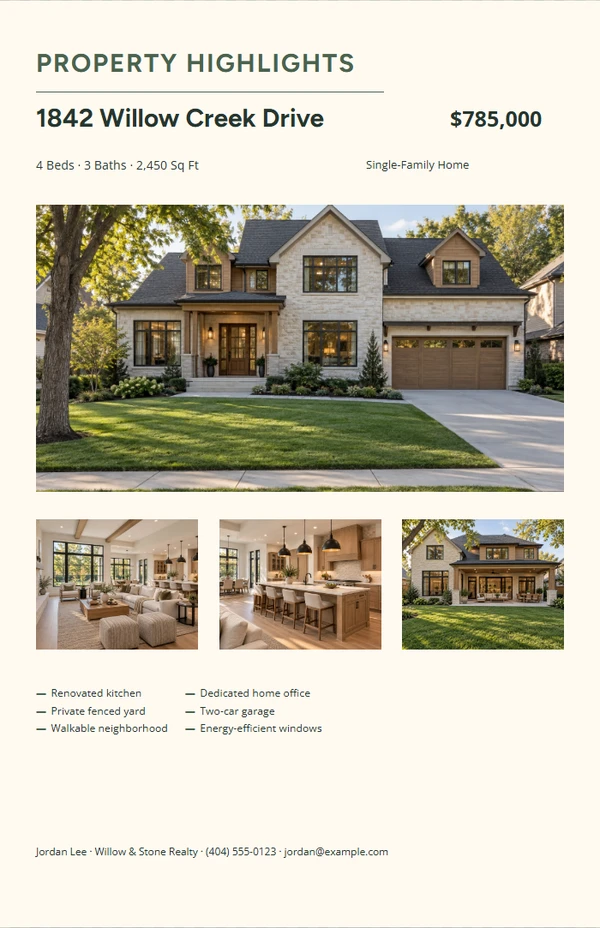
Tabloid Editorial Brochure
Customize template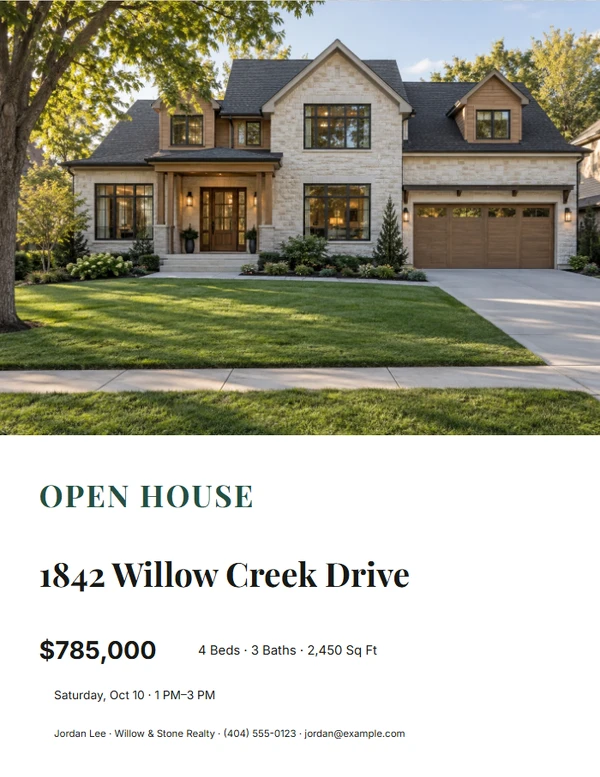
Editorial Story Open House Flyer
Customize template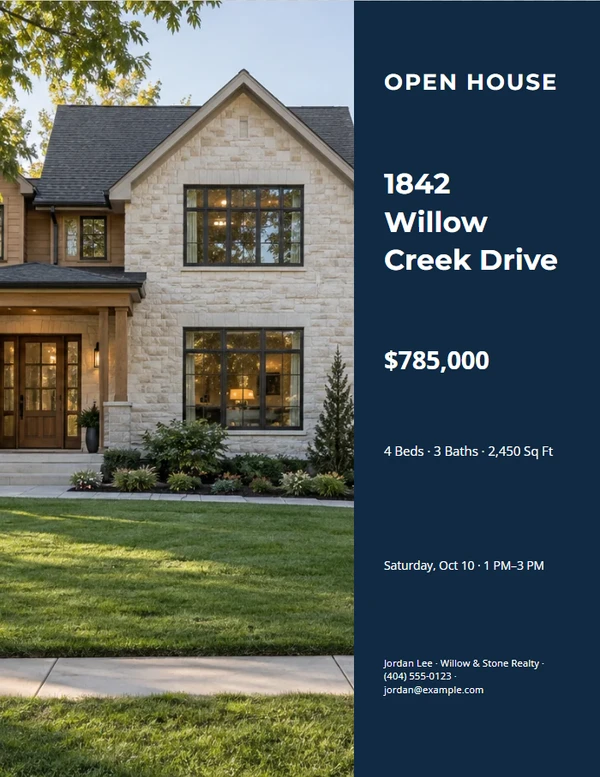
Modern Brokerage Open House Flyer
Customize template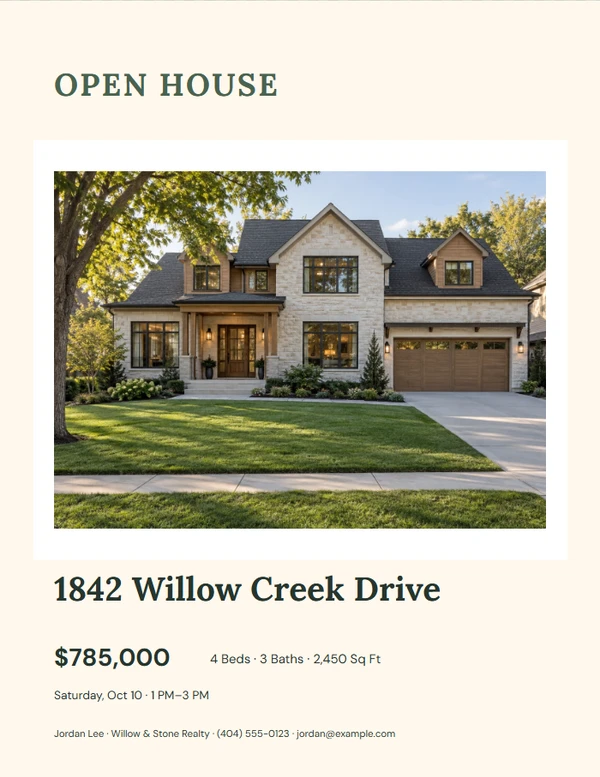
Warm Residential Open House Flyer
Customize template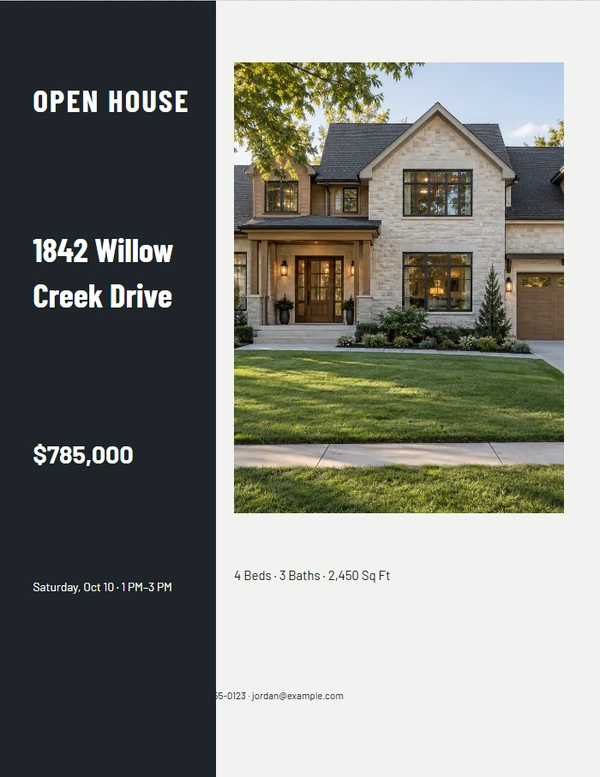
Architectural Open House Flyer
Customize template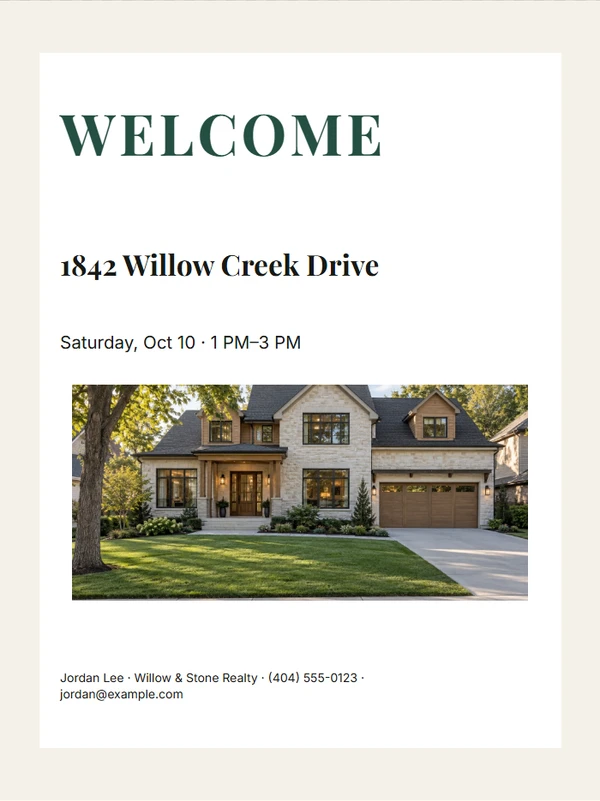
Editorial Story Welcome Sign
Customize template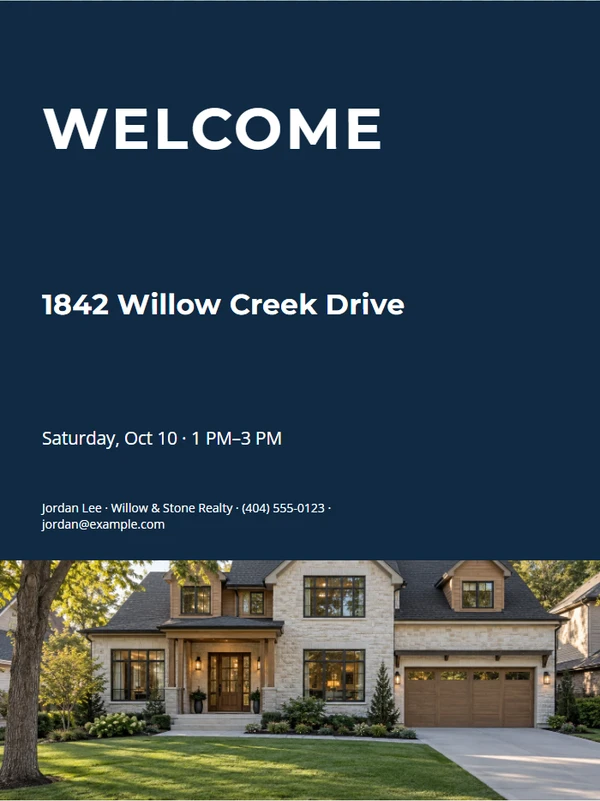
Modern Brokerage Welcome Sign
Customize template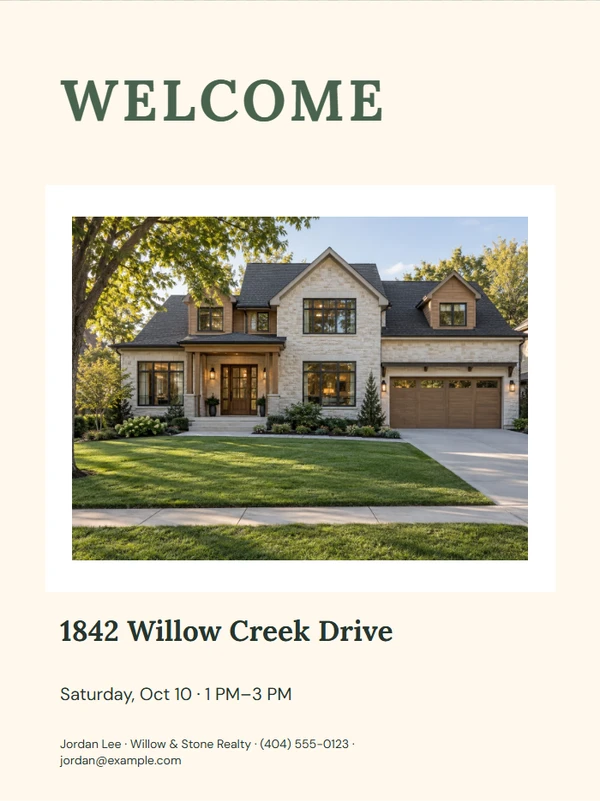
Warm Residential Welcome Sign
Customize template
Architectural Welcome Sign
Customize template
Editorial Story Property QR Sign
Customize template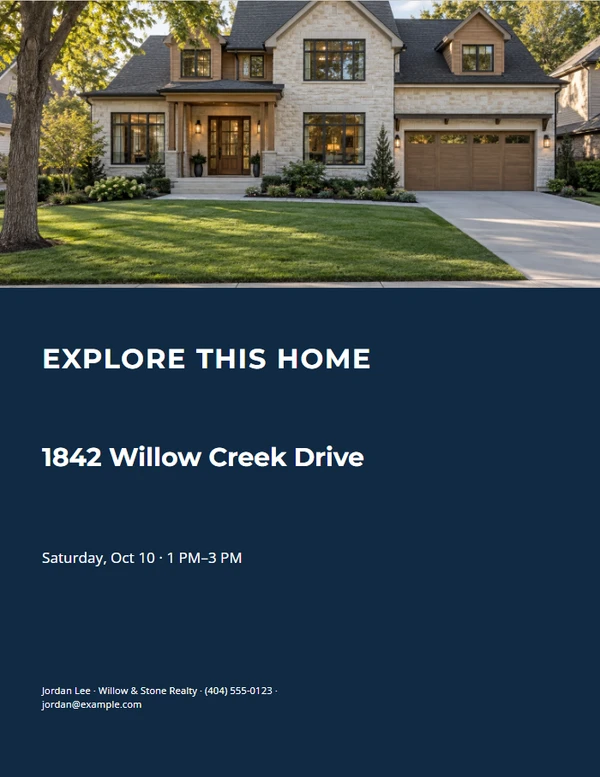
Modern Brokerage Property QR Sign
Customize template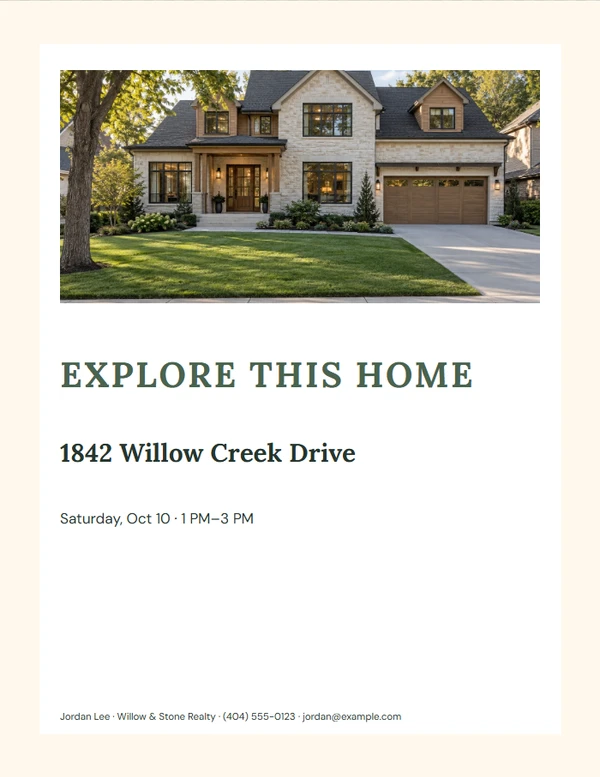
Warm Residential Property QR Sign
Customize template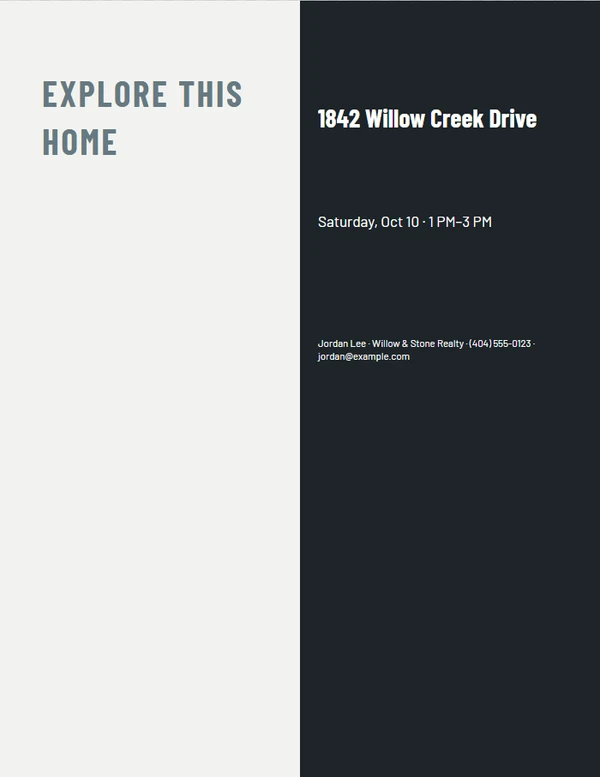
Architectural Property QR Sign
Customize template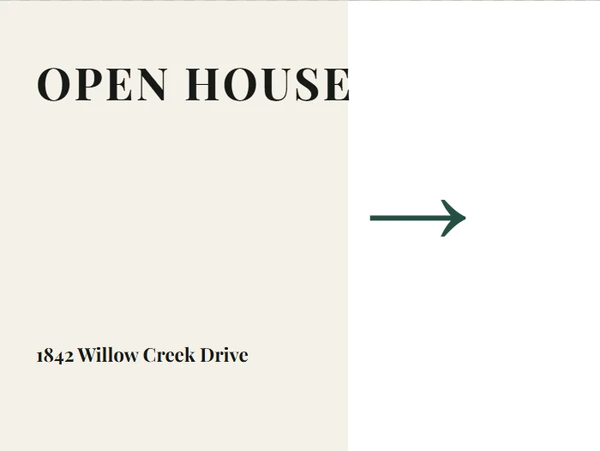
Editorial Story Directional Sign
Customize template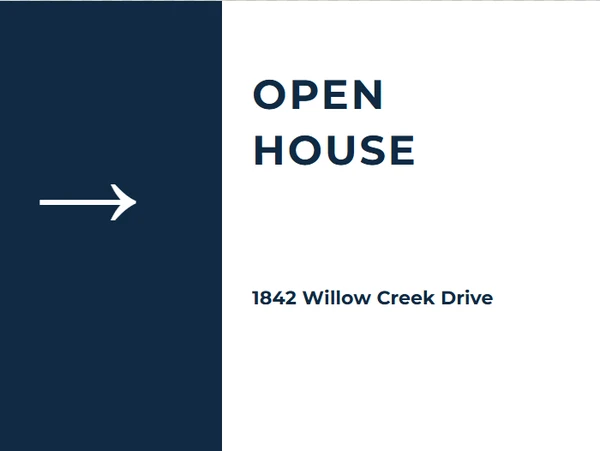
Modern Brokerage Directional Sign
Customize template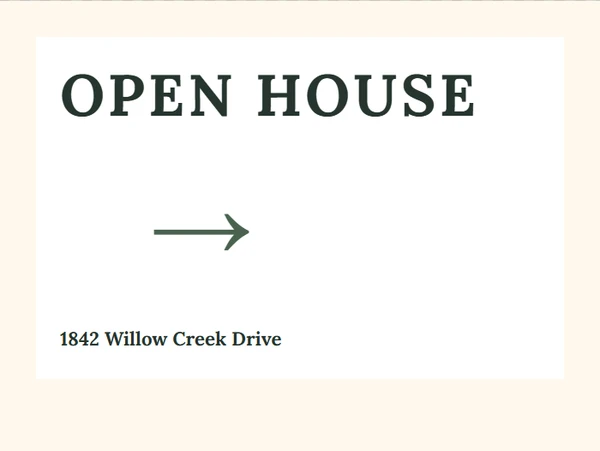
Warm Residential Directional Sign
Customize template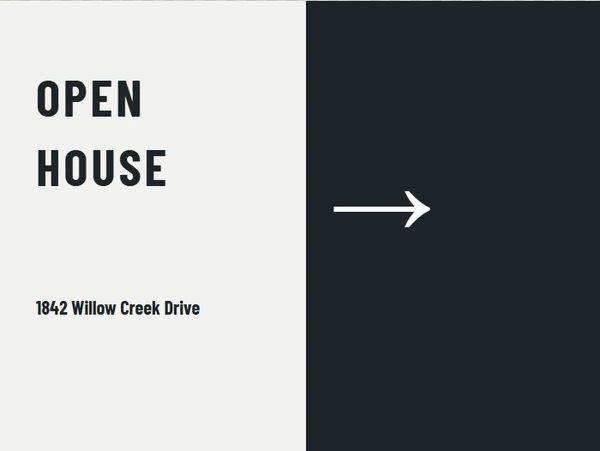
Architectural Directional Sign
Customize templateFinish the piece without rebuilding the design.
Step 1
Choose a layout
Start from a complete composition made for the selected output size.
Step 2
Add the real details
Replace the sample property, agent, message, photo, and QR information the job actually needs.
Step 3
Review and export
Check long text, image crop, dimensions, and QR scanning before printing or downloading.
Output formats
Prepared at the right size.
- Coordinated multi-format kit
Editable content
Only the fields this job needs.
- Property details — required
- Agent details — required
Before you finish the piece.
Do I enter the listing information more than once?
No. The kit uses one property profile and one agent profile for every included piece.
Can I print only part of the kit?
Yes. Review and export each material separately so you only produce what the event needs.
Will all pieces look coordinated?
Each kit theme uses a shared type and color direction while preserving the layout each format needs.