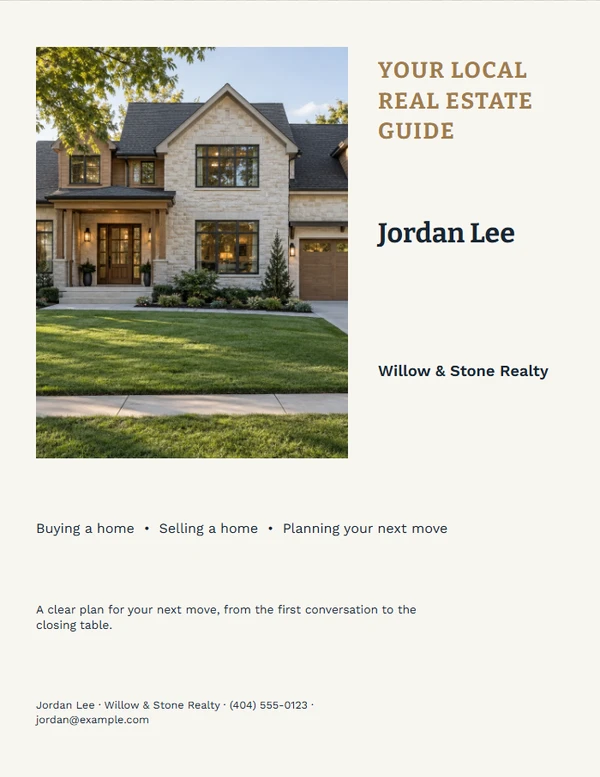
Real Estate · Agent Marketing
Create Agent Cards & Marketing Materials
Reuse your name, brokerage, contact details, colors, photo, logo, and QR destination.
Start with a reusable agent identity
Choose a finished starting point.
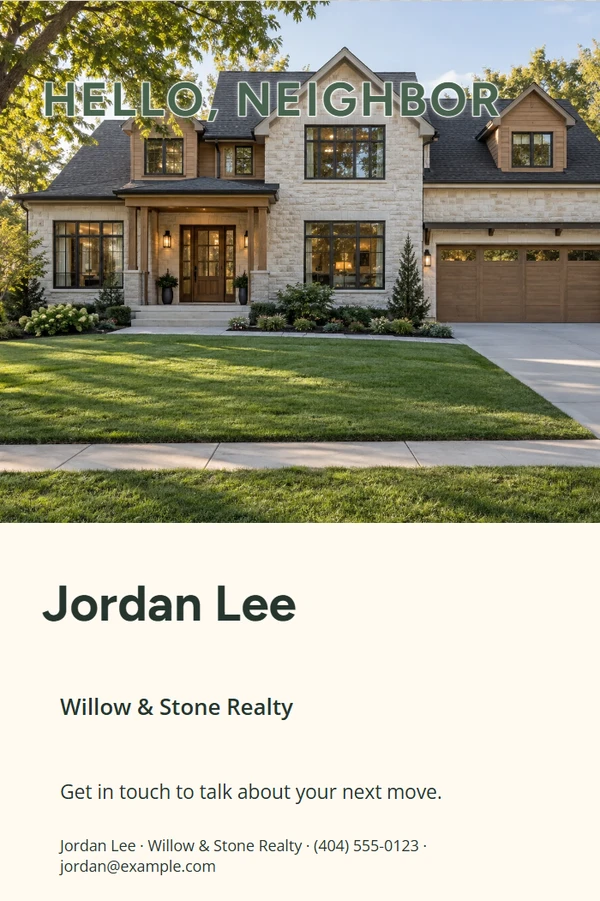
Neighborhood Door Hanger
Customize template
Referral Thank-You Card
Customize template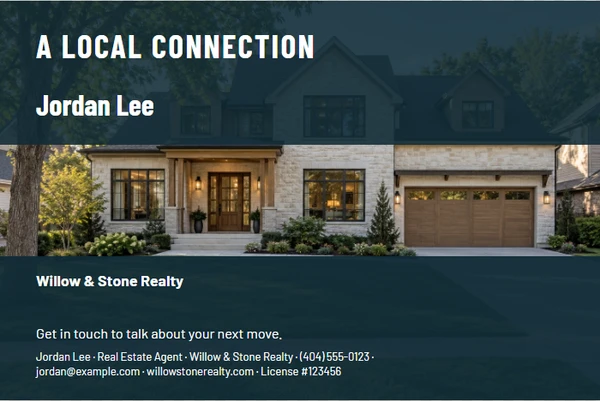
Agent Introduction Postcard
Customize template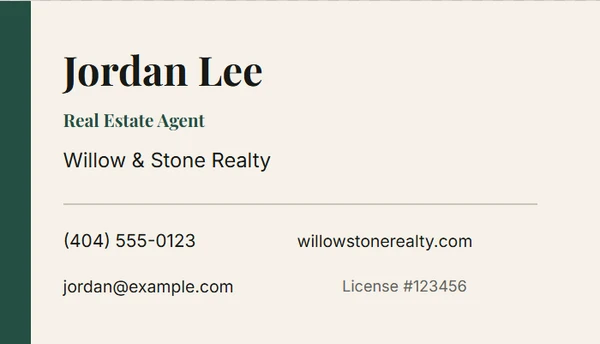
Editorial Agent Business Card
Customize template
Scan-First Agent Contact Card
Customize templateNo templates match these filters. Clear one filter and try again.
Focused tools
Start with the job you need to finish.
Business Card
Design a professional agent business card with reusable contact details and an optional QR code.
Open this tool →Agent Profile Flyer
Create a polished one-page agent introduction for listing appointments and local outreach.
Open this tool →Door Hanger
Prepare a clean neighborhood door hanger with an offer, contact details, and optional QR code.
Open this tool →QR Contact Card
Create a small contact card or mini sign that opens a vCard, website, or agent page.
Open this tool →Build recognizable materials without turning every piece into a logo collage
Save one local agent profile, then choose the format that fits the job. Keep the portrait natural, the brokerage disclosure readable, and the contact action easy to find. Only use professional marks you are permitted to display.
Agent marketing FAQ
Where are my agent details saved?
Reusable profile details are stored on this device. A versioned backup can be exported when you need to move or restore the profile.
Can I use a team or brokerage logo?
Yes, when you have permission. Keep required brokerage identification readable and review local and brokerage rules before publishing.
Will one design fit every channel?
No. The profile is reusable, but each format keeps its own composition, crop, and type settings.
How should I print the double-sided business cards?
The print layout places eight standard 3.5 × 2 inch cards on each U.S. Letter side, with 0.125 inch bleed and crop marks. Print at Actual size or 100%, use double-sided printing, and flip on the long edge. Avoid Fit to page, which changes the finished card size.
Are the print and download files CMYK?
No. Browser printing, PNG downloads, and PDFs saved through the browser use sRGB. That works well for home and office printers and most digital print shops. For a color-managed commercial press, ask the printer to convert the file with the ICC profile for its equipment and paper.