Real Estate · Agent Marketing
Real Estate QR Contact Card Maker
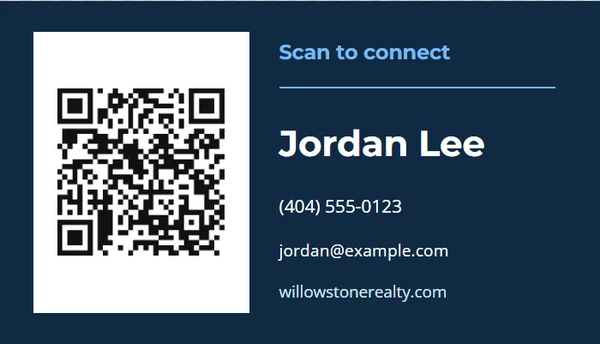
Create a small contact card or mini sign that opens a vCard, website, or agent page.
Ready-made designs
Choose a design.
Finish the piece without rebuilding the design.
Step 1
Choose a layout
Start from a complete composition made for the selected output size.
Step 2
Add the real details
Replace the sample property, agent, message, photo, and QR information the job actually needs.
Step 3
Review and export
Check long text, image crop, dimensions, and QR scanning before printing or downloading.
Output formats
Prepared at the right size.
- Business Card
- 4 × 6 in Marketing Card
- U.S. Letter
Editable content
Only the fields this job needs.
- Agent name — required
- Phone number
- Email address
- Website
- QR destination — required
Before you finish the piece.
Can the code save my contact?
Yes. Choose a vCard destination, or link to a contact page you control.
Which size is best?
Use business-card size for handouts, 4 × 6 for a tabletop card, and Letter for a larger scan sign.
Does HandyPebble upload the contact data?
No. The QR image is created locally from the destination you enter.