Real Estate · Open House
Property Feature Sheet Maker
Present property facts, features, and photos in a clear real-estate editorial layout.
Ready-made designs
Choose a design.
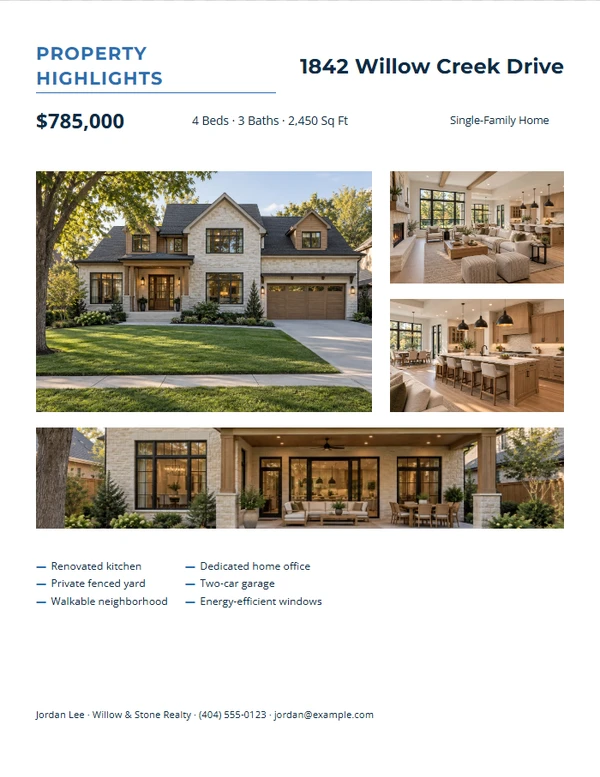
Modern Four-Photo Gallery
Customize template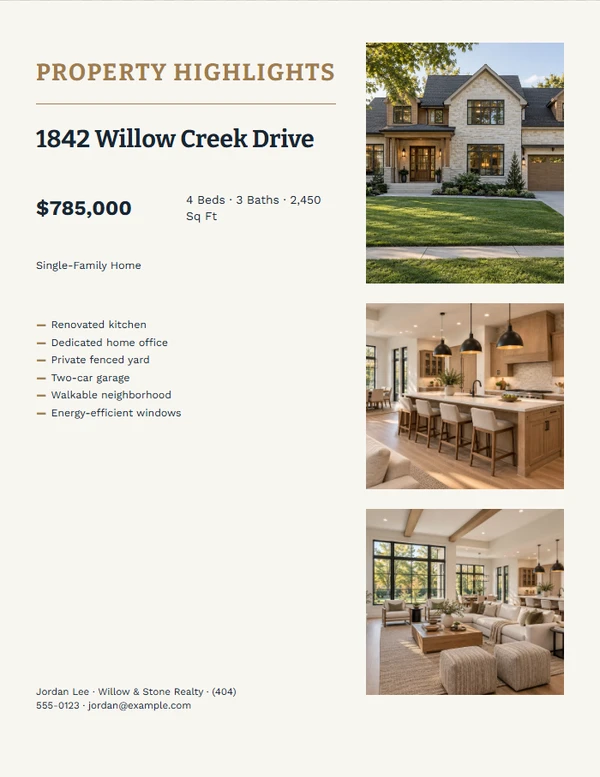
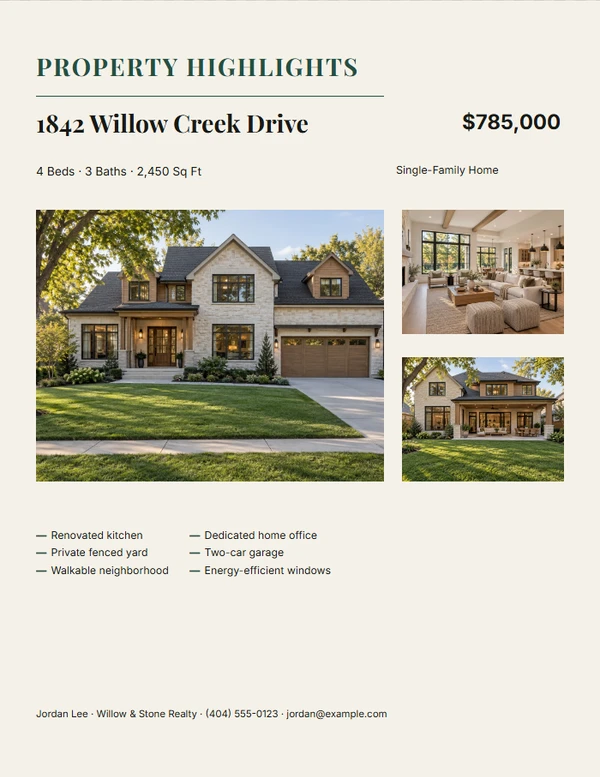
Facts-First Property Brief
Customize template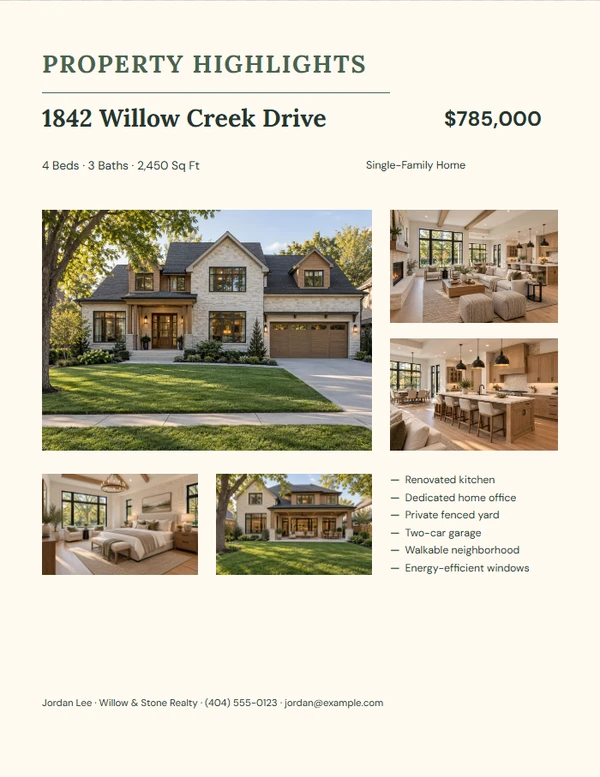
Warm Room-by-Room Tour
Customize template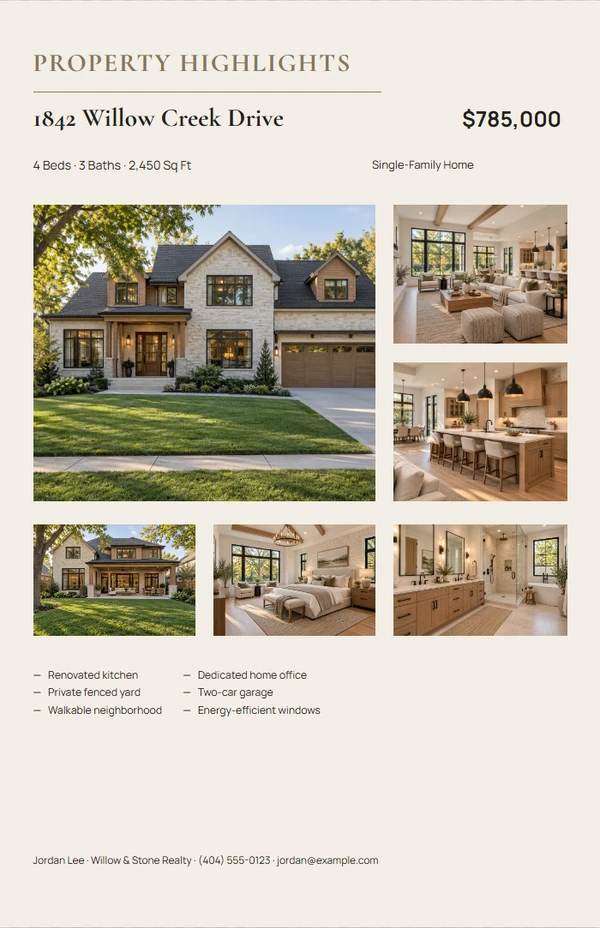
Tabloid Property Showcase
Customize template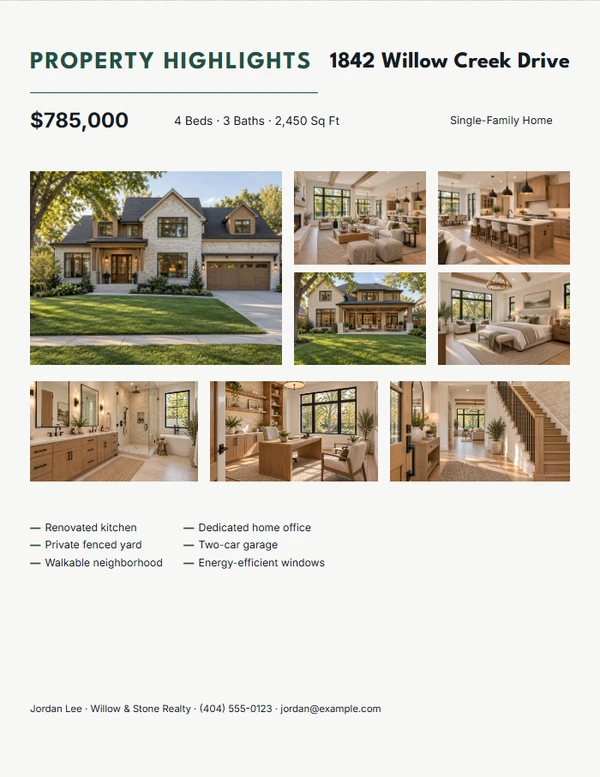
Eight-Photo Property Mosaic
Customize template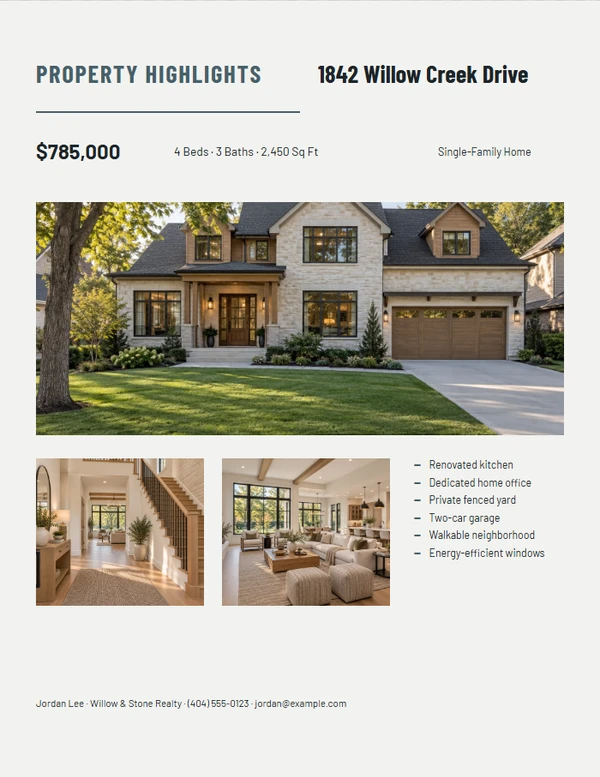
Architectural Detail Sheet
Customize template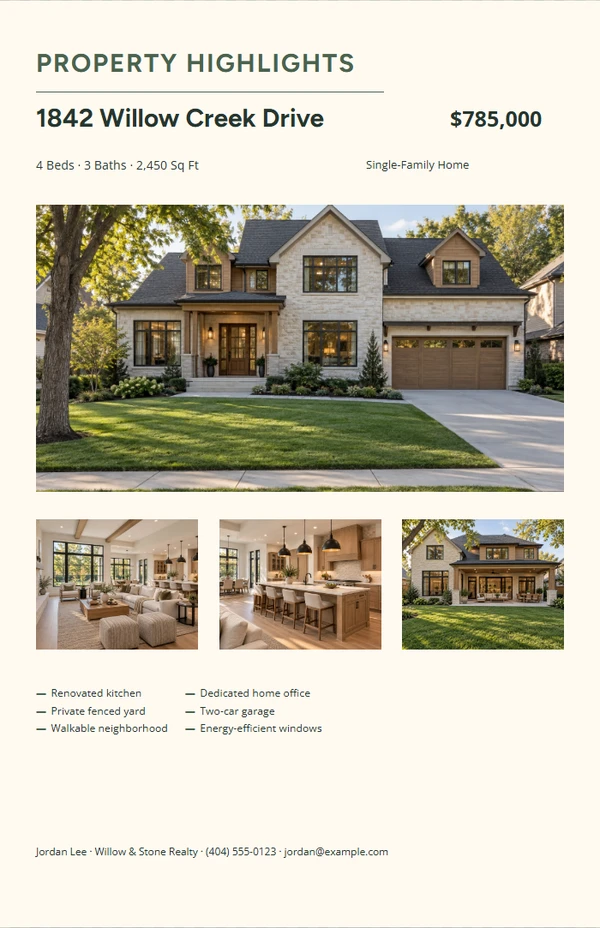
Tabloid Editorial Brochure
Customize templateFinish the piece without rebuilding the design.
Step 1
Choose a layout
Start from a complete composition made for the selected output size.
Step 2
Add the real details
Replace the sample property, agent, message, photo, and QR information the job actually needs.
Step 3
Review and export
Check long text, image crop, dimensions, and QR scanning before printing or downloading.
Output formats
Prepared at the right size.
- U.S. Letter
- Tabloid
Editable content
Only the fields this job needs.
- Street address — required
- Price
- Beds
- Baths
- Square feet
- Property type
- Key features
- Property photos
- Agent name
- Brokerage
- Phone
- Listing QR destination
Before you finish the piece.
What belongs in the feature list?
Use specific, verifiable details such as renovations, room features, outdoor space, or included amenities.
How many photos work best?
Use three to eight images with one clear lead photo and supporting details.
Can I hide an empty field?
Optional information collapses when the template supports it, so an omitted price or QR code does not leave a broken label.