Real Estate · Open House
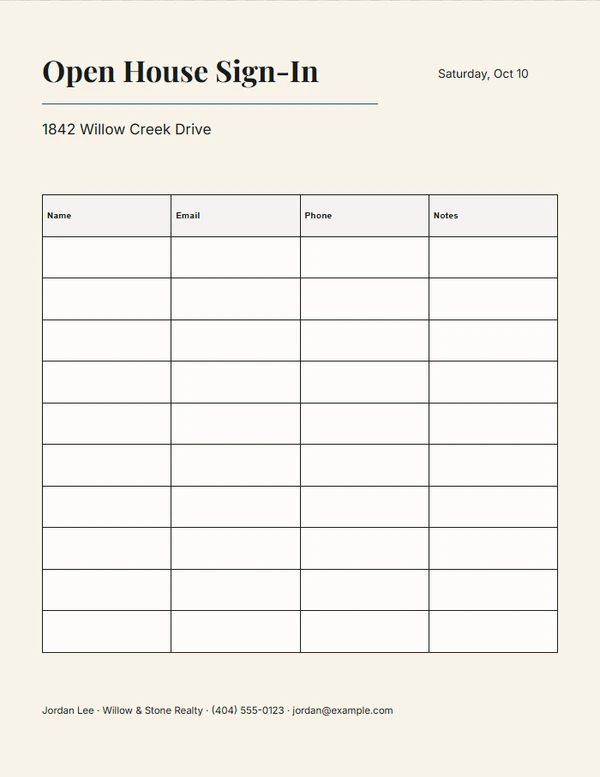
Open House Sign-In Sheet Maker
Prepare a restrained visitor sign-in sheet without collecting unnecessary information.
Ready-made designs
Choose a design.
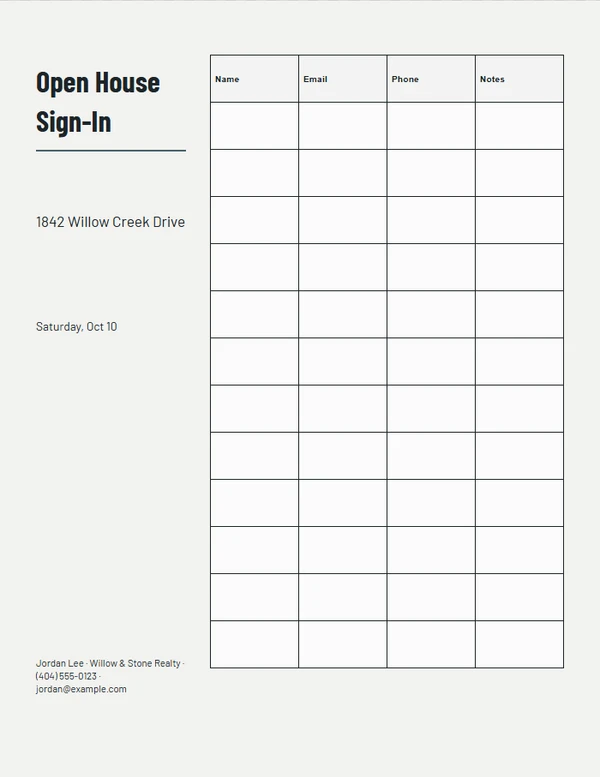
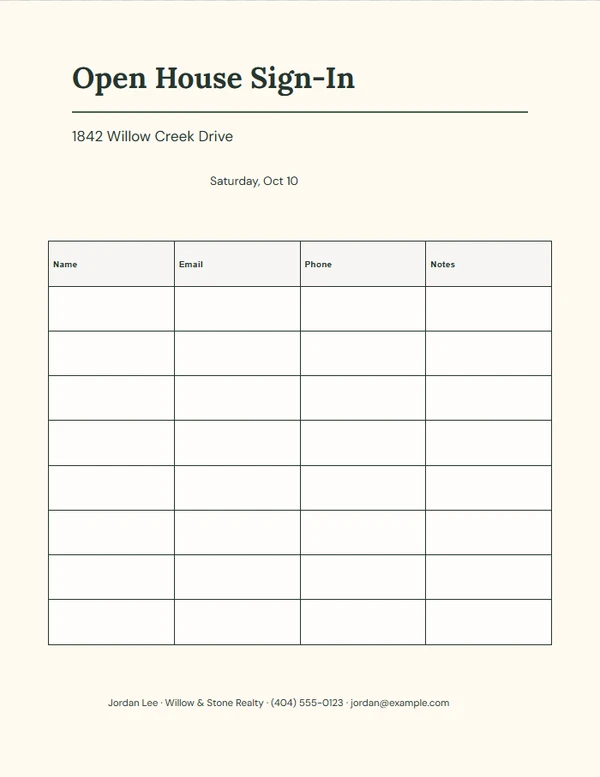
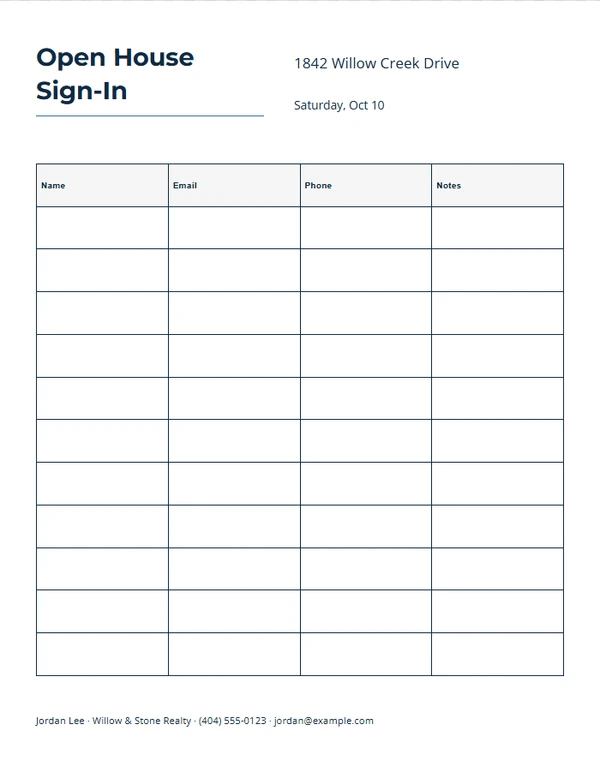
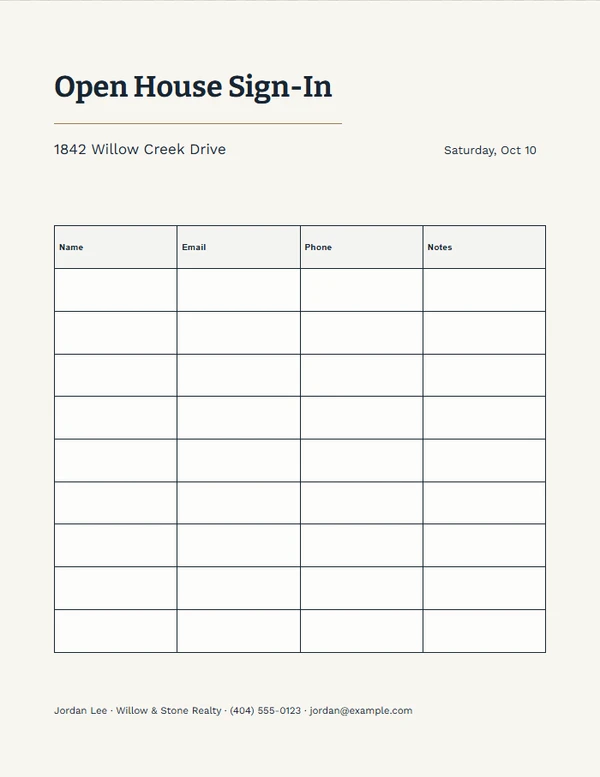
Finish the piece without rebuilding the design.
Step 1
Choose a layout
Start from a complete composition made for the selected output size.
Step 2
Add the real details
Replace the sample property, agent, message, photo, and QR information the job actually needs.
Step 3
Review and export
Check long text, image crop, dimensions, and QR scanning before printing or downloading.
Output formats
Prepared at the right size.
- U.S. Letter
Editable content
Only the fields this job needs.
- Property address — required
- Date
- Sign-in columns
Before you finish the piece.
Which columns should I include?
Collect only what you plan to use. Name plus one contact method is often enough.
Does this store visitor information?
No. This maker prepares a blank printable sheet; completed paper responses are not entered into the website.
Can I remove the phone column?
Yes. Choose only the columns that fit your event and follow your brokerage requirements.