Create & Design
Design cards, gifts, books, and artwork in your browser.
No account required. Choose a tool to start.
Choose a project
Find a focused set of tools for what you want to make.
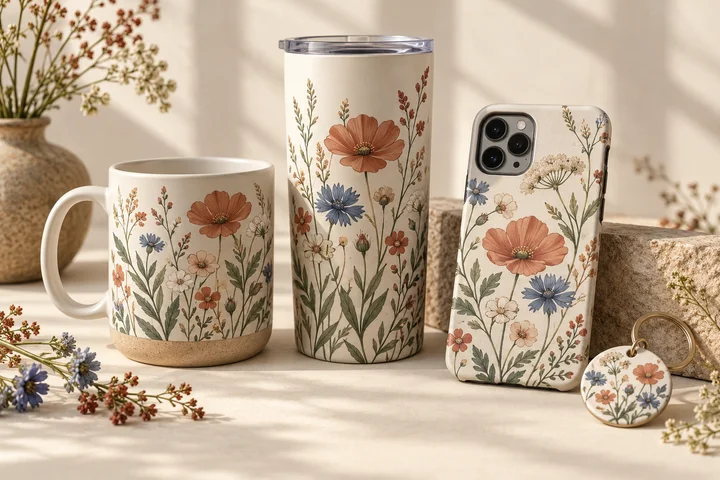
Gifts & Products
Design artwork for mugs, tumblers, keychains, phone cases, and more.
Browse tools →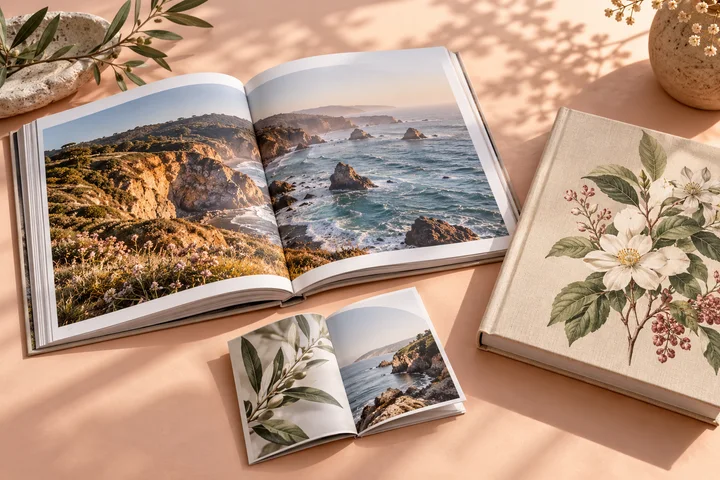
Books & Publishing
Create book covers, page layouts, photo books, comics, and folded booklets.
Browse tools →
Wall Art & Framing
Prepare art prints, canvas wraps, gallery sets, and framing layouts. Preview artwork in your room.
Browse tools →Cards, Documents & Business Design
Create a resume, card, sign, or document you can print or share.
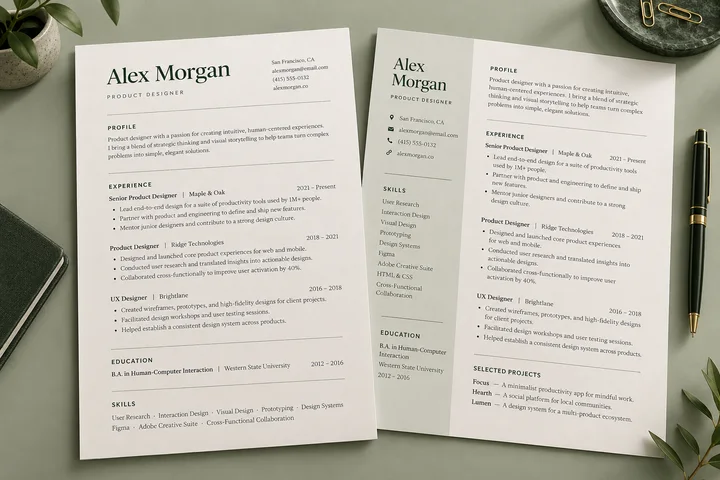
Resume Templates & Builder
Choose from 20 editable designs, switch without losing content, keep local drafts, and download PDF or DOCX.
Build a resume →
Birthday Card Maker
Choose a finished design, add photos and personal words, then download or print the finished card.
Make a birthday card →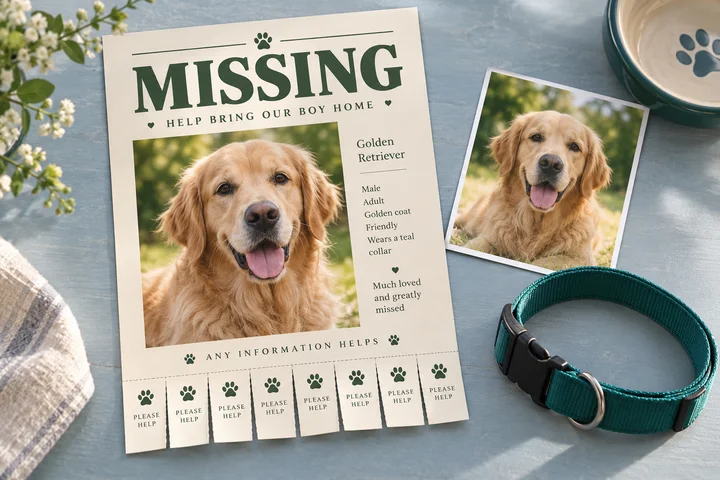
Lost Pet Poster Maker
Add a pet photo and contact details to 12 finished designs, then download a print or social poster.
Make a lost pet poster →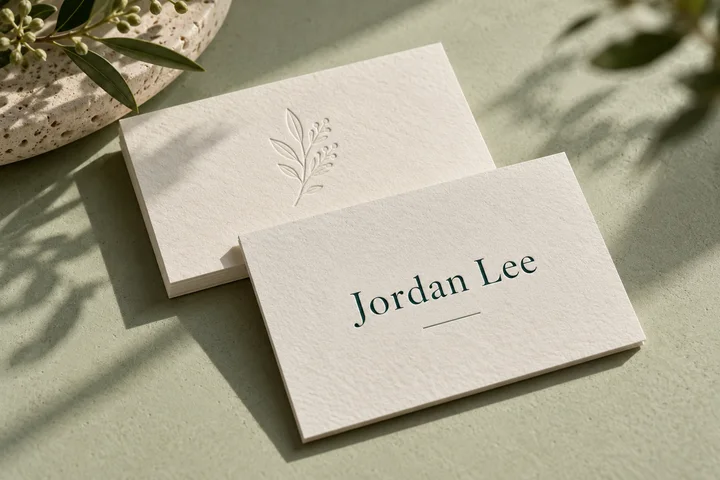
Business Card Designer
Design both sides at real sizes, add a logo, and export an A4 print layout with crop marks.
Design a card →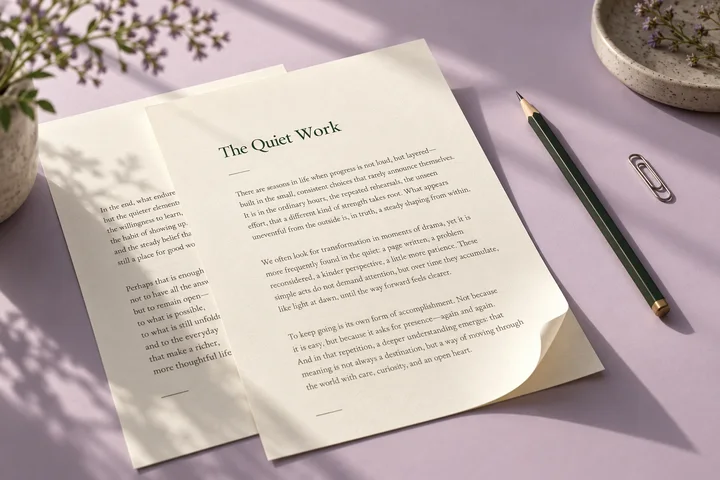
Document Editor
Open and edit DOCX or text files locally, keep recovery drafts, print, and save a new copy.
Edit a document →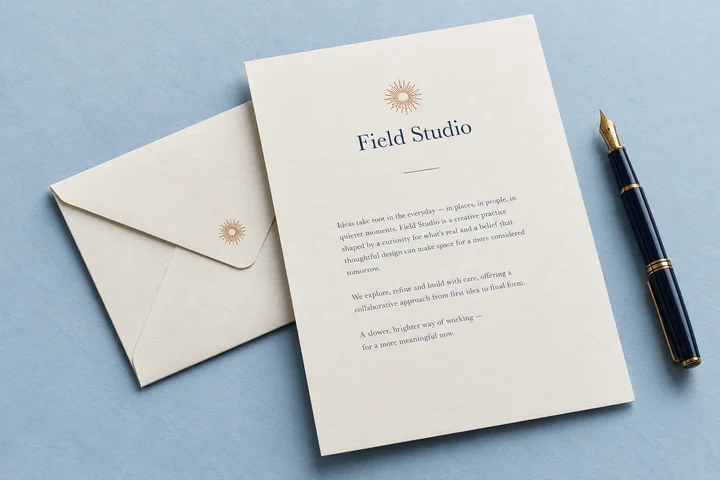
Letterhead Generator
Choose a letterhead, add your details, write a multi-page letter, and save an exact Letter or A4 PDF.
Make letterhead →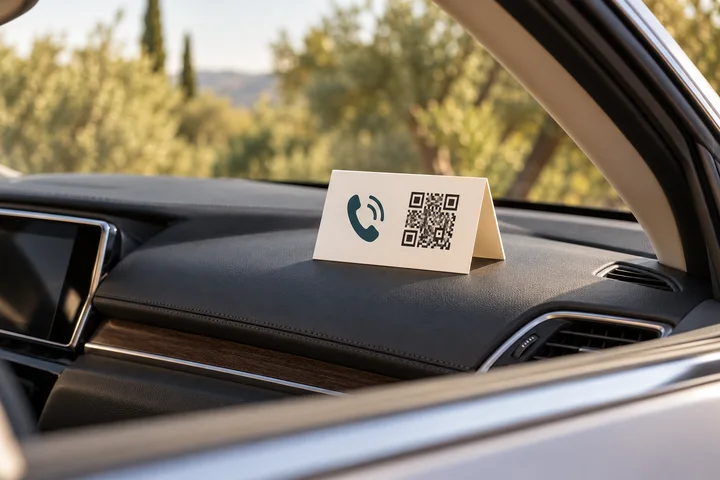
Car Contact QR Sign
Make a foldable windshield contact sign with a scannable call, text, or email QR code.
Make a car sign →
New Year Card Maker 2027
Choose from 24 finished photo, year-in-review, family, and business designs for print or sharing.
Make a New Year card →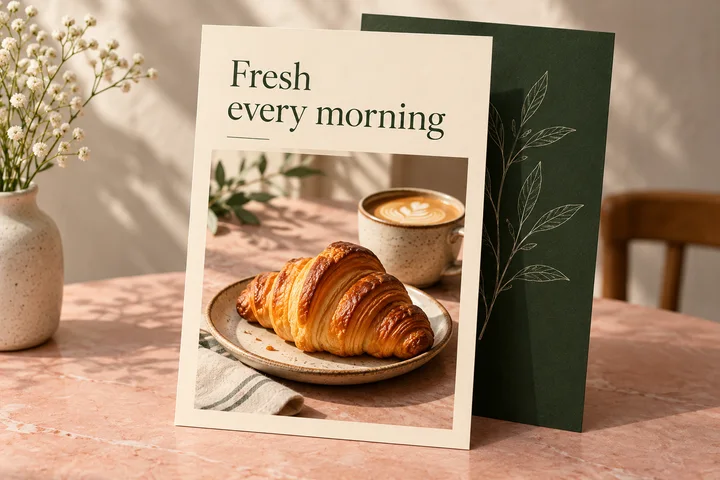
Free Flyer Maker
Choose from 24 finished layouts, add business details, a logo, photo, or QR code, then download for print or sharing.
Make a flyer →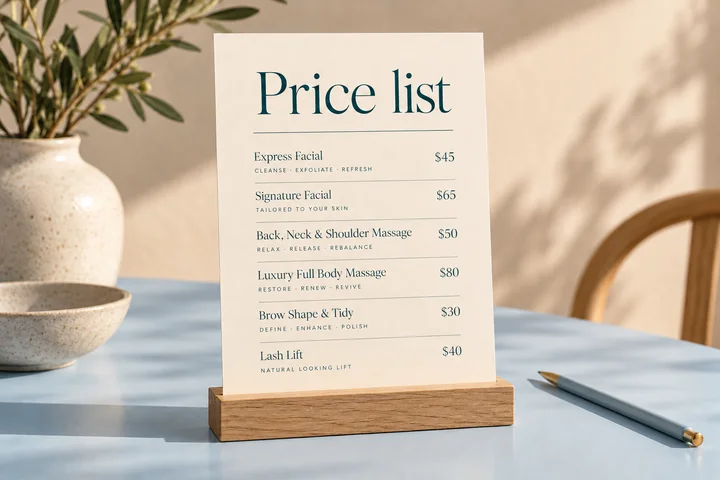
Price List Maker
Organize services and flexible prices in one of 20 finished layouts, then download an exact print-ready file.
Make a price list →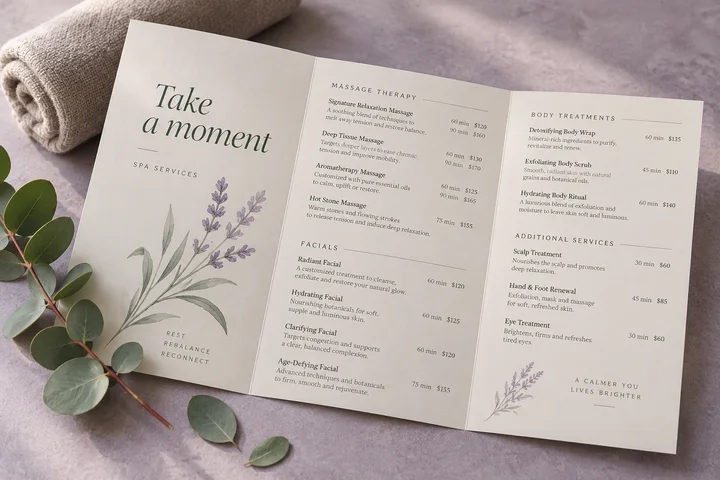
Service Menu Maker
Show descriptions, durations, packages, featured services, and a clear booking action in a polished menu.
Make a service menu →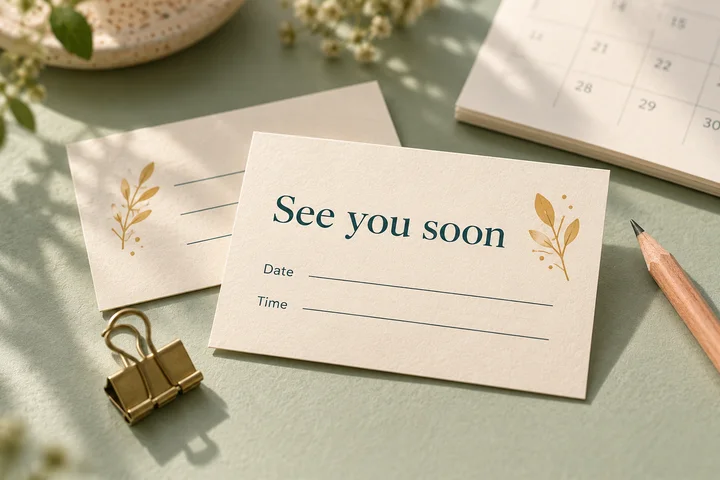
Appointment Card Maker
Create blank or pre-filled reminder cards, add a booking QR code, and print ten exact-size cards on U.S. Letter paper.
Make appointment cards →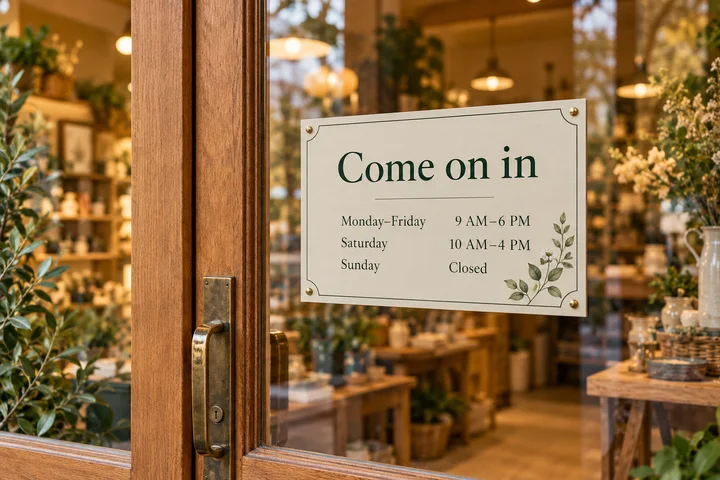
Opening Hours Sign Maker
Post regular, holiday, temporary, or appointment-only hours in a clear sign sized for print or sharing.
Make an hours sign →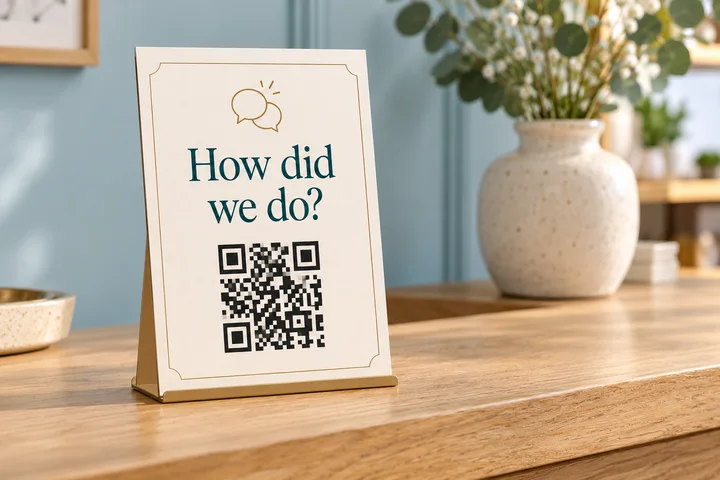
Review QR Sign Maker
Turn a Google or custom review link into a polished QR sign for a counter, front desk, reception area, or storefront.
Make a review sign →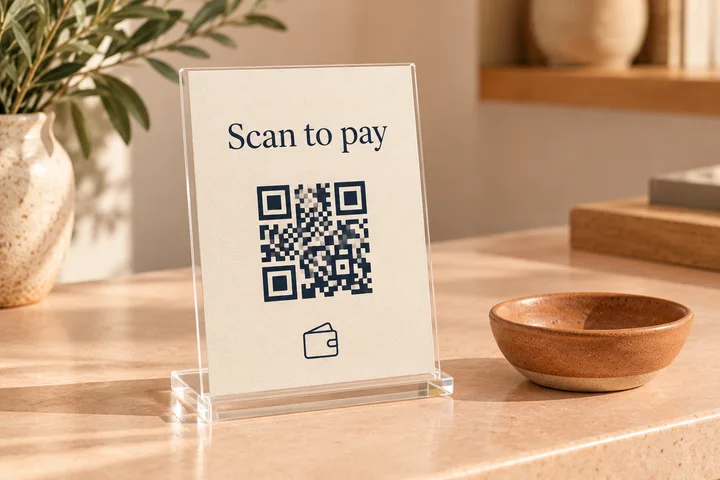
Payment QR Sign Maker
Place one to three payment links or official QR images into a polished sign for a counter, front desk, market, or service area.
Make a payment sign →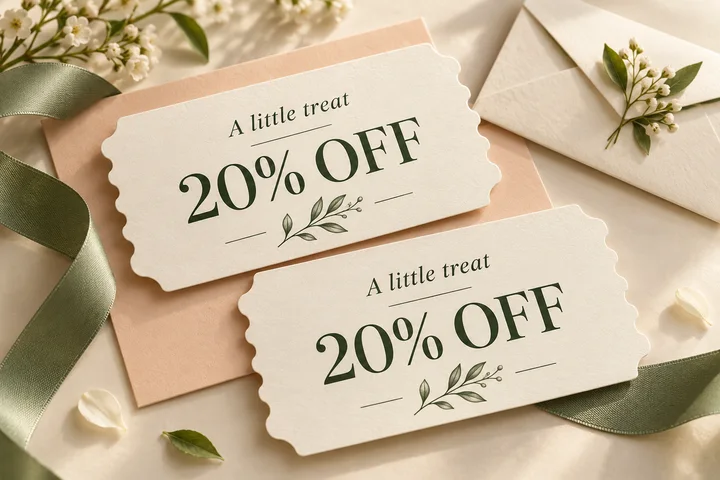
Coupon Maker
Create a clear business offer with dates, a code, an optional QR link, and exact-size print sheets.
Make a coupon →
Thank You Card Maker
Choose from 24 polished cards for orders, customers, gifts, reviews, and follow-up care, then download or print.
Make a thank-you card →Images & Graphics
Focused workspaces for common creative tasks, with local processing whenever a file is involved.

Christmas Card Maker
Choose from 24 finished designs and download a postcard, social image, or print-ready PDF.
Make a Christmas card →
Valentine Card Maker
Personalize names and a short message in one of 16 finished designs, then download or print it locally.
Make a Valentine card →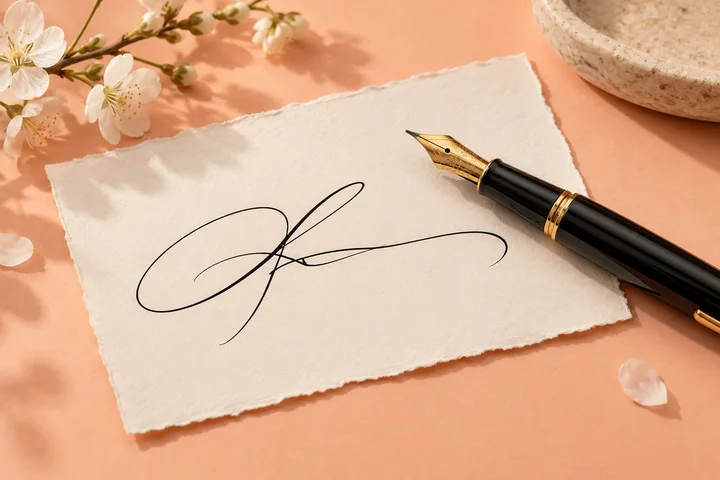
Online Signature Maker
Draw or type a signature and download a tightly trimmed transparent PNG.
Make a signature →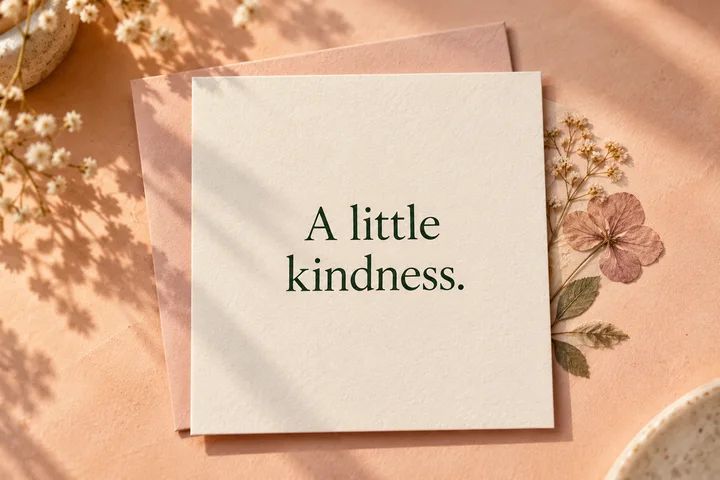
Text Card Maker
Turn a short message into a clean, downloadable graphic.
Make a text card →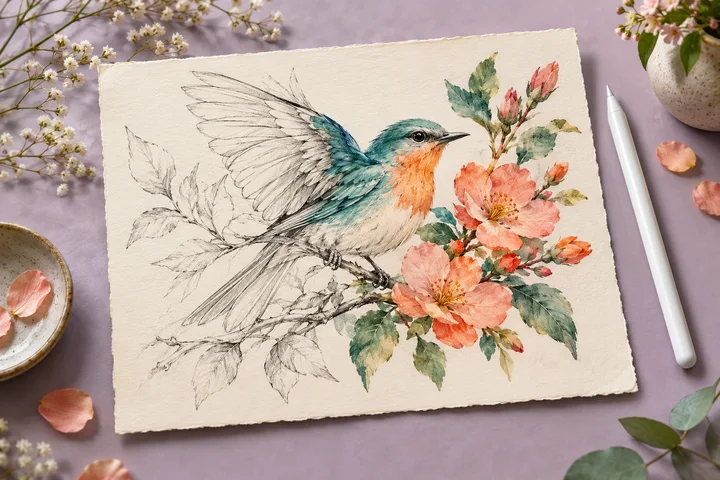
I Love Drawing Web
Draw with a mouse, touch, or pen and save your work locally.
Open the canvas →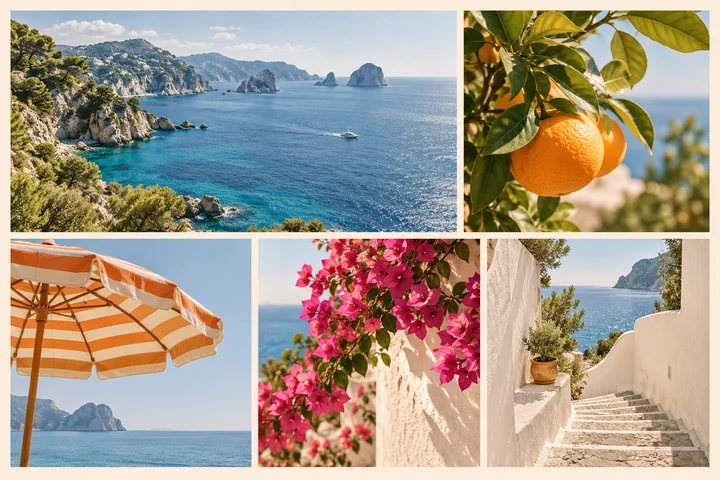
Image Collage Maker
Arrange several images into one finished collage in your browser.
Build a collage →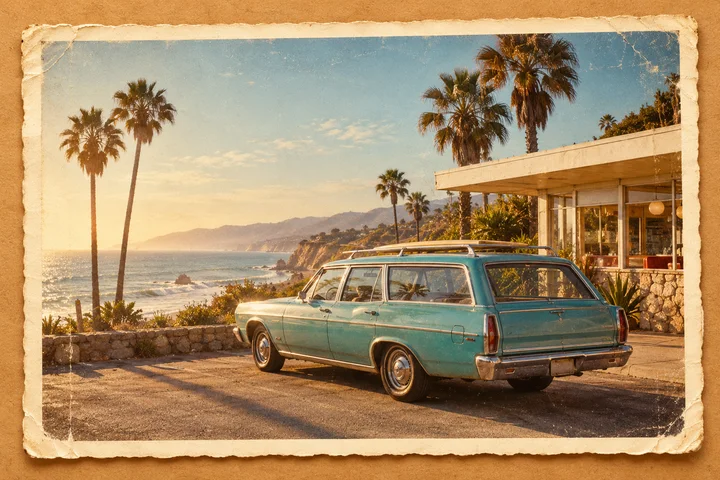
Vintage Photo Maker
Give a photo a carefully adjustable old-film look without replacing the original image.
Style a photo →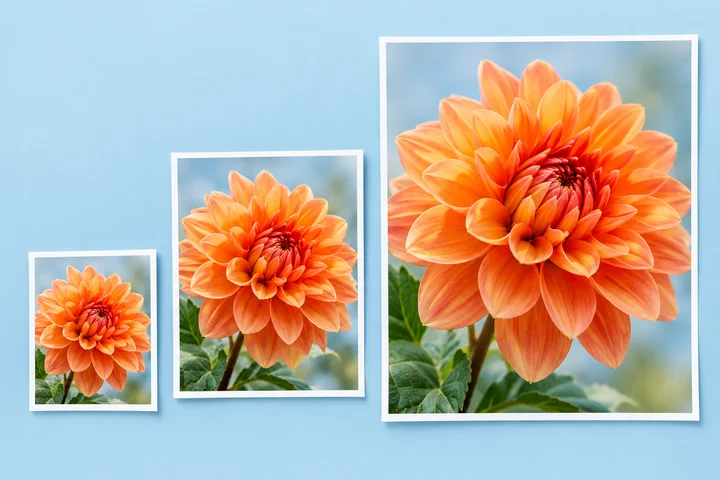
Image Resizer
Set exact pixel dimensions and download a properly sized image without an upload.
Resize an image →
Screenshot Annotator
Add arrows, boxes, labels, and highlights to explain what matters.
Mark up a screenshot →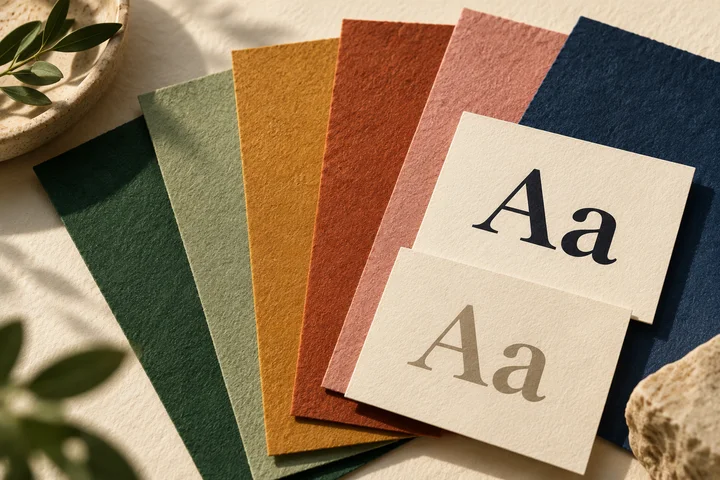
Color & Contrast Checker
Choose colors and check whether text remains readable.
Check the colors →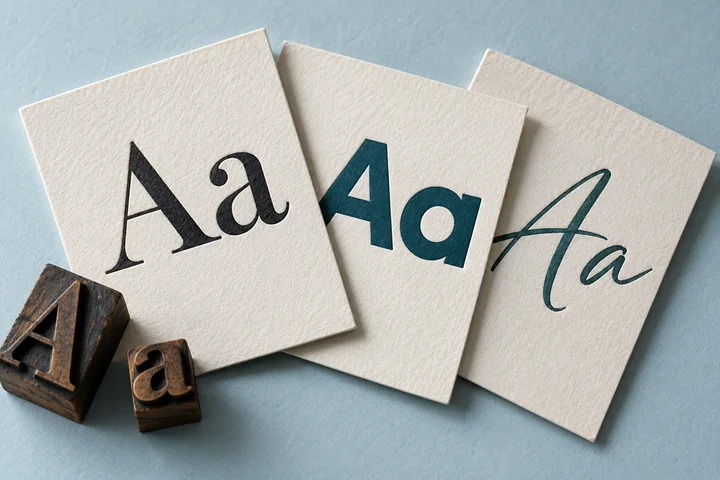
Open Font Collection
Preview and compare 24 selected open-source fonts, then download a complete package with its license.
Explore the fonts →
Favicon Generator
Turn one image into the common icon sizes and files a website needs.
Make a favicon →
SVG Optimizer
Clean up SVG source, remove unsafe extras, and download a smaller, ready-to-use vector file.
Optimize an SVG →