Resize & Convert
Prepare the right file size, dimensions, format, and crop.
No sign-up. These tools process image files on your device.
Choose a tool
4 tools for the task
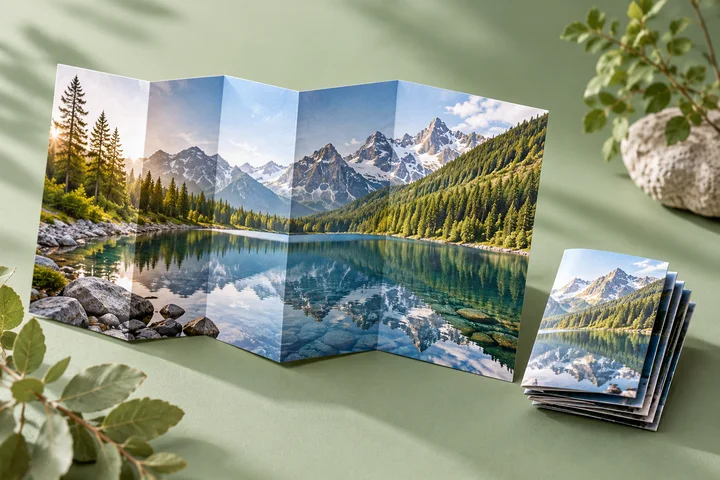
Image Compressor
Make JPG, PNG, and WebP files smaller for uploads and sharing.
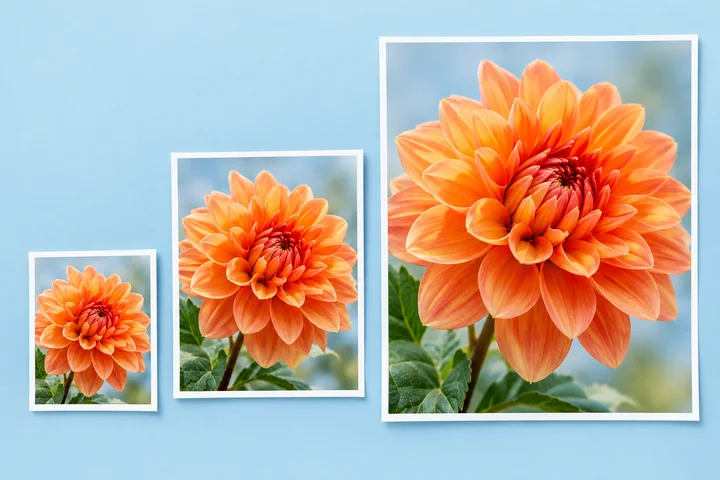
Image Resizer
Change image dimensions by pixels or percentage, one file or a batch.

Image Converter
Convert JPG, PNG, WebP, HEIC, AVIF, and GIF files in your browser.
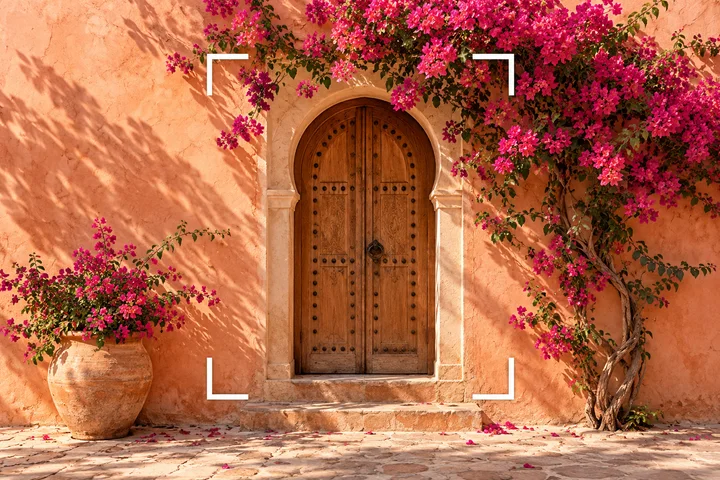
Image Cropper
Crop, straighten, rotate, and fit an image to a useful aspect ratio.
Get the result you need
Choose what needs to change
Compress an image to reduce its file size, resize it to change pixel dimensions, convert its format, or crop it to change the framing.
Check the result
Review the preview and the output settings in your chosen tool. Keep a copy of the original when preparing files for a specific upload limit.
Common questions
Is resizing the same as compressing?
No. Resizing changes pixel dimensions. Compression aims to reduce the file size. Use the controls in each tool to choose the result you need.
Can every image format keep a transparent background?
No. JPG does not support transparency. If transparency matters, choose an output format that supports it and check the finished file.