Photo Layout & Print
Arrange photos, build collages, and prepare printable layouts.
No sign-up. These tools process image files on your device.
Choose a tool
4 tools for the task

Photo Layout Maker
Arrange photos on Letter or A4 pages. Adjust each crop, add captions, and download a multipage PDF or print at the right size.

Image Collage Maker
Arrange up to 12 photos in a grid or strip and adjust every crop.
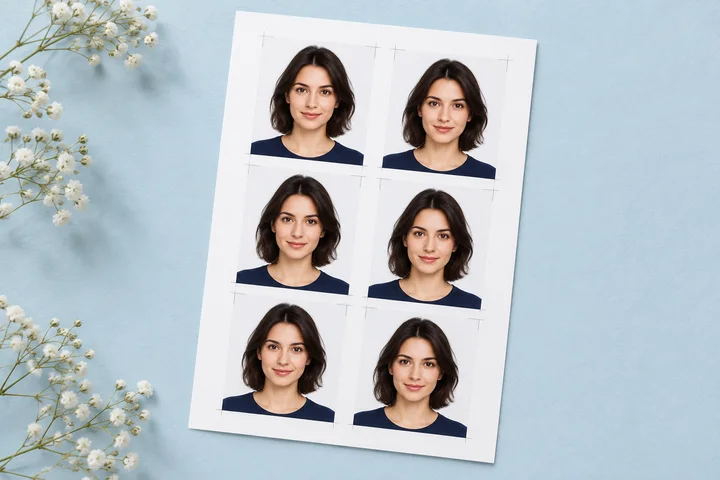
ID & Passport Photo Print Layout
Arrange finished passport or ID photos on common paper sizes with cut guides.
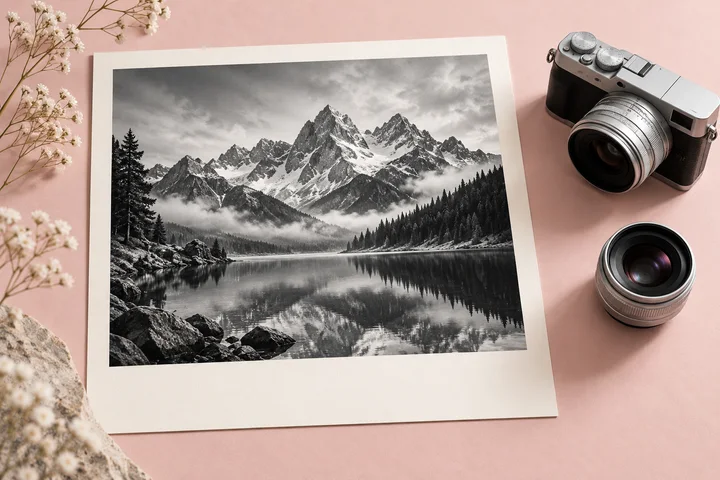
Photo Details Frame Maker
Add selected camera details in a clean photo panel or bottom overlay.
Get the result you need
Choose a layout
Use Photo Layout Maker for photos across paper pages, Image Collage Maker for a grid or strip, ID & Passport Photo Print Layout for prepared ID photos, or Photo Details Frame Maker for camera information.
Check crops and paper size
Review every photo crop. For a physical print, match the paper size in the tool and print dialog, check scaling, and make a test print before printing a batch.
Common questions
Can I put several photos on one sheet?
Yes. Photo Layout Maker arranges photos on Letter or A4 pages. The ID photo tool arranges prepared passport or ID photos on its supported paper sizes.
Does the ID photo tool guarantee official acceptance?
No. It arranges photos for printing. Check the current photo requirements of the issuing authority before preparing or submitting an ID or passport photo.