Photo Processing Tools
Edit, enhance, and transform photos with free online tools. Create artistic effects, clean up images, and arrange photos for printing — all directly in your browser.
Choose a tool. Add your photo. Download the result.
Photo Filters & Effects
Give photos a consistent finish or turn them into graphic artwork.
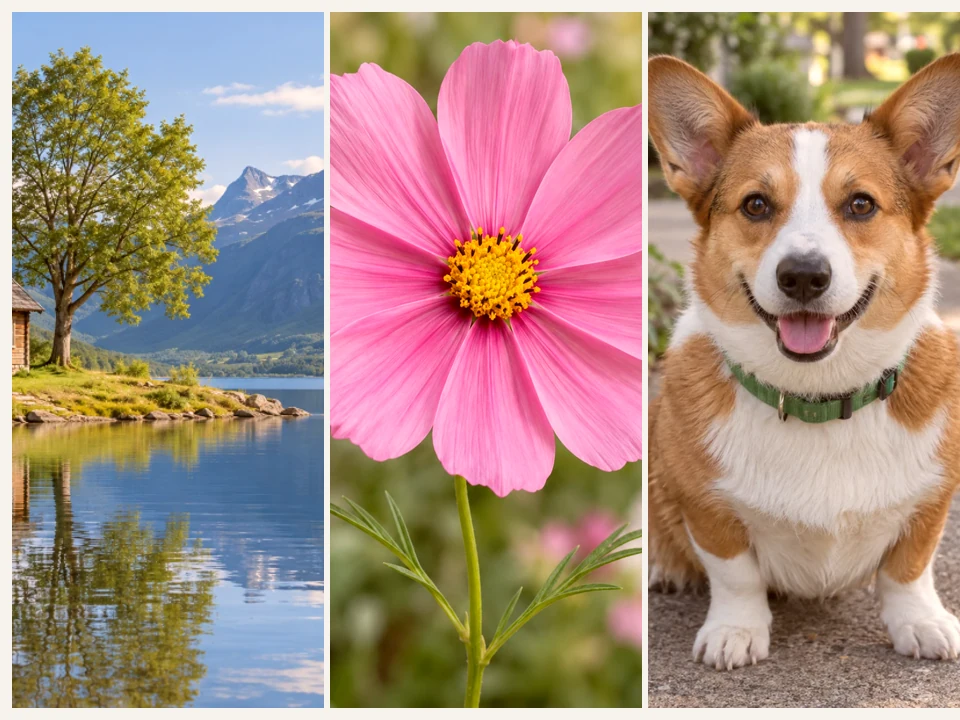
Batch Photo Filter
Give a set of photos a consistent look. Choose a filter, fine-tune the color, and download full-size images together in a ZIP.
Open tool →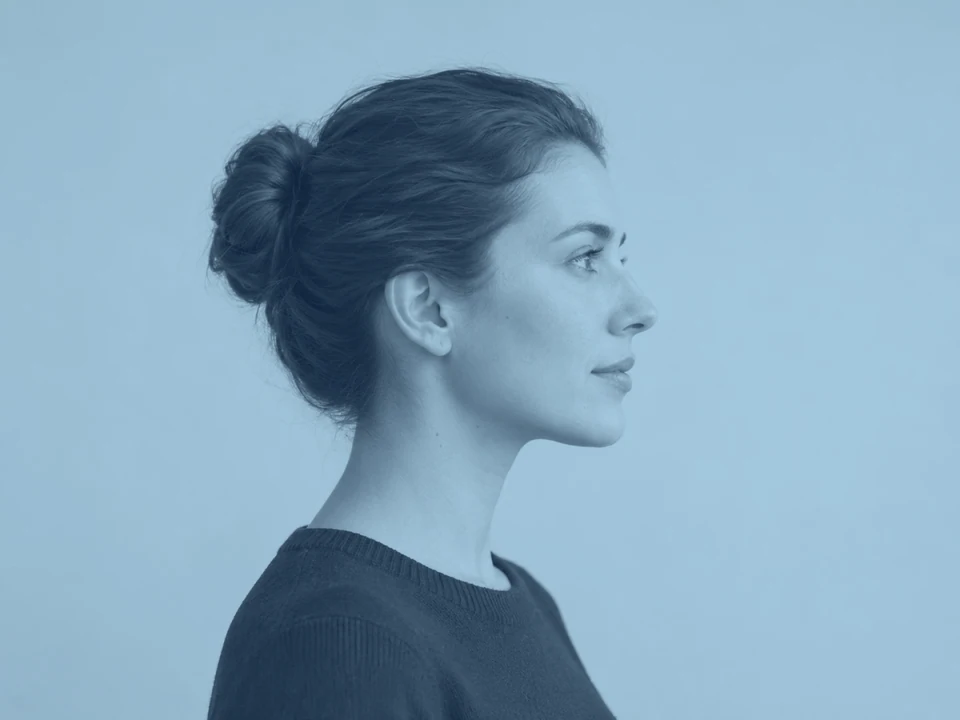
Duotone Photo Maker
Map photo shadows and highlights to two colors. Try 16 palettes, adjust the balance, and download or print your artwork.
Open tool →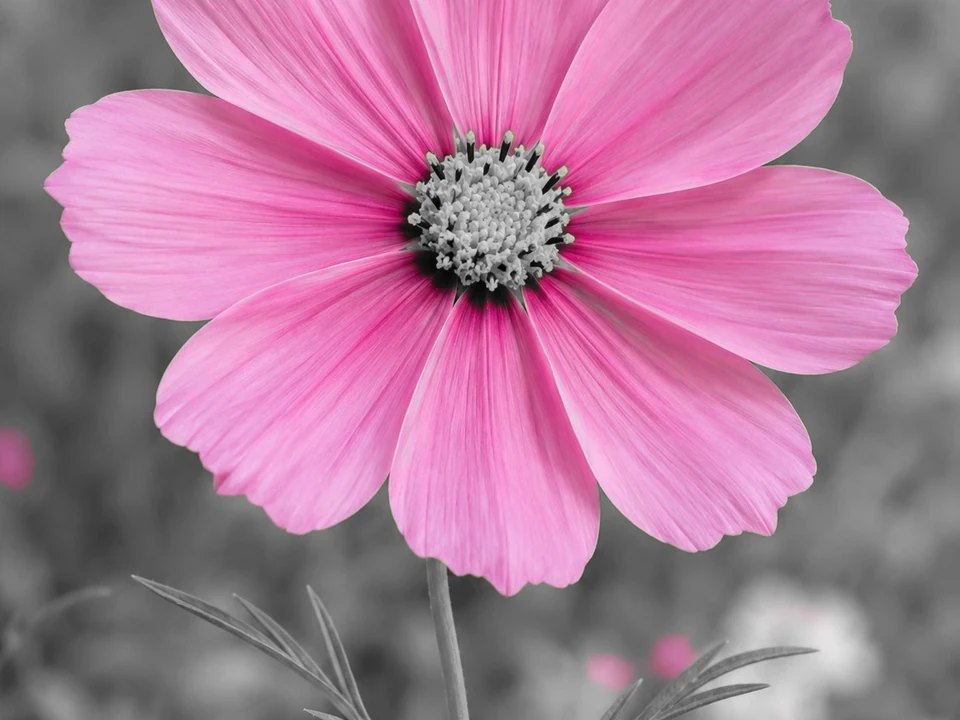
Color Splash Photo Editor
Keep selected colors in a photo while turning the rest black and white. Add more colors or paint color back by hand.
Open tool →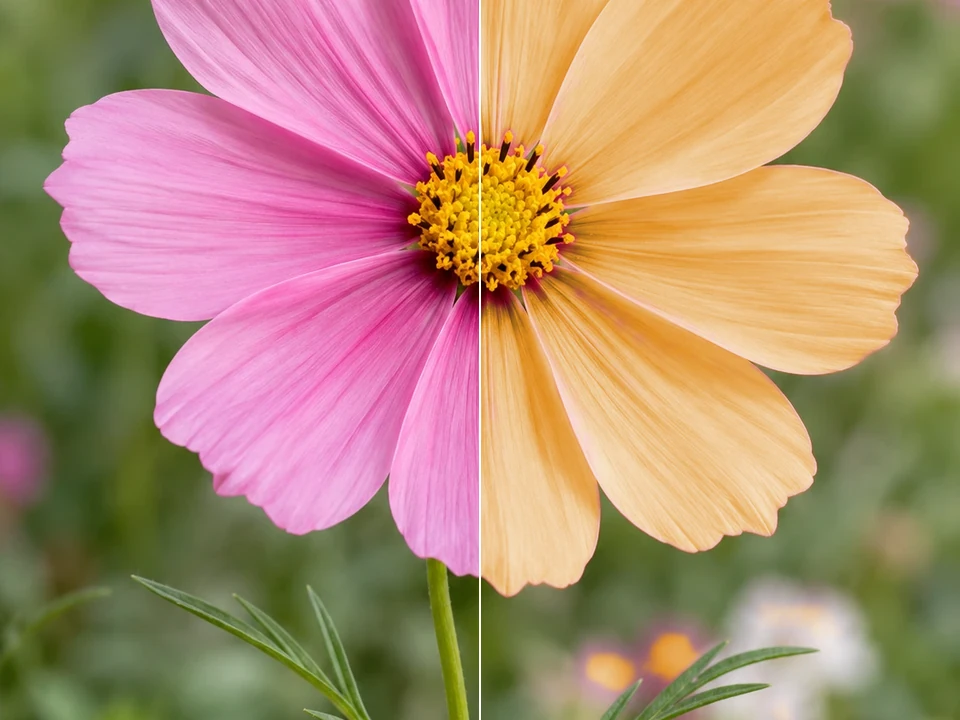
Photo Color Changer
Pick a color in a photo and try a new one while keeping its shading and texture. Refine the area with a brush and eraser.
Open tool →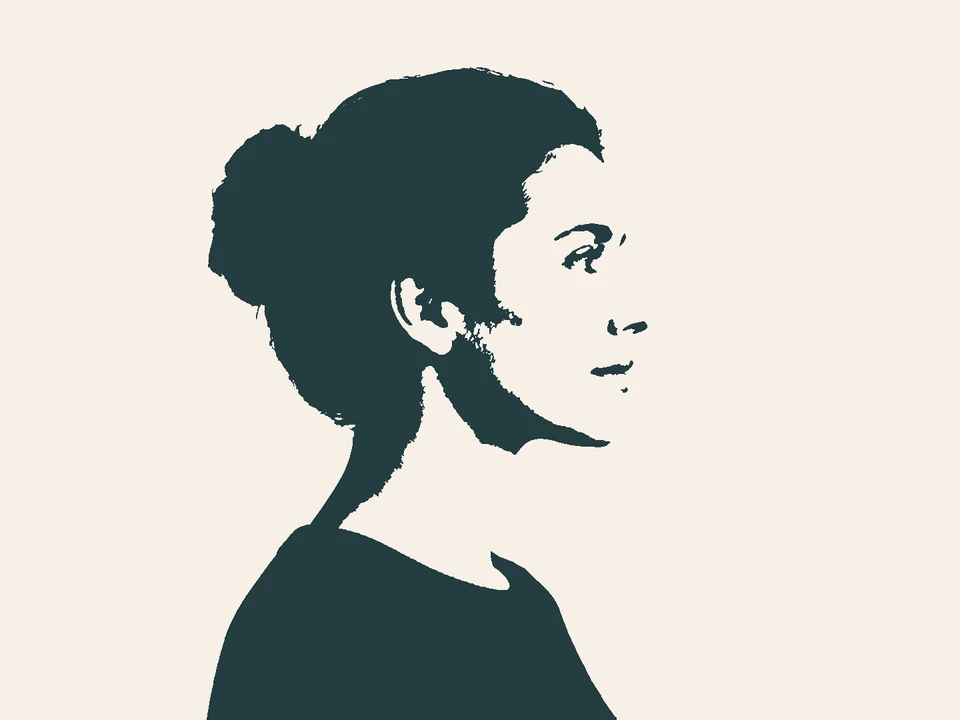
Silhouette Maker
Create bold silhouettes, soften the edges, and choose your colors. Download a full-resolution image or print your art.
Open tool →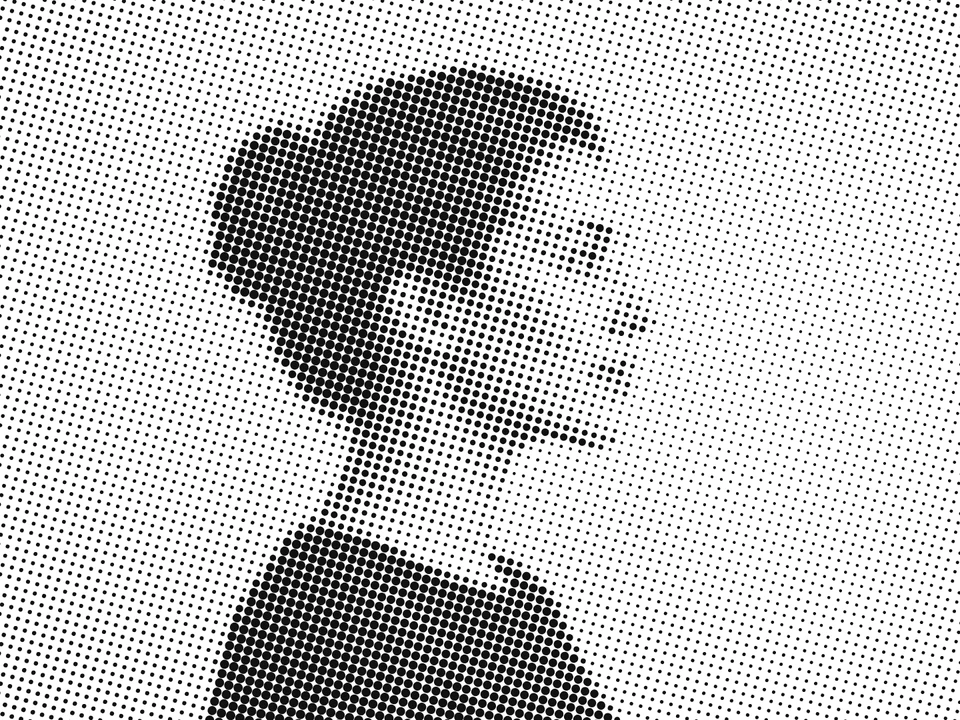
Halftone Image Maker
Build a photo from dots, lines, or circular bands. Adjust the pattern and ink colors, then download or print your result.
Open tool →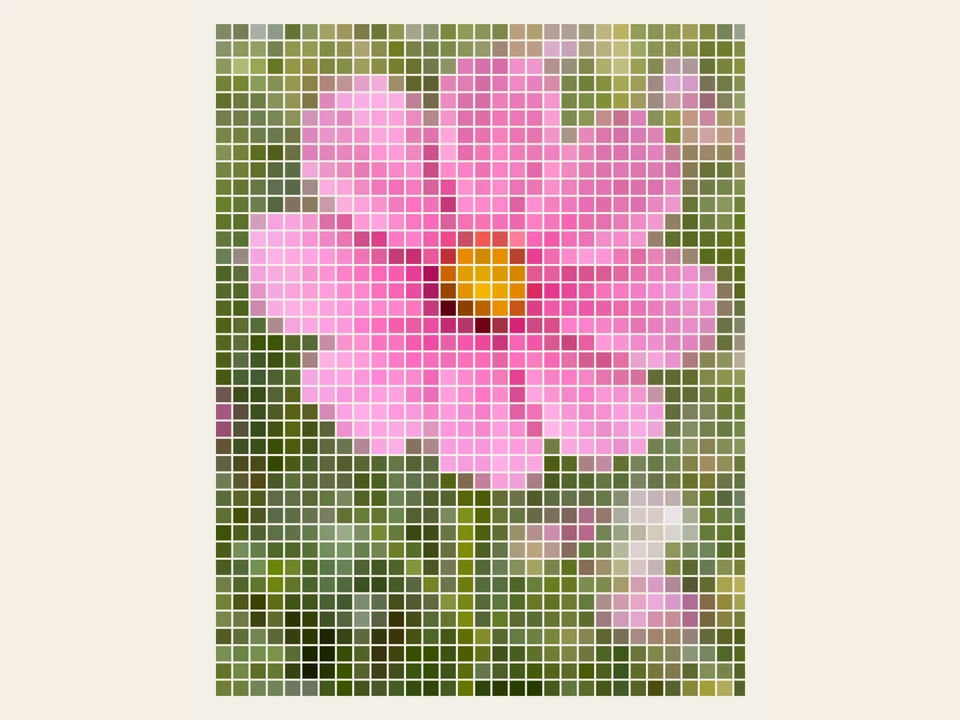
Photo Mosaic Maker
Rebuild your photo with colorful tiles. Choose the shapes, spacing, and palette, then save a full-resolution image.
Open tool →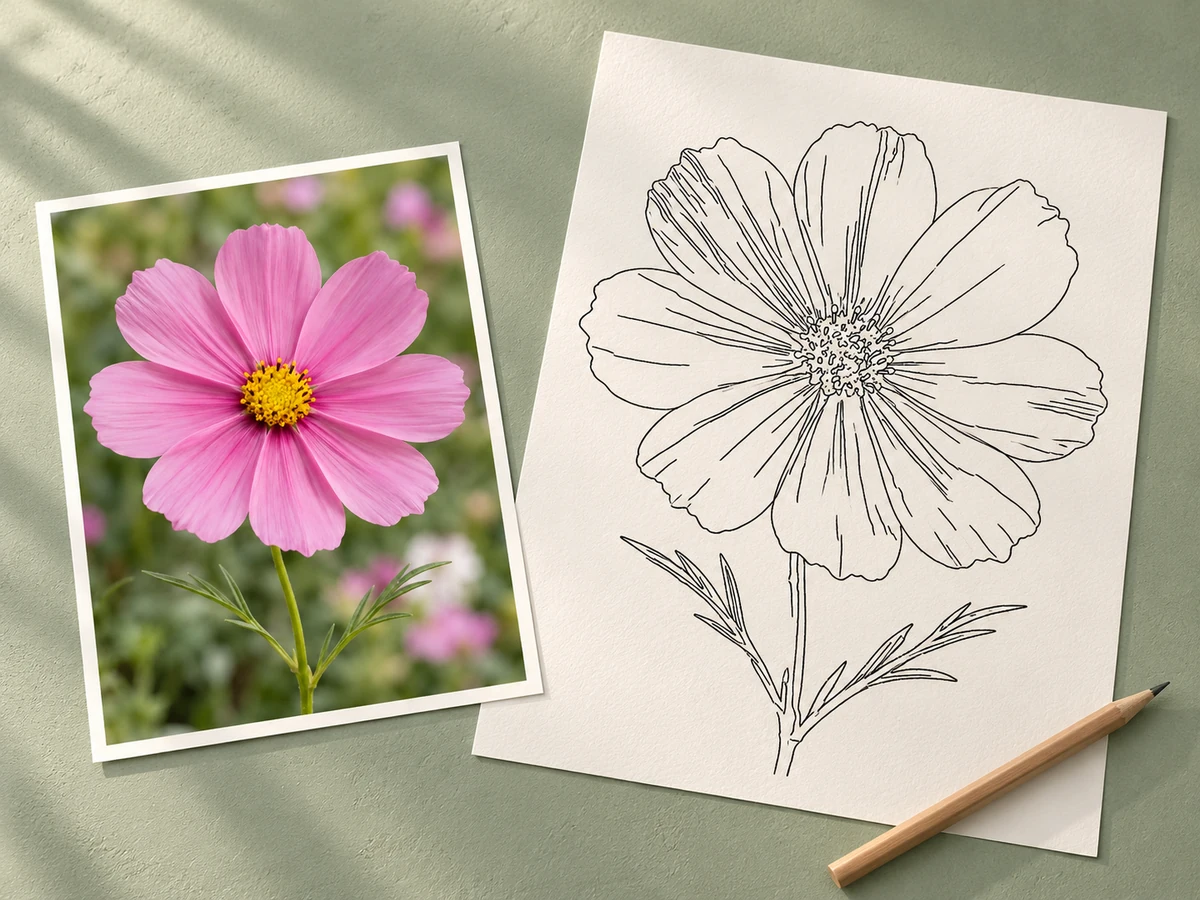
Photo to Coloring Page
Turn a photo into outlines, adjust the detail, and print a page to color.
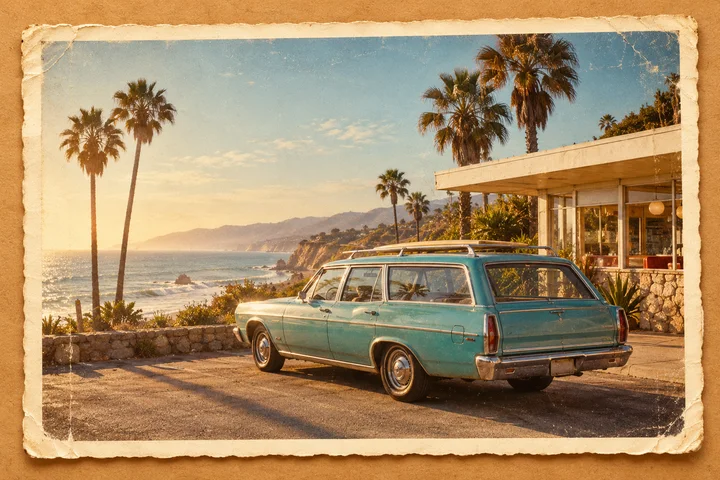
Vintage Photo Maker
Add film-inspired color, fade, grain, scratches, warmth, and vignette.
Photo Layout & Print
Arrange pictures, add context, and prepare paper layouts.
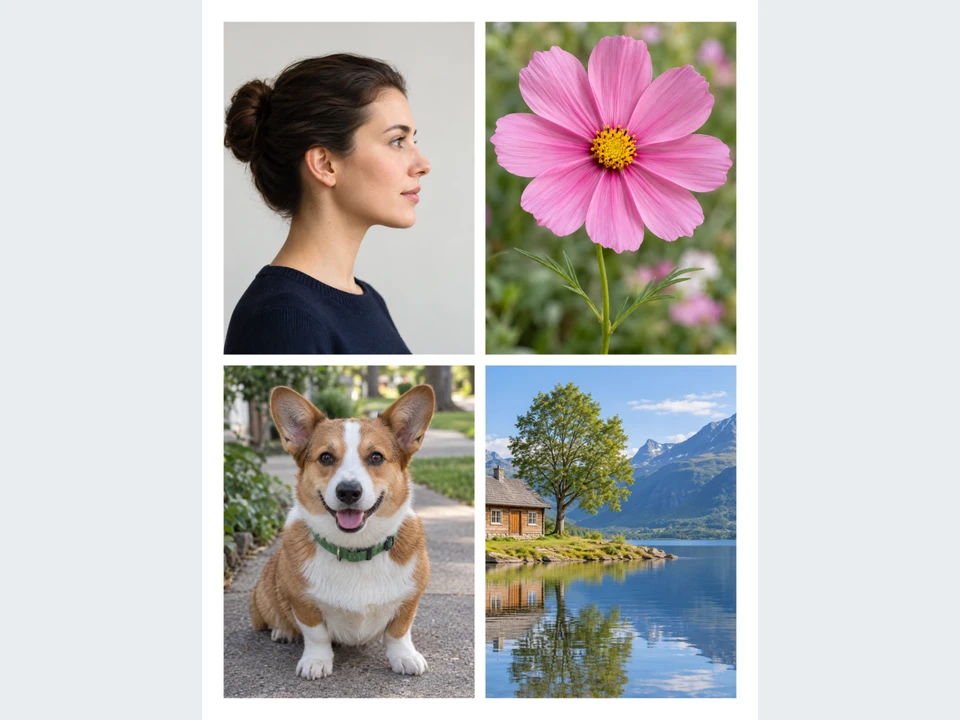
Photo Layout Maker
Arrange photos on Letter or A4 pages. Adjust each crop, add captions, and download a multipage PDF or print at the right size.
Open tool →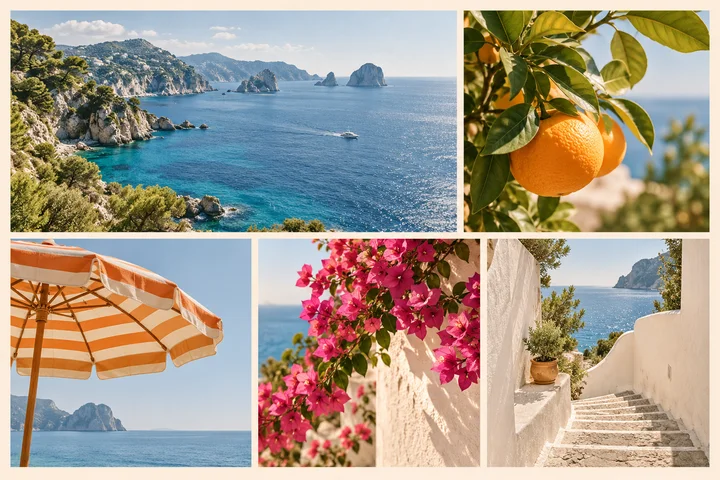
Image Collage Maker
Arrange up to 12 photos in a grid or strip and adjust every crop.
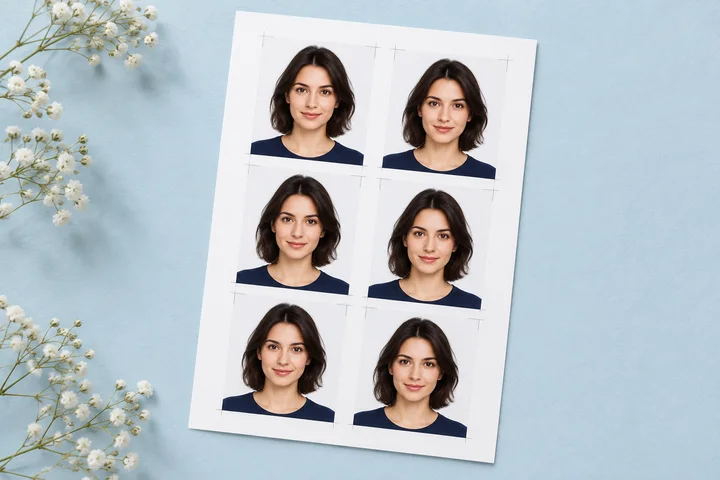
ID & Passport Photo Print Layout
Arrange finished passport or ID photos on common paper sizes with cut guides.
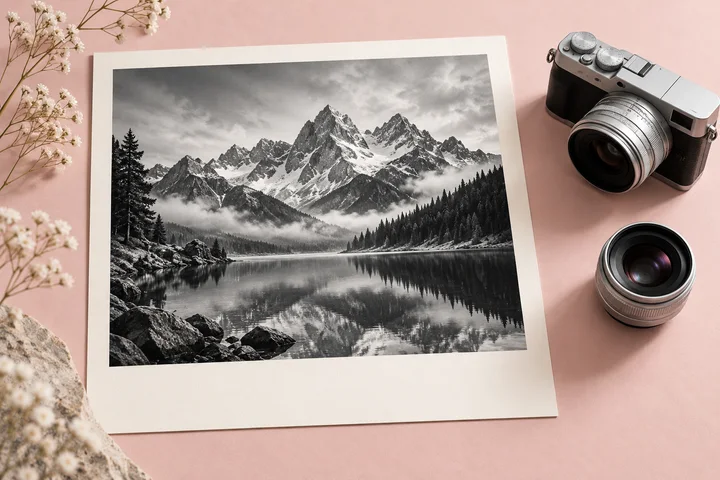
Photo Details Frame Maker
Add selected camera details in a clean photo panel or bottom overlay.
Photo Editing & Correction
Adjust exposure, then resize, crop, convert, or frame a photo.
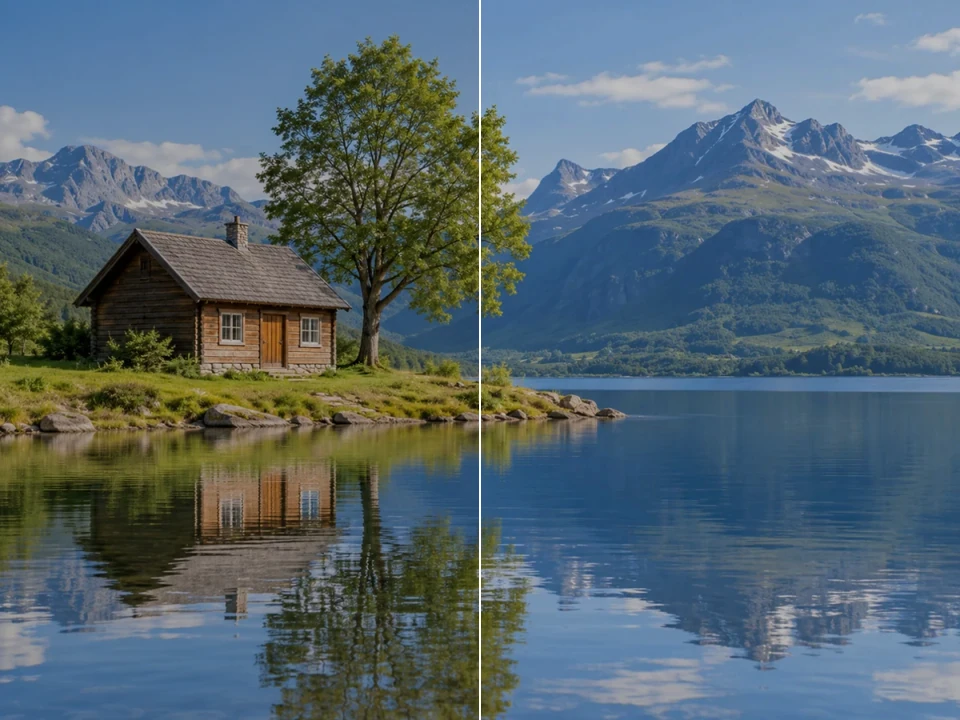
Photo Exposure Fixer
Balance a photo with exposure, shadow, highlight, and white-balance controls. Start with a correction based on the photo’s actual tones.
Open tool →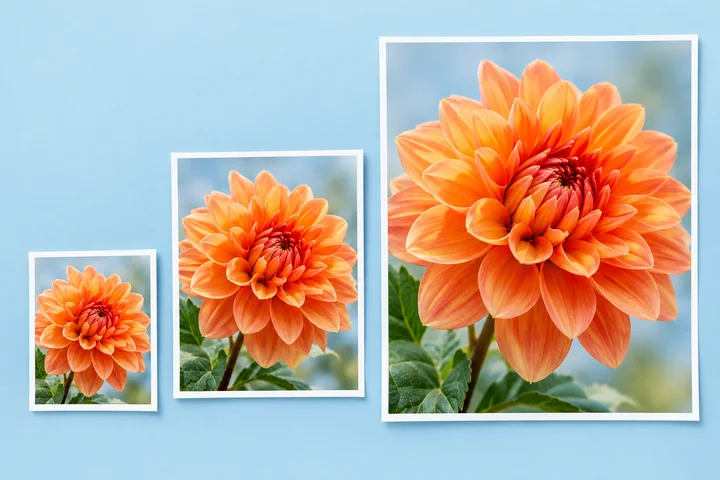
Image Resizer
Change image dimensions by pixels or percentage, one file or a batch.
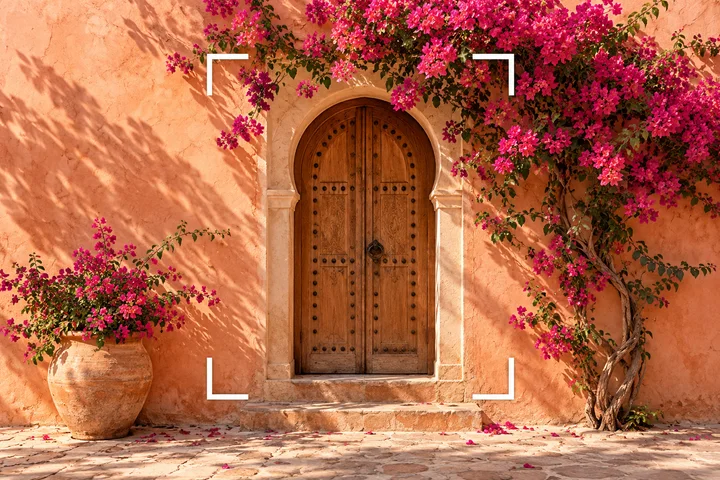
Image Cropper
Crop, straighten, rotate, and fit an image to a useful aspect ratio.
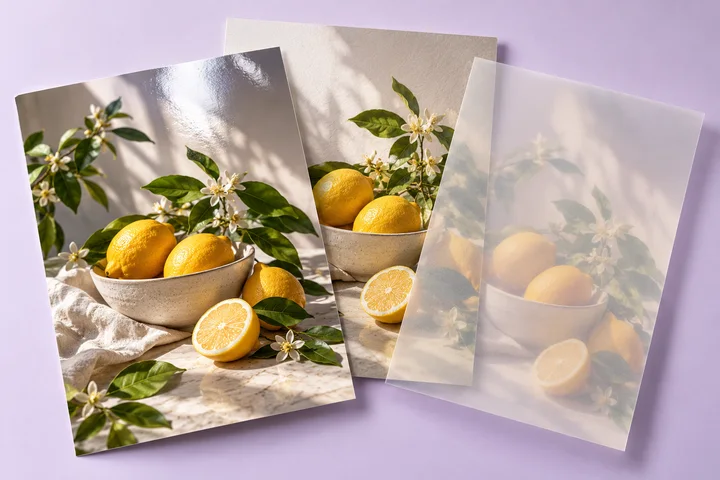
Image Converter
Convert JPG, PNG, WebP, HEIC, AVIF, and GIF files in your browser.
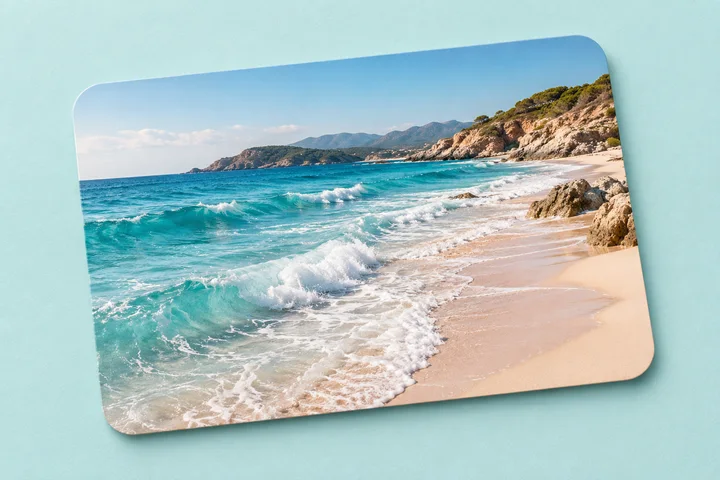
Rounded Corners
Add smooth or classic rounded corners while you zoom and position the image.
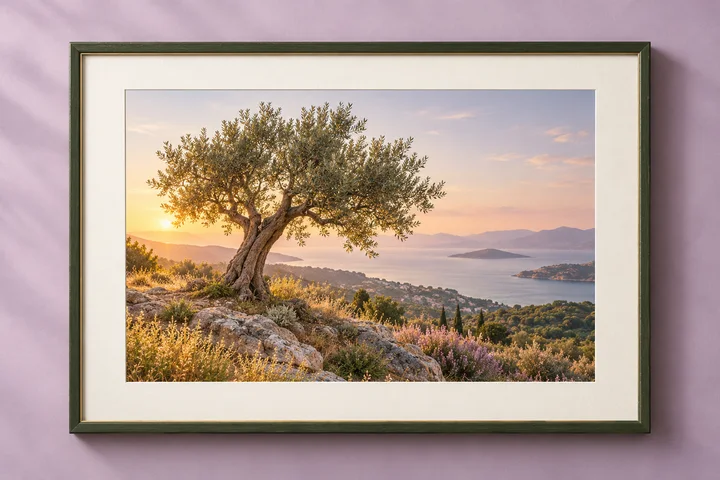
Border & Padding
Add padding, borders, backgrounds, rounded corners, and a soft shadow.
Background & Cleanup
Soften a background, prepare clearer documents, or conceal a selected area.
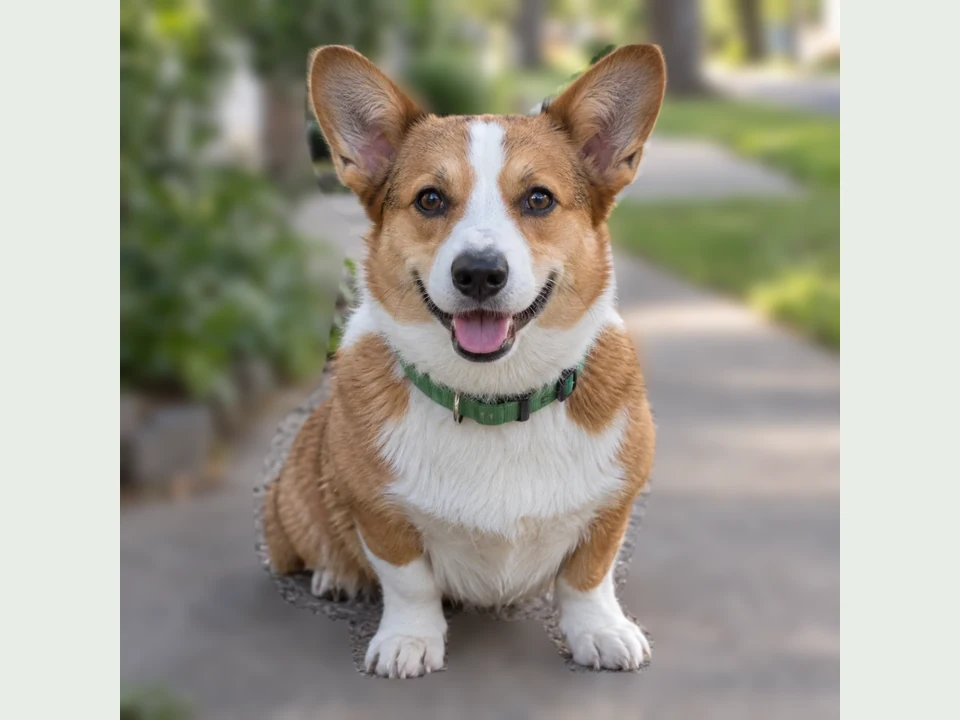
Photo Background Blur
Paint over the part of a photo you want to keep sharp, soften the background, and refine the edges before downloading.
Open tool →
Document Photo Cleaner
Straighten photographed pages, lift shadows, and save a clearer image or PDF.
Freehand Image Cutout
Trace the part you want to keep, refine the edge, and save a transparent PNG.
Mosaic & Blur Brush
Cover sensitive details securely or soften them with blur and mosaic.
Face Blur
Blur one or more faces with strength, feathering, and pixelation controls.
Start with the result you need
Use Photo Editing & Correction for exposure, color, and framing; Background & Cleanup for selected areas; Photo Filters & Effects for a finished look; or Photo Layout & Print for printable pages. Each tool opens directly, with its own controls and supported formats.
Frequently asked questions
Which tool prints several photos on one sheet?
Photo Layout Maker puts up to 24 photos into preset or custom grids across Letter or A4 pages. Choose Fit to keep the whole photo, or Fill and Crop to cover a cell without stretching it.
Are these AI photo effects?
The photo effects use local image processing and drawing, not AI subject recognition. Background Blur uses a selection you paint yourself. Silhouette Maker works best with a clear contrast between a subject and its background. Photo Mosaic Maker creates geometric tiles from one photo, not a collage of many photos.
Does a small preview mean a small download?
No. Silhouette, Halftone, and Photo Mosaic keep the source photo’s pixel dimensions. Photo Layout renders PDF pages and PNG downloads at 300 pixels per inch. Enlarging a small original cannot create missing detail.
Do photos leave my device?
The photo effects, color adjustments, batch filters, and Photo Layout tools process files in your browser and keep them only while the page is open. They do not upload photos or require an account. Read each existing tool’s privacy note and format limits before choosing a file.
What should I check before printing?
Match the paper size in the tool and printer dialog. Use Actual size / 100%, turn off browser headers and footers, and make a test print. Preview and export before closing the page; the new tools do not save a photo project.