Cutout & Privacy
Isolate a subject or conceal selected details before sharing.
No sign-up. These tools process image files on your device.
Choose a tool
3 tools for the task

Get the result you need
Choose the area
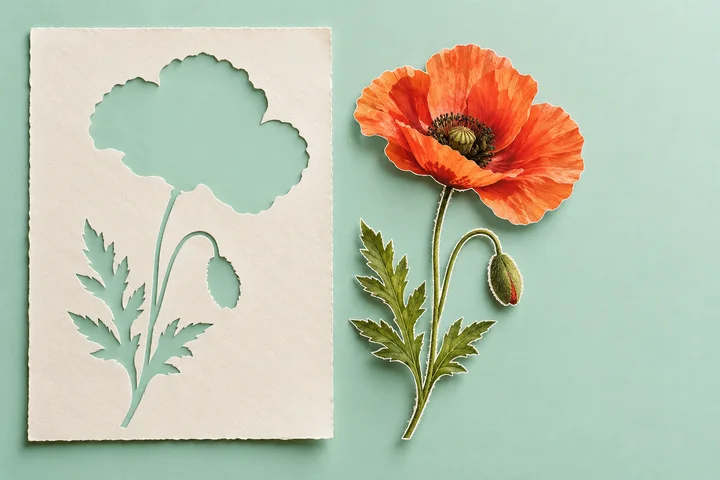
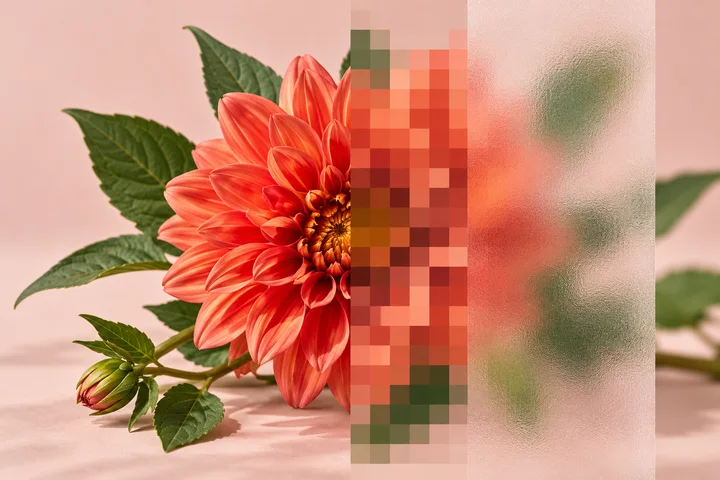
Use Freehand Image Cutout to keep a selected subject. Use Face Blur or Mosaic & Blur Brush to change details inside an image.
Review before sharing
Inspect the downloaded copy at full size. Blur is a visual effect, not a guarantee that sensitive information cannot be recovered; use an opaque cover when the tool offers one for that purpose.
Common questions
Which tool can save a subject with a transparent background?
Freehand Image Cutout lets you trace the part to keep, refine the edge, and save a transparent PNG.
Does blurring a photo remove its hidden metadata?
Do not rely on a visual blur to remove metadata. These controls change the visible image; check each tool’s output behavior before sharing sensitive files.