Documents & Screenshots
Clean up photographed pages, extract text, and explain screenshots.
No sign-up. These tools process image files on your device.
Choose a tool
4 tools for the task
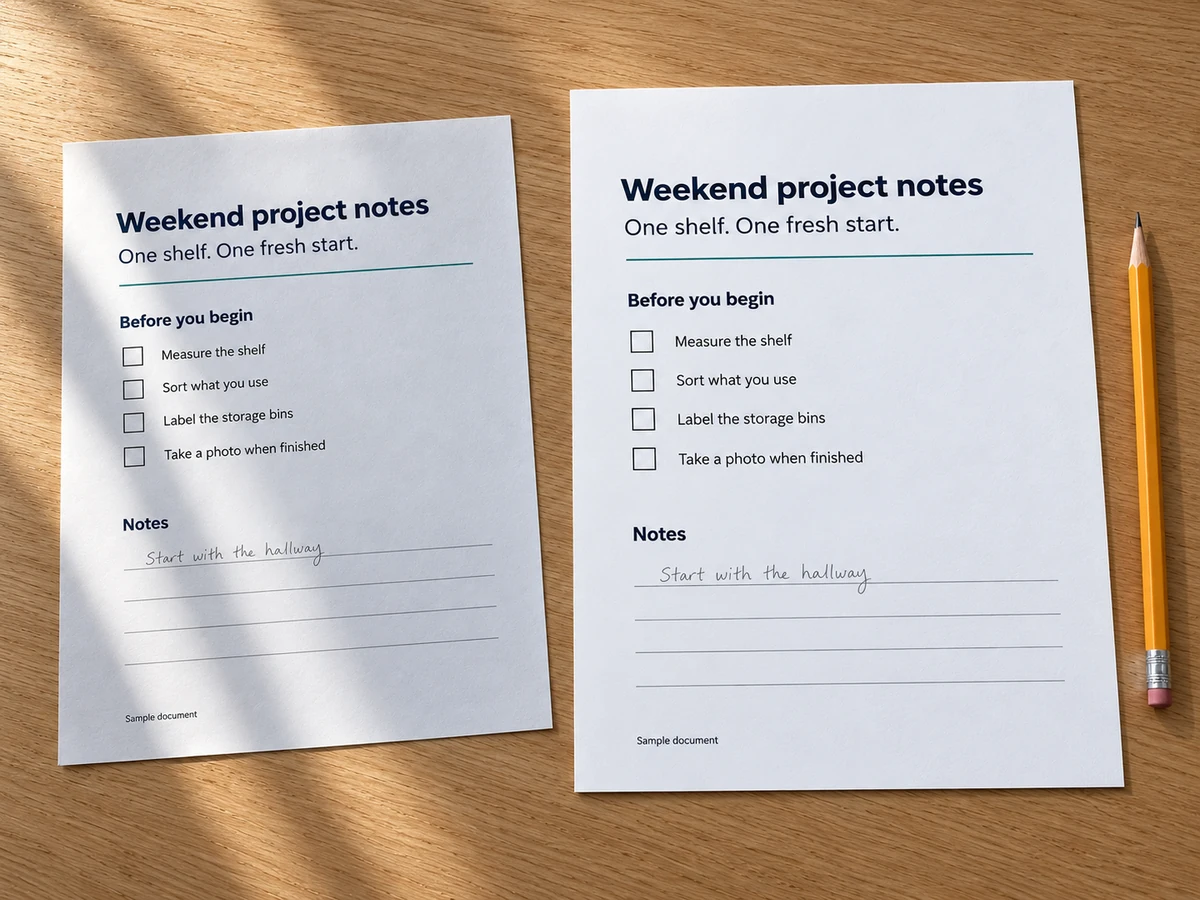
Document Photo Cleaner
Straighten photographed pages, lift shadows, and save a clearer image or PDF.
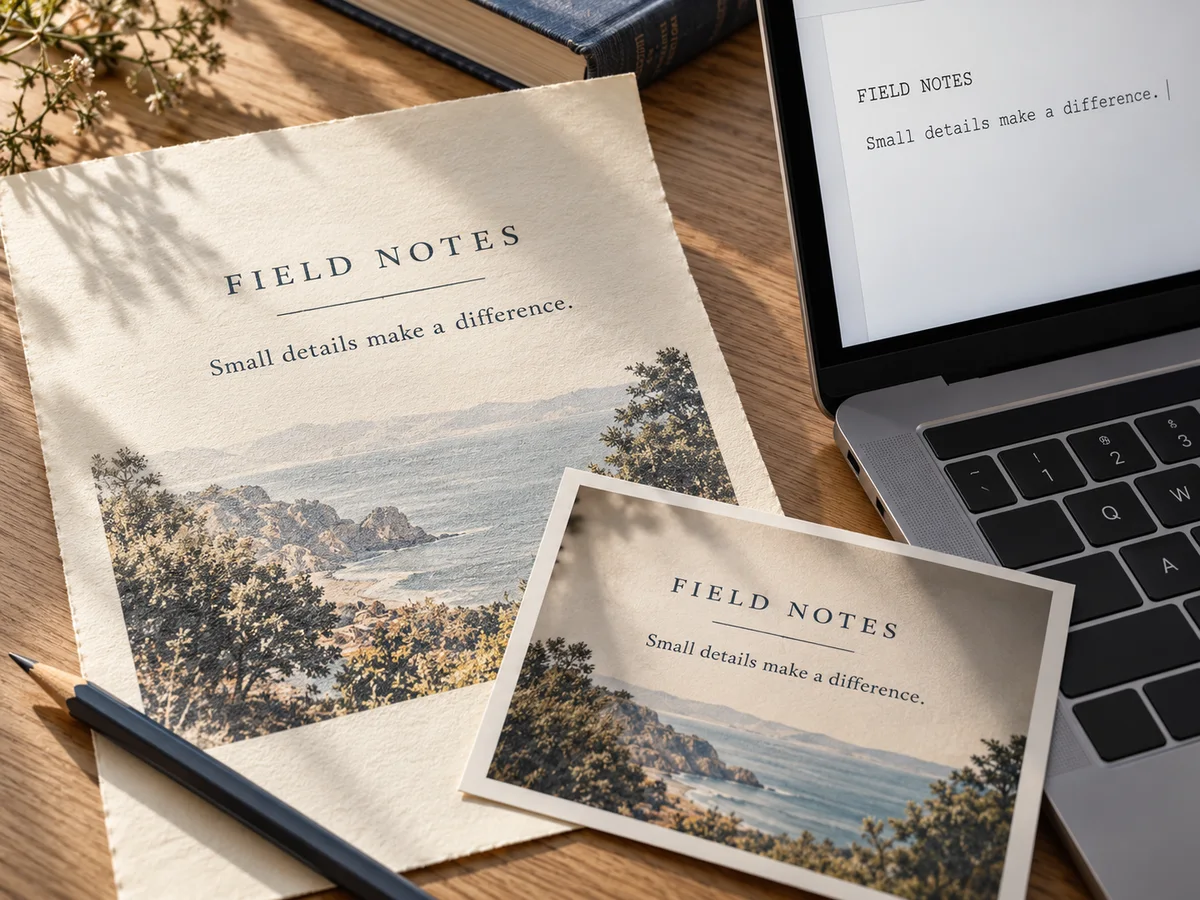
Image to Text
Extract printed English from images, edit the words, and download a text file.

Screenshot Annotator
Mark up screenshots with arrows, shapes, text, highlights, and redaction.
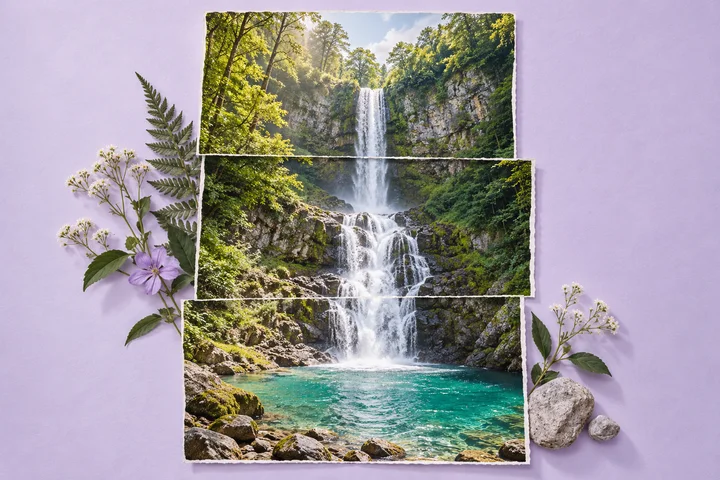
Screenshot Stitcher
Join overlapping screenshots into one long image and fine-tune every seam.
Get the result you need
Start with your task
Use Document Photo Cleaner for photographed pages, Image to Text for printed English, Screenshot Annotator for visual explanations, or Screenshot Stitcher for overlapping captures.
Read and inspect the result
Check recognized text against the original. Review straightened pages, annotations, and stitched seams before downloading or sharing.
Common questions
Does Image to Text recognize handwriting?
It is designed for printed English. It does not offer AI OCR or handwriting recognition; review and edit the extracted words before using them.
Which tool joins a long conversation or page?
Screenshot Stitcher joins overlapping screenshots and lets you fine-tune the seams. Keep some shared content between consecutive captures.