Social Graphics
Design posts, carousels, Pins, photo notes, and Stories with editable text and photos.
No sign-up. These tools process image files on your device.
Choose a tool
5 tools for the task
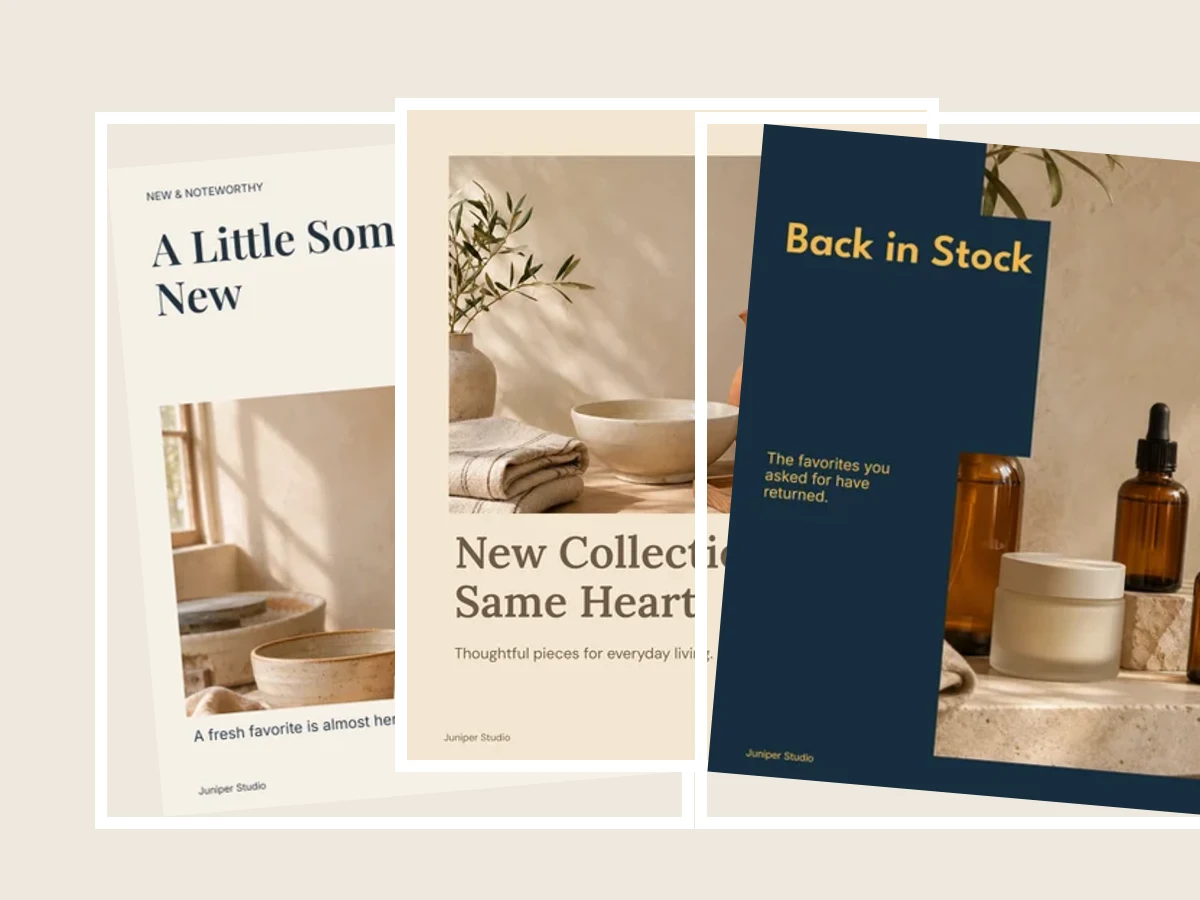
Social Post Designer
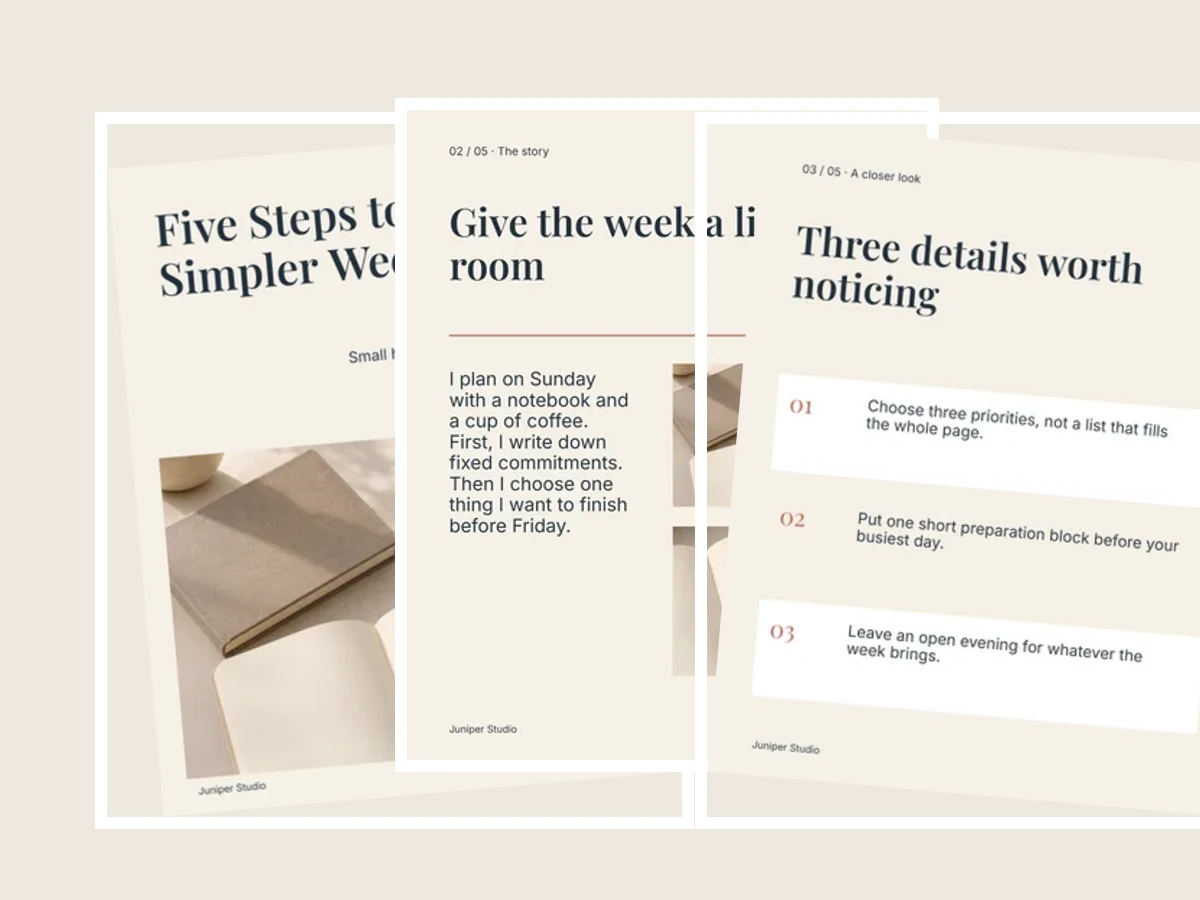
Instagram Carousel Maker
Build a coordinated set of swipeable slides from editable templates.

Pinterest Pin Maker
Make beautiful vertical Pins with your photos, title and brand.
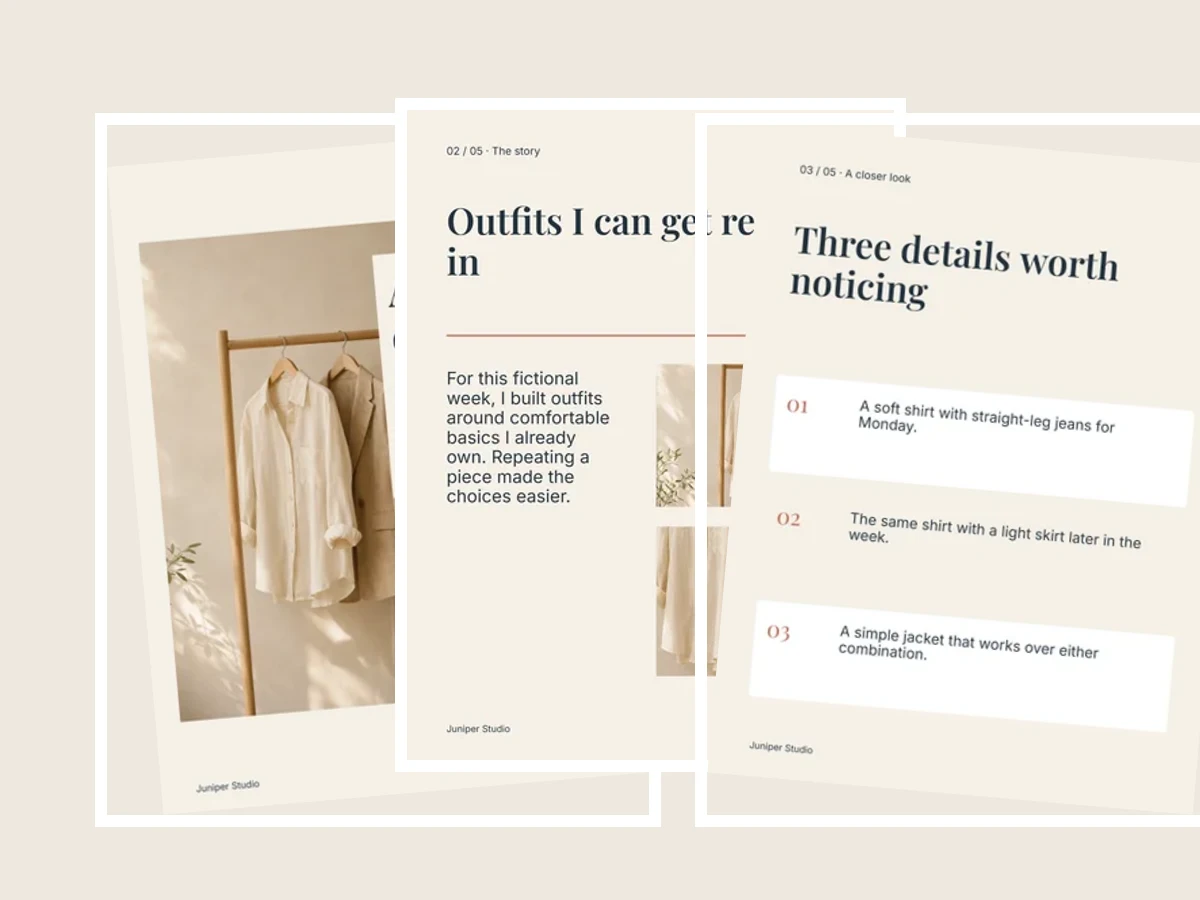
REDnote Post Maker
Create photo notes and 3:4 covers for REDnote (Xiaohongshu).

Instagram Story Maker
Personalize a 9:16 story design and download a ready-to-share image.
Get the result you need
Choose where your image will go
Start with a social post, a coordinated carousel, a Pinterest Pin, a REDnote photo note, or an Instagram Story. Each tool opens with finished examples.
Make the design your own
Replace the example words and photos, adjust the details, and check the preview. Download a full-size image or a numbered set to share yourself. Your photo editing happens in your browser.
Common questions
How are these different from Social Image Maker and Carousel Splitter?
These tools design images with editable text, photos, and shapes. Social Image Maker resizes and crops an existing image; Carousel Splitter cuts one wide photo into pieces.
Do these tools post to my social accounts?
No. Download your finished images and add them to the social app yourself. No social account login is needed here.
Can I come back and edit a design later?
Yes. Save a draft on this device or download an editable project backup. Keep your backup private: it includes your original photos. A finished PNG or JPG is not an editable project backup.